


Fashion Photography Services
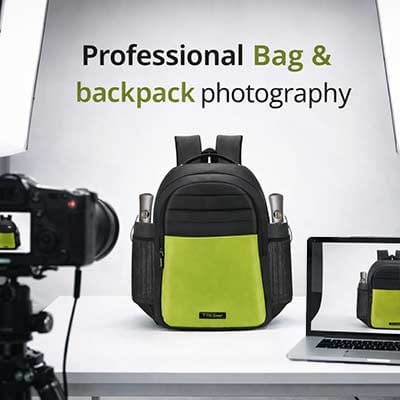

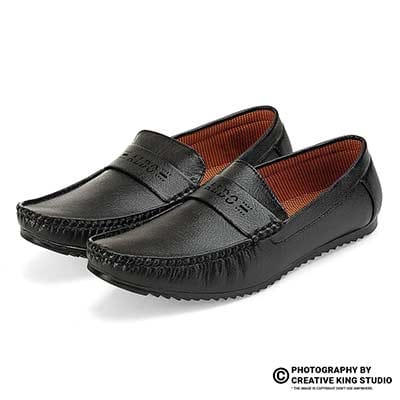

E-commerce Photography
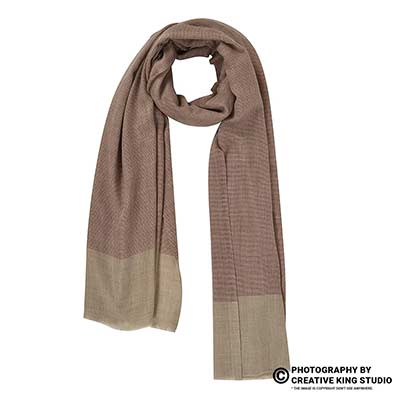
Find the listings that quietly lose festive orders, fix them in the right order, and learn from every rejection before the next sale window opens.

A Flipkart festive sale catalogue audit is a structured, listing-by-listing check of approval status, attributes, images, size charts and variants, done before shoppers arrive in bulk for the next sale window. Big Billion Days 2026 opened to all shoppers on 9 October, and the sellers who struggled were rarely short of stock; they were short of clean listings. This checklist belongs to our Flipkart seller guide hub, and it is written for the problem stage: when you suspect the catalogue is costing you orders but cannot yet say where.
At Ckstudio we photograph and prepare fashion and lifestyle catalogues for sellers on Flipkart, Myntra and Ajio, and the same pattern repeats every season: listings rushed live before one sale carry their faults into the next. Below, Prince and the studio team walk through nine checks in the order we run them, with the image specs, attribute fields and post-sale review steps that keep an ecommerce catalogue sale-ready. Official 2026–27 sale dates and deadlines change every year, so confirm them in Flipkart Seller Hub before you plan.
In this guide
It is a planned review of every listing you expect to sell during the sale, covering approval status, attributes, images, size charts and variants. Run the full audit four to six weeks before the next festive window, and a short re-check in the final week once Flipkart publishes the sale dates in Seller Hub.
The timing matters because fixes are not instant. A corrected image or attribute goes back through quality check, and in the weeks before a big sale the queue is at its busiest. Our Flipkart hub recommends having listings live at least two weeks before Big Billion Days or a brand day, so that QC and the first reviews settle before traffic peaks. An audit that starts in the final week can find problems, but it rarely leaves time to fix them.
The audit is also narrower than a full catalogue rebuild. You are not redesigning the brand; you are looking for the specific faults that stop a listing from showing, from being filtered in, or from converting once a shopper lands on it. That keeps the work measurable: each SKU passes or fails each check, and every fail gets an owner and a date.
Checks five, six and eight are where photography decides the outcome. If the audit shows that more than a handful of main images fail fill or background rules, reshooting those SKUs through Flipkart product photography planned to marketplace specs is usually faster than patching frames one at a time, because the whole set then shares one light and one crop.
| When | What to do | Who usually owns it |
|---|---|---|
| 6 weeks before | Export the listings report, tag sale SKUs, run checks 1–3 | Catalogue manager |
| 5 weeks before | Run image, size chart and variant checks 4–8 | Catalogue manager and studio |
| 4 weeks before | Book reshoots, fix attributes, resubmit for QC | Studio and listing team |
| 2 weeks before | Confirm every sale SKU is live with no QC flags | Catalogue manager |
| Final week | Re-check stock, offers and the top 20 listings on a phone | Owner or account manager |
| 2 weeks after | Post-sale review of rejections and returns (check 9) | Whole team |
Start with the listings report in Seller Hub and sort every sale SKU into live, inactive, QC rejected or pending. Then confirm brand approval and category documents are valid through the sale, because a perfect image cannot sell from a listing that is blocked.
Status comes first because it is the cheapest check and the most damaging fail. Sellers often discover during the sale that a hero SKU went inactive weeks earlier after a stock-out, or that a resubmitted image is still sitting in QC. Pull the report, filter by your sale tag, and list every SKU that is not fully live. Each one gets a reason code: stock, QC, brand, compliance or unknown. Unknowns go to seller support first, because they take longest to resolve.
Brand approval is the next gate. Listing under a brand needs a trademark certificate or the brand owner’s authorisation letter, and authorisation letters carry validity dates. If a reseller letter expires in November, it will not matter how good the photos are. For regulated categories such as cosmetics, kids’ products and some electronics, keep the compliance documents your category asks for in one shared folder, with renewal dates in the audit sheet.
Mandatory disclosures belong in this check too. Indian e-commerce rules require listings to show details such as the country of origin and the manufacturer, packer or importer, and our hub notes that wider seller and price disclosures apply from 1 January 2027 under the amended e-commerce rules. Read the notified text on the Department of Consumer Affairs website rather than relying on summaries, and update listing fields before the sale rather than during it.
One person should own the whole Flipkart festive sale catalogue audit, even when different people fix different parts. In a small brand that is usually the founder or the catalogue manager; in a larger one, an account manager who already lives in Seller Hub. The owner keeps the audit sheet, assigns each fail, and signs off a SKU only when the fix is live, not when it has been uploaded.
Keep the split visible. When an image fails QC because the product in the photo differs from the product in the warehouse, that is an operations problem dressed up as a photography one, and it needs both owners in the same conversation.
Open each sale SKU and compare every attribute field against the physical product and the main image. Fill every filterable field, correct anything that is technically filled but wrong, and make sure the colour name, fabric and set contents match what the photos show.
Festive shoppers filter hard. Someone looking for a silk-blend saree for a wedding narrows the results by fabric, occasion, colour and price before scrolling, and a listing with an empty or generic attribute simply drops out of that view. Attribute gaps rarely trigger a rejection on their own, which is why they survive for months; they just make the listing invisible to the shoppers most ready to buy.
Many of the vague rejection notes described in our guide to common Flipkart listing rejection reasons trace back to an attribute that contradicts an image. A kurta set listed as “pack of 1” with the dupatta visible in the main frame, or a “navy” colour name on a garment that photographs as royal blue, invites either a QC flag or a “not as shown” return.
| Attribute | What to check | Common festive fault |
|---|---|---|
| Colour name | Matches the main image under neutral light | Generic “multicolour” on a mostly single-tone print |
| Fabric | Matches the fabric label, including blends | “Silk” on a silk-blend or art silk piece |
| Set contents / pack of | Every item shown is listed, nothing extra is shown | Dupatta or blouse piece in photo but not in contents |
| Occasion | Filled with the real use (festive, wedding, casual) | Left blank on festive and party wear |
| Pattern and work type | Embroidery, print or plain, matching the close-up frame | “Solid” on a garment with visible zari work |
| Sleeve, neck and length | Measured or read from the on-model frame | Copied from another style in the same range |
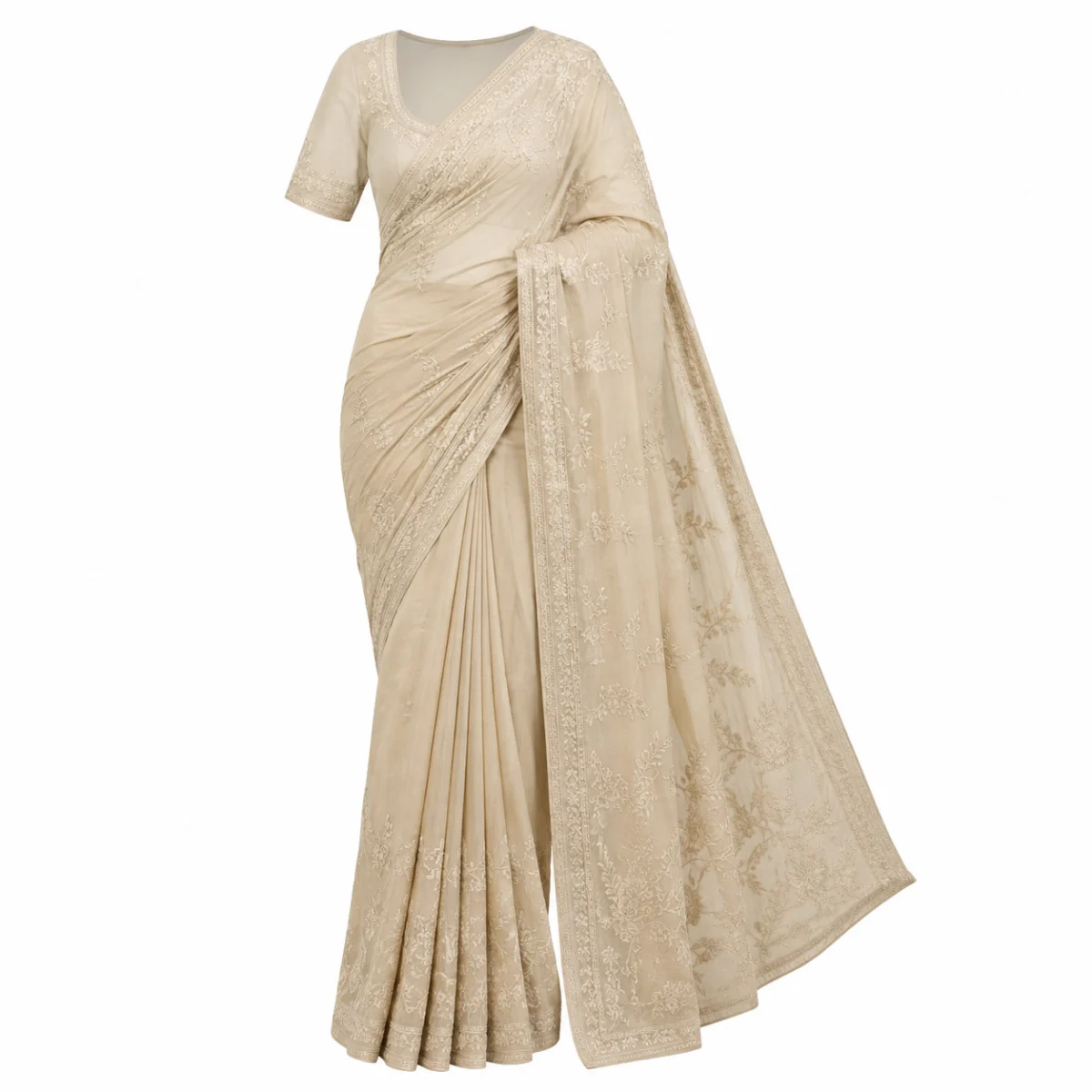
A practical method is to audit attributes with the main image open beside the form. Read the image first, then the fields, and note every disagreement. It is slower than bulk-editing a spreadsheet, but it catches the errors a spreadsheet hides, and it doubles as a check that the image itself is the right one for that SKU.
Check every main image for a pure white background, a product that fills most of the frame, enough resolution for zoom and no text, logo or watermark. Then check that the gallery has enough frames, in a sensible order, and that colours match the product the buyer will receive.
Image QC is where most festive listings fail, and where a Flipkart festive sale catalogue audit pays for itself fastest. The rules below are the defaults sellers see in Flipkart Seller Hub listing guidance, as summarised on our Flipkart hub. Category specs shown inside the listing flow override them, so treat this table as the floor and your category page as the final word.
| Check | Flipkart default (main image) | How to test it |
|---|---|---|
| Background | Pure white in most categories | Sample corners in an editor; values should read white, not cream or grey |
| Product fill | Product fills about 85% of a square frame | Overlay a crop guide; check top and bottom margins |
| Resolution | At least 500 × 500 px; 1,000 px or more per side enables zoom | Check pixel dimensions of the uploaded file, not the master |
| Clean frame | No text, logo, watermark, price sticker or border | View at full size; look for studio watermarks and tag stickers |
| Image count | At least 2, up to 8 per listing | Count frames per SKU in the listings report |
| Format and colour | JPEG in sRGB is safest; PNG accepted | Confirm the export profile; Adobe RGB files shift colour on phones |
For apparel, the background question is more nuanced than “white or not”, and our breakdown of light grey versus white background checks covers where each is acceptable. The audit simply records which listings deviate and whether the category allows it.
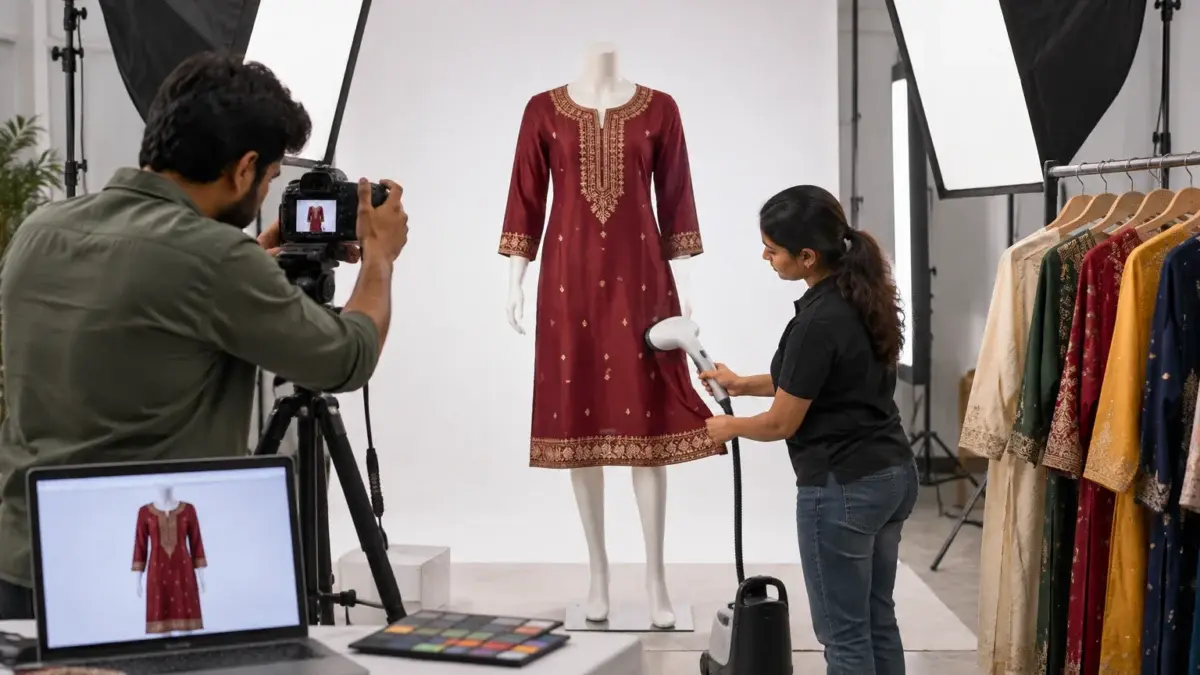
From the studio floor
When Ckstudio re-checks a festive set, every main image is exported as a 2,000 px square JPEG in sRGB, then opened beside an 85% fill guide. Apparel is shot at f/8 to f/11 on a 50mm lens with two strip softboxes at roughly 45 degrees, so the white sweep reads clean without blowing out zari or sequin highlights. A colour-check card is shot at the start of each rack, and any frame where the corners sample below white is corrected or reshot before upload.
Run the image check as a fixed sequence so nothing is skipped:

The sunglasses shoot below shows the same discipline on a smaller product: a fixed light, a tethered review screen, and every angle checked before the set moves on.
Check that every apparel listing has a size chart measured from the actual garment, in centimetres and inches, readable on a phone. Then check that every colour variant has its own main image, shot in the same light and crop as its siblings.
Size charts are the quiet driver of festive returns. Ethnic wear in particular varies by cut: a straight kurta and an A-line kurta labelled “M” can differ by several centimetres at the hem. A generic brand chart copied across every style answers the question “what size am I?” with the wrong numbers. In the audit, pick one size per style, measure chest, waist, hip and length on the actual garment, and compare against the chart in the listing.
Readability is the second test. Open the size chart image on a phone. If you need to pinch-zoom to read the numbers, so will the shopper, and many will guess instead. Keep the chart to the measurements that matter for that category, use large figures, and show both units. A chart that reads cleanly at phone size reduces “size issue” returns more reliably than any change to the description text.
Variants are the visual half of this check. Each colour swatch on a Flipkart listing shows that variant’s own main image, so a row of swatches shot on different days, under different light, reads as a mismatched set and makes the cheaper-looking colour look like a different product. For colour variants of the same style, ghost mannequin photography keeps the shape, fill and angle identical across every swatch, which makes the row look deliberate.
Example scenario
Consider an illustrative 40-SKU kurta catalogue: 8 styles, each in 5 colours. The audit finds that 3 styles reuse one generic size chart, and that 2 styles have colours shot on a different day with warmer light. The fix is 3 measured charts and a reshoot of 10 swatch mains in the original setup, about a quarter of the catalogue, rather than a full reshoot of all 40 SKUs. These numbers are an example for planning, not a client result.
Record size chart and variant fails separately in the audit sheet. They are fixed by different people: a size chart needs a measuring tape and a designer, a swatch needs the studio. Mixing them on one line is how a fix gets half-done.
During a festive sale, near-identical listings sit side by side and shoppers decide at thumbnail size, often on offer price and delivery date. That raises the bar for the main image, the first three gallery frames and any product video, because a listing gets one glance before the shopper scrolls on.
Outside a sale, a shopper might open five listings and compare them carefully. During one, they scroll faster, filter harder and open fewer pages. Your main image is effectively an advert at thumbnail size, competing with sellers who are offering a similar product at a similar price. The audit question changes from “does this image pass QC?” to “does this image win the glance?”
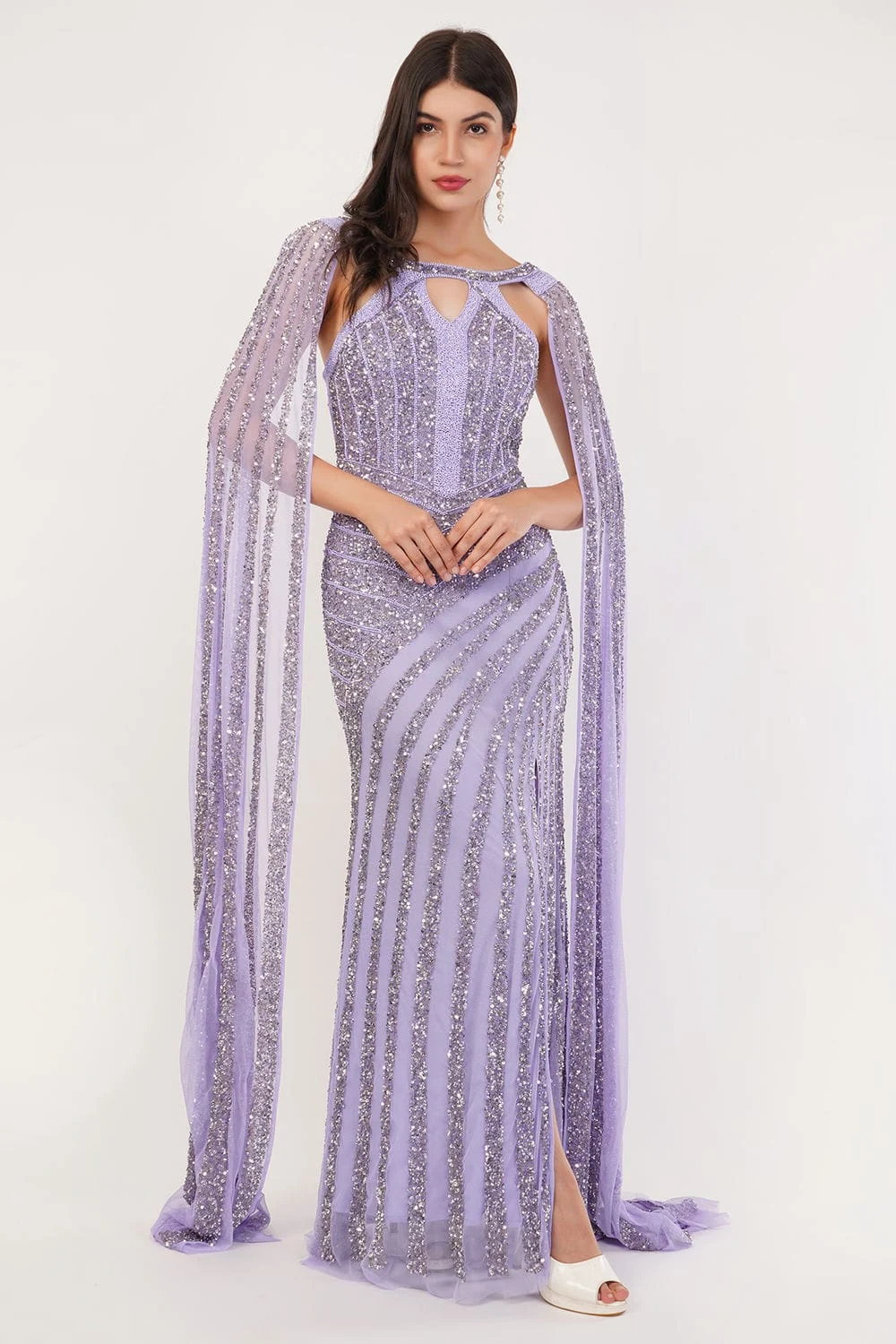
From the studio floor
Before a festive set leaves Ckstudio, the main image is viewed at about 150 px wide on a phone, the size it appears in search results. If the silhouette, the colour and one key detail such as a neckline or border are not readable at that size, we tighten the crop or reshoot at a slightly lower camera height. For embellished pieces, a second strip light at low power picks out sequins without flattening the fabric colour.
Gallery order matters more during a sale too. Plan the first three frames to answer the top three questions for the category. For ethnic wear that is usually the full front view, the fit on a model, and a close-up of the work. Frames four to eight can then cover back view, set contents, size chart and styling. If your category allows video, ten to twenty seconds showing fit and fabric movement answers questions that stills leave open.
This short T-shirt commercial, made for marketplace listings including Flipkart, shows how a garment in motion communicates fit and fabric fall in a way a still front view cannot.
Festive competition also changes what “consistent” means. A brand whose catalogue looks like one coherent range across all its listings earns more trust than one where each SKU looks like it came from a different seller. If your range spans several shoots, the audit should flag the listings that visibly break the set.
The faults we see most are off-white backgrounds, under-filled products, watermarked or stickered main images, colour names that contradict the photo, copied size charts and mismatched swatches. Each has a direct fix, and most are faster to correct before the sale than to explain in a return dispute.
The list below pairs each mistake with the fix the audit should assign. Work through it in order of impact: anything that blocks a listing first, anything that causes returns second, anything that only weakens conversion last.
Not every fail needs a camera. Where the photograph itself is sound but the background reads off-white, a crease shows, or a tag needs removing, image editing and retouching from the original master fixes the frame without a reshoot. The audit sheet should record which fix type each fail needs, so the studio can batch reshoots and edits separately.
If the sale is close, sort fails by the revenue of the SKU, not by how easy they are to fix. Your top twenty sellers from the last festive window deserve a perfect listing; your slowest fifty may be fine with an attribute correction. Fixing a dozen easy listings that never sell is the most common way an audit feels productive and changes nothing.
Avoid one shortcut in particular: replacing a failed main image with a lifestyle or graphic frame to “stand out”. Main images on white exist so shoppers can compare like with like, and a non-compliant main usually trades a brief click for a QC flag. Keep creativity for frames two to eight.
Within two weeks of the sale closing, pull every QC rejection, listing deactivation and return reason for sale SKUs into one log. Map each entry back to one of the eight pre-sale checks, so the next audit starts with the faults that actually cost you orders.
The post-sale review is the step most sellers skip, and it is the one that makes the next Flipkart festive sale catalogue audit faster. Memory is unreliable after a busy sale; data is not. Export the rejection notes, the deactivated listings and the return reasons for every SKU that sold or was meant to sell during the sale, while they are still easy to find in Seller Hub.
Return reasons are the richest source. “Not as shown”, “colour different” and “size issue” each point to a specific check: images, colour attribute, or size chart. A cluster of “colour different” returns on one style is a calibration fault, not a customer problem. A cluster of “size issue” returns on one cut is a size chart fault. The log turns complaints into a reshoot or re-measure list.

| Column | What goes in it |
|---|---|
| SKU and style | The seller SKU and the style name |
| Source | QC rejection, deactivation or return reason |
| Exact note | The rejection or return text, copied verbatim |
| Mapped check | Which of checks 1–8 it belongs to |
| Fix type | Attribute edit, image edit, reshoot, re-measure or operations |
| Owner and date | Who fixes it and by when, before the next window |
From the studio floor
When a post-sale log comes to Ckstudio, each reshoot line is tagged with the original shoot date and light setup, so the replacement frame matches its siblings. Colour complaints are re-checked against a fresh colour-card frame under the same 5,500K strobes, and the corrected file is re-exported in sRGB at 2,000 px before it goes back to the listing team.
If the log shows that most fails sit in one area, fix the process, not just the listings. Repeated colour complaints call for a calibrated monitor and a colour card on every shoot; repeated size issues call for a measuring step before photography. Ckstudio can review a post-sale log with you: call +91-8700258773, message on +91-8700258773, or email [email protected] with the export.
Start four to six weeks before the next festive sale, so fixes can clear quality check and listings are live at least two weeks before traffic peaks. Confirm the official sale dates in Flipkart Seller Hub each year.
By default, the main image should sit on a pure white background in most categories, fill about 85% of a square frame, be at least 500 × 500 px (1,000 px or more for zoom) and carry no text, logo or watermark. Category specs in Seller Hub override these defaults.
Rejection notes are often brief. In a Flipkart festive sale catalogue audit, compare the rejected image and attributes against the spec table: off-white backgrounds, under-filled products, watermarks and colour names that contradict the photo explain most cases.
Yes. Festive shoppers filter by fabric, occasion, colour and size, and a listing with blank or wrong fields drops out of those filtered results even if it passes quality check.
Edit when the original photo is sound and only the background, a crease or a sticker is the problem. Reshoot when the product is under-filled, the colour is wrong, or swatches were shot in different light, so the set matches.
Every QC rejection, deactivation and return reason for sale SKUs, copied verbatim, mapped to one of the pre-sale checks, with a fix type, an owner and a date before the next sale window.
A catalogue audit done once before a sale fixes that sale. Done every season, with a post-sale log feeding the next pre-sale check, it steadily removes the faults that cost e commerce sellers orders: blocked listings, invisible attributes, images that fail at thumbnail size and size charts that send products back. If you want Ckstudio to audit your sale SKUs or reshoot the frames that fail, call Prince on +91-8700258773 or email [email protected].
Next step: once the audit list is fixed, follow our Flipkart catalogue upload guide for attributes, size charts and bulk listing.
Ckstudio shoots and re-edits Flipkart catalogues to marketplace specs, from white-background mains to on-model frames and measured size chart graphics. Share your SKU list on WhatsApp at +91-8700258773 for a quote.
Call Prince: +91-8700258773