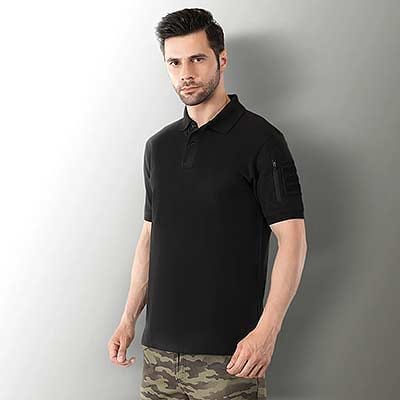



Fashion Photography Services


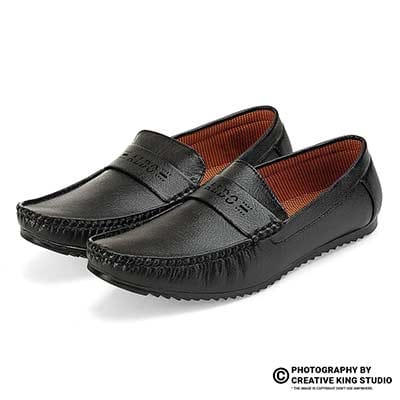

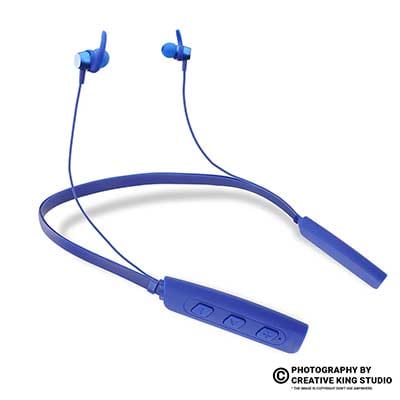
E-commerce Photography
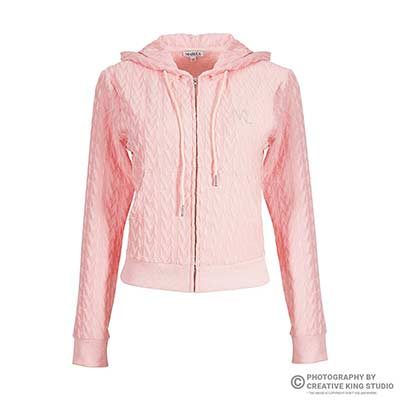
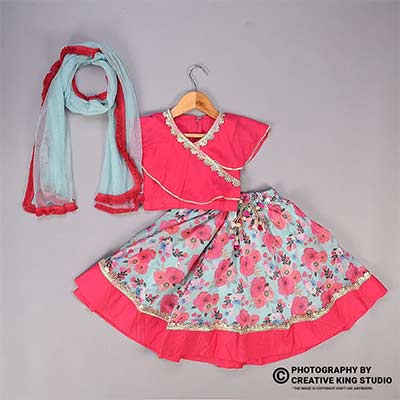
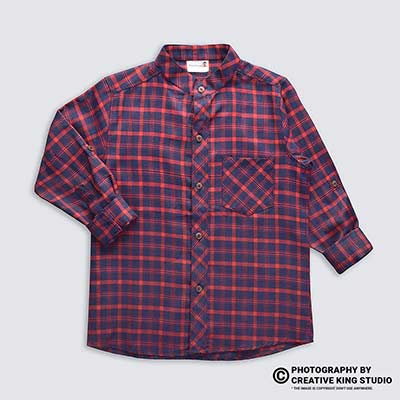
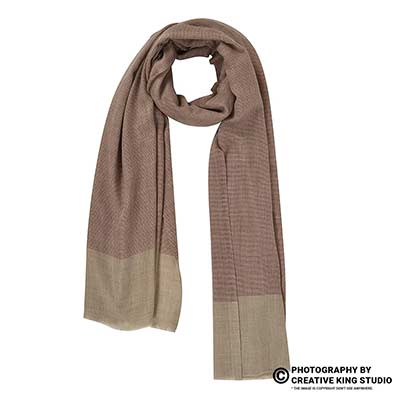
Find the weak live SKUs in Seller Hub, fix the images and attributes that hold them back, and re-check them in a repeatable weekly loop.

Your Flipkart listing quality score is the shorthand sellers use for one question: how complete, accurate and shopper-ready is each live SKU compared with the listings it competes against? This guide is part of our Flipkart seller hub guide, and it covers one job only — finding the live listings that are underperforming on quality and fixing them, image by image and field by field.
At Ckstudio, Prince and the catalogue team see the same pattern every month: a seller’s account is healthy, orders are flowing, yet a third of the catalogue sits on page four because the main image is soft, the background is grey, the title is missing the fabric, or the size chart was never uploaded. None of these problems blocks the listing from going live, which is exactly why they survive for months. Below you will find where to look in Seller Hub, what to fix first, and how to confirm the fix worked.
In this guide
Flipkart does not publish one universal public formula called a “listing quality score”. In practice, sellers judge listing quality from what Seller Hub shows for each SKU — its listing status, QC feedback, missing or recommended fields and image guidance — plus how the listing performs on views and conversion.
That distinction matters, because many blogs quote a precise score out of 100 and a fixed list of weights. We could not verify any such public formula, so this guide does not invent one. What a seller can verify is the listing management area of Flipkart Seller Hub, where each listing carries a status, any QC rejection reason, and the attribute fields that are mandatory or recommended for its vertical. Labels and menu names change over time and can differ between accounts, so treat the screen in front of you as the source of truth.
Because there is no single public number, the most useful approach is an internal one. Export your active listings, then give every SKU a simple 0–2 mark on six checks: main image, gallery depth, title, attributes, size chart (for apparel and footwear) and video. A SKU scoring 10 or more is healthy; anything under 7 goes to the fix list. This homemade Flipkart listing quality score is not Flipkart’s algorithm, but it turns a vague feeling into a ranked list you can work through in order.
The same sheet becomes your audit trail. When a fixed SKU later gains visits, you can see exactly which change came before the improvement instead of guessing.
Live listings rarely break all at once. They lose ground slowly — competitors upload sharper images, Flipkart adds or changes attributes in a vertical, and old files that once passed QC now look weak next to newer listings.
A listing that cleared QC two years ago passed against the standard of that time. Since then, several things have usually changed. Competing sellers in the same vertical may have reshot their catalogue on clean white backgrounds with tighter crops, which makes an older, slightly grey main image look dated at thumbnail size. Category templates evolve, so a field that was optional at upload may now be recommended, and a blank there leaves your listing less filterable than one that fills it.
Internal drift is the second cause. Teams copy titles from one colour variant to the next and forget to change the colour word. A new batch of fabric arrives in a slightly different shade and the old photos are kept. Someone crops images for one marketplace and re-uses the same files on Flipkart, where the framing then looks off. Each change is small; together they explain why a once-strong listing slides.
This guide is about live SKUs that are visible but weak. If a listing is blocked outright, start with our breakdown of common Flipkart listing rejection reasons, because a rejected listing needs its QC reason resolved before any quality work makes sense. The two problems share causes — poor images and missing data — but the urgency differs: rejection stops sales today, while low quality quietly caps them.
A useful habit is to separate your catalogue into three buckets every month: rejected or inactive, live but under 7 on your internal check, and healthy. Only the middle bucket belongs to the work in this article, and it is usually the largest. Sellers who skip this split tend to spend a week polishing their best sellers while dozens of weak live listings continue to drag the store’s overall impression down.
Seasonality adds pressure. Before a large sale, many sellers refresh images and offers at the same time, so a listing that was average in July can look clearly behind by the time shoppers start comparing in October.
Images are the first quality signal a shopper sees and the hardest to fake. Soft resolution, off-white backgrounds, awkward crops and too few angles all make a listing look less trustworthy at thumbnail size, which reduces clicks before price or ratings are even considered.
Flipkart’s image requirements are shown inside Seller Hub for each vertical, and they can change. We have not been able to confirm a single public pixel figure that applies to every category, so the table below labels each point by how certain it is. Check your vertical’s live guideline before you export a batch, and use Flipkart’s seller support knowledge base when a rule is unclear. Treat any number you read on a third-party blog — including figures such as 2048 px — as unconfirmed unless Seller Hub shows it.
| Image issue | What Seller Hub guidance generally expects | Source confidence | Studio fix |
|---|---|---|---|
| Resolution | Images clear enough to zoom without blur or pixelation | Check the vertical’s live guideline in Seller Hub | Shoot a high-resolution master, never upscale a small file |
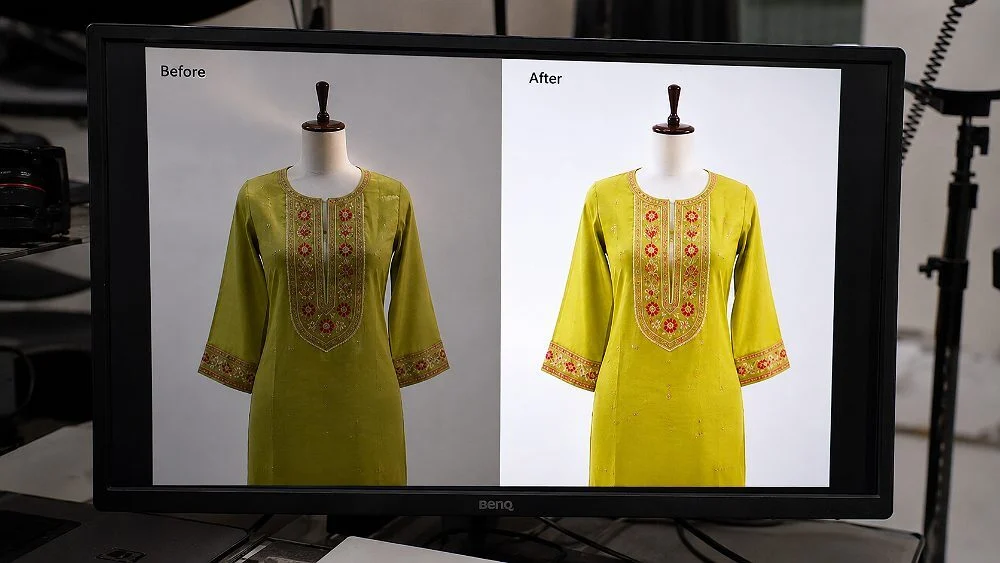
| Background | Clean, plain background on the main image; usually white | Category-dependent, verify in Seller Hub | Light the backdrop separately so it reads white, not grey |
| Crop and fill | Whole product visible, centred, not tiny in the frame | Practice standard, no verified public percentage | Fixed camera height and crop template per category |
| Text and watermarks | No promotional text, watermarks or logos on the main image | Widely stated in marketplace guidance; confirm per vertical | Keep claims in the gallery or description, not the hero |
| Number of angles | Enough images to show front, back, side and detail | Limits vary by vertical, verify in Seller Hub | Shot list per category before the shoot |
Open your main image on a laptop at 100% and look at stitching, print edges and the label. If the fabric weave turns to mush or edges look jagged, the source file is too small or was compressed too hard. Re-exporting rarely fixes this; a reshoot does. Sellers who need marketplace-ready files across many SKUs usually get further with Flipkart product photography shot to category rules than with editing weak phone photos.
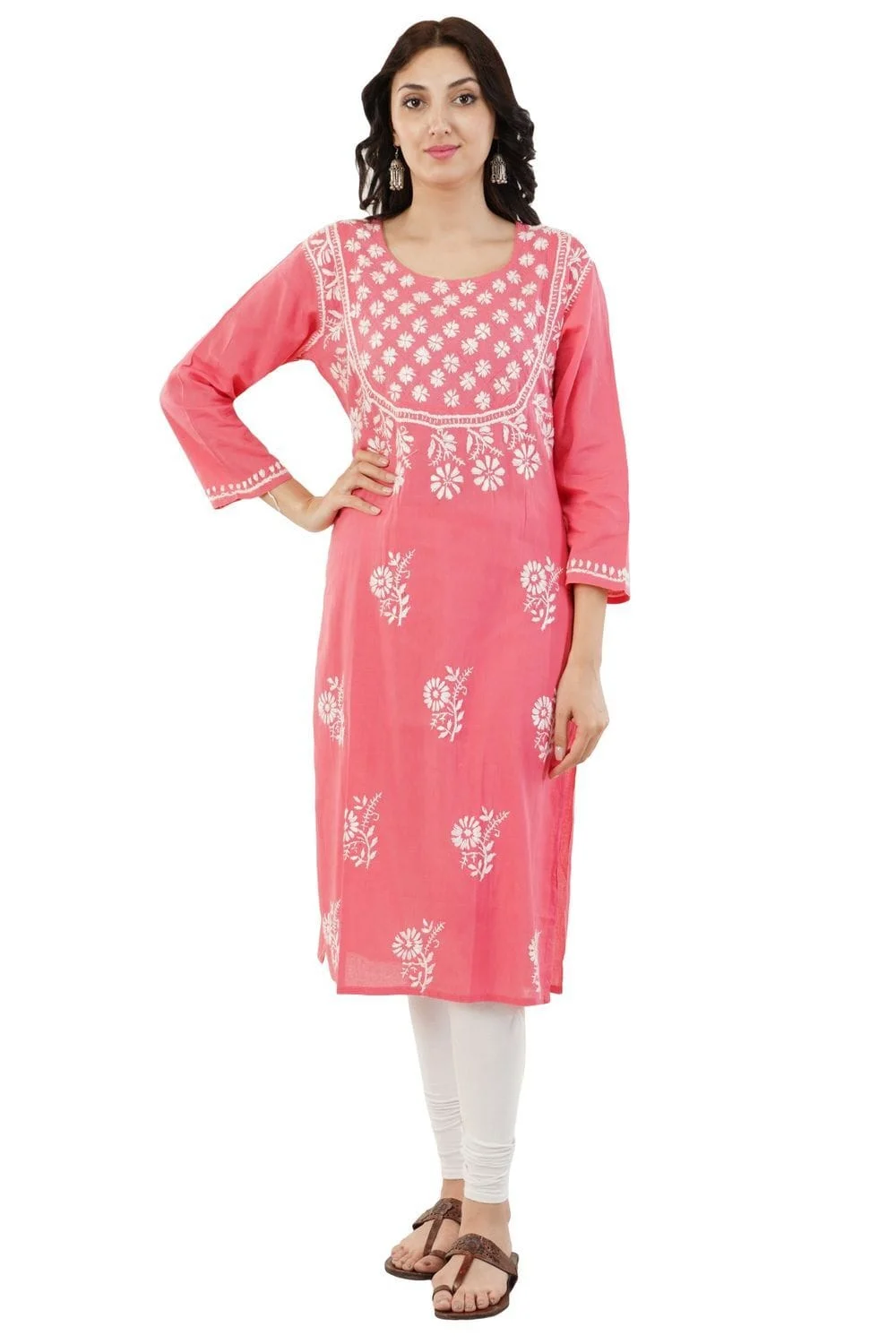
A background that is 90% white looks grey next to competitors, and a product placed low in the frame looks smaller than it is. Fix both with a crop template: same camera height, same margin, same centring for every SKU in a category. For angles, plan the gallery so each image answers one shopper question — front, back, side, fabric close-up, fit on model, and a scale or packaging shot where it helps.
From the studio floor
For apparel heroes we light the white seamless with two separate background heads, set about one stop brighter than the garment, so the backdrop reads clean white in-camera instead of being painted white later. The garment gets two octaboxes at roughly 45 degrees. We shoot tethered on a 50mm lens at f/8, check the histogram for clipped whites on the fabric, and export in sRGB from the full-resolution master.
Rewrite titles so they describe the exact product a shopper will receive, then fill every mandatory and recommended attribute for the vertical. Attributes power Flipkart’s filters, so a blank field can hide a listing from shoppers who filter by fabric, fit, pattern or occasion.
Start with the title. A strong Flipkart title for fashion usually follows brand, product type, key attribute (fabric or pattern), fit or style, and colour, in a natural order that a shopper would read aloud. The two most common faults we see on live listings are copied titles that keep the wrong colour after a variant was cloned, and keyword-stuffed titles that repeat the same word three times. Both make the listing look careless and can mismatch the image, which shoppers notice instantly.
Next, open the attribute form for the vertical and work through it top to bottom. Mandatory fields are usually already filled, because the listing could not go live without them. The gains sit in recommended fields: sleeve length, neck type, occasion, pattern, fabric care, pack of, and similar filters. Each one you fill is one more filter path that can lead a shopper to your product.
For bulk edits, the catalogue file route described in our guide to Flipkart catalogue uploads and attributes is faster than editing listings one at a time. Download the current listing file, correct titles and attributes in the sheet, and upload it back, keeping the SKU IDs unchanged so the listings update rather than duplicate. At Ckstudio, we deliver image files named by SKU and angle for exactly this reason: they drop straight into the same sheet.
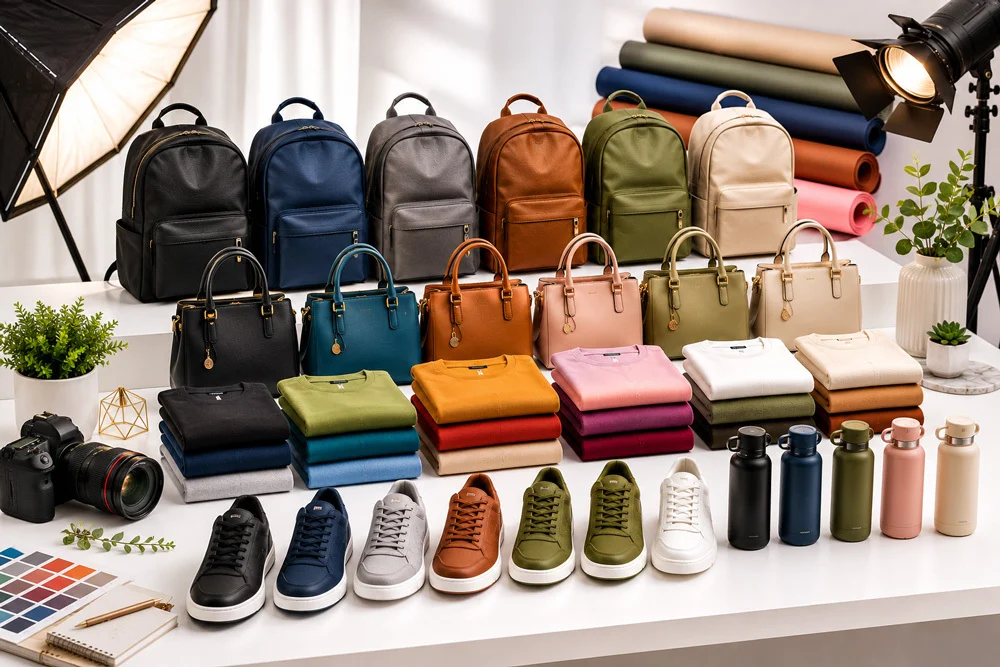
Keep the description factual: fabric, construction, care, what is in the box and fit notes. Claims you cannot prove — “best quality”, “100% original” without proof — add nothing and can invite complaints. A clean, specific description supports a better Flipkart listing quality score because it reduces the questions and returns that follow a vague one.
Yes, especially in fashion. A missing or inaccurate size chart is one of the main reasons shoppers hesitate or return apparel, and a short product video answers fit and fabric questions that still images cannot.
For apparel and footwear, the size chart is part of the product, not decoration. Measure finished garments rather than copying the pattern sheet, because stitched sizes drift. Record chest, waist, length and shoulder for tops; waist, hip, inseam and length for bottoms. Then check the chart against the size attribute on each variant, so a shopper choosing “M” sees measurements that match the garment that ships.
Upload the chart in the format Seller Hub asks for in your vertical, and keep it consistent across colour variants of the same style. One quiet quality problem we see often is a size chart present on the parent listing but missing on newer colours added later.
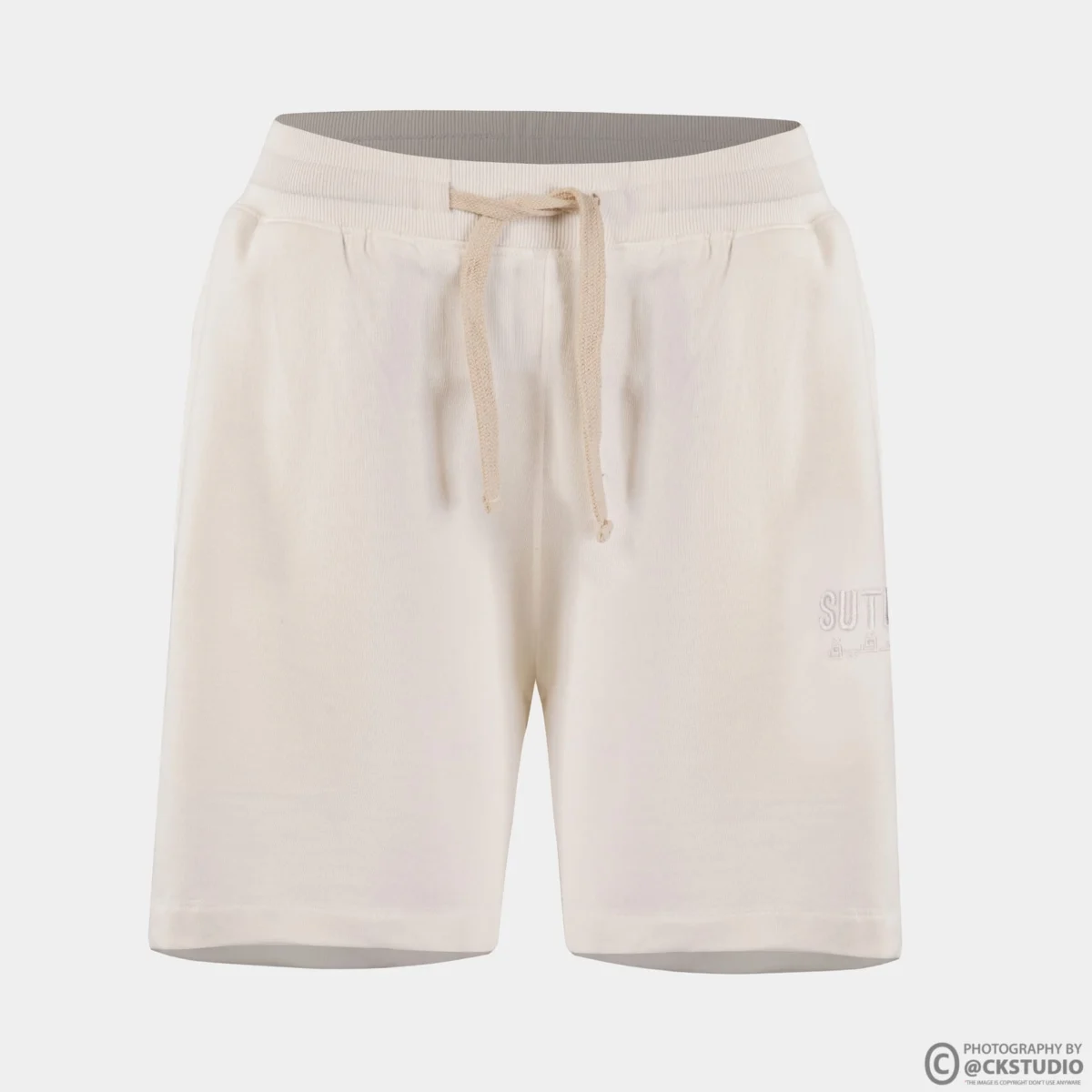
Video is optional in most verticals, but it shows drape, stretch and movement in a way a photo cannot. A 15–30 second clip of a model turning, walking and showing a close-up of the fabric is usually enough. The video below, from the Ckstudio YouTube channel, shows the kind of simple, marketplace-ready apparel clip that works across Flipkart, Myntra and Amazon.
Keep video honest: same garment, same colour, no filters that shift the shade. A video that makes the product look brighter than the photos creates the exact mismatch that pushes returns up. For apparel, the combination of an accurate size chart and a short on-model clip does more for listing quality than any amount of title tweaking.
If you are adding video to many SKUs at once, film all colour variants in one session under the same lights, so the clips sit together as a set on the listing.
Reshoot only the SKUs where the main image is the clear weak point, using one locked lighting and crop setup per category. Replace the main image first, then the gallery, and keep the SKU and variant mapping unchanged so the listing updates instead of duplicating.
The main image is also your search thumbnail, so it carries more weight than any other file on the listing. Sort your fix list by impressions and pick the SKUs that already get seen but are not clicked; those benefit fastest from a better hero. For a large apparel catalogue, structured garment photography for live apparel SKUs — flat lay, ghost mannequin or on-model, chosen per category — keeps every reshot image consistent with its neighbours.
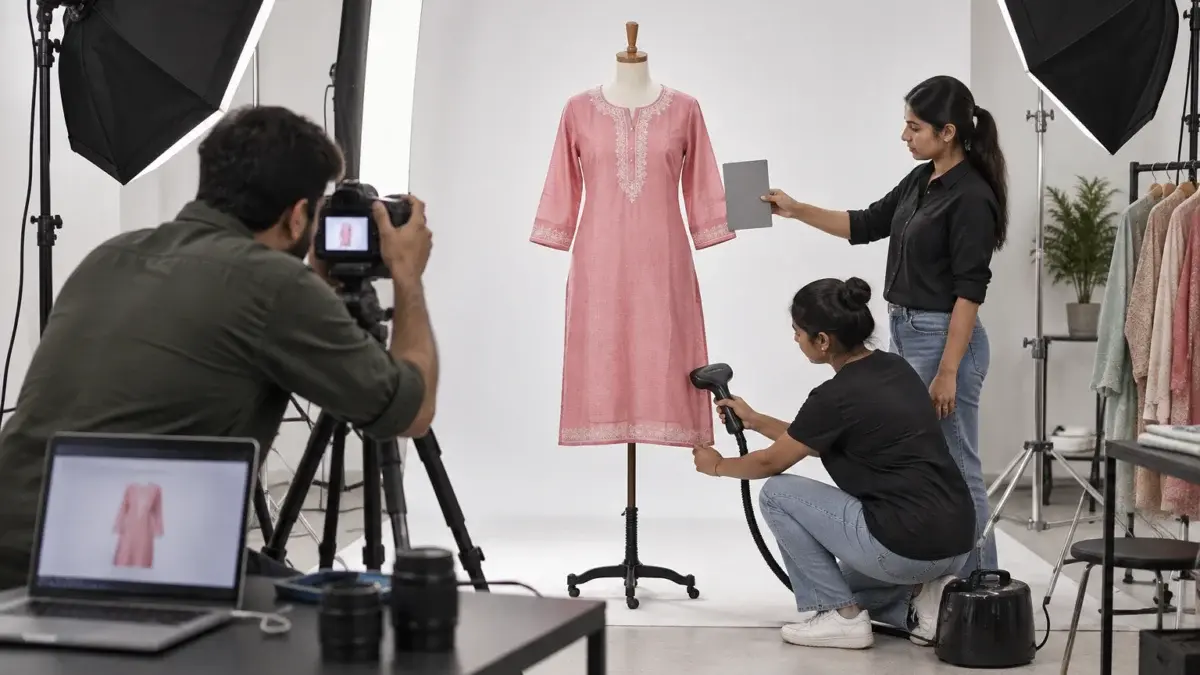
From the studio floor
When Ckstudio reshoots hero images for a live catalogue, the first frame of every colour is a grey card next to the garment under the same light. In editing, one click on that card sets white balance for the whole colour batch. We then compare the export side by side with the physical sample under a 5000K daylight lamp before delivery — if the shade does not match the cloth in hand, the file does not ship.
Marketplace image work is mostly discipline, not drama. The behind-the-scenes clip below shows the same approach on a small accessory: fixed lights, a clean table and a consistent angle list for every unit.
Fix in order of impact and effort: first the problems that block or mislead (wrong images, colour mismatch, missing size chart), then the main image, then attributes and titles, and finally gallery depth and video. Work through SKUs by impressions, highest first.
The order matters because sellers have limited hours, and it is the same order Ckstudio follows when auditing a seller’s catalogue. A colour mismatch between the title and the image is a two-minute fix that stops returns; a full reshoot is a week. Running the quick, high-impact fixes across the whole catalogue first lifts your average Flipkart listing quality score faster than perfecting ten SKUs.
Example scenario
Example: a seller has 60 live kurta SKUs. An internal audit scores 22 of them under 7. Fourteen of those have only data problems — wrong colour words, blank pattern fields, a missing size chart — and are fixed in one afternoon through the catalogue file. The remaining eight have soft, grey main images and go to a one-day reshoot. The numbers here are illustrative; the point is that most weak listings need data fixes, and only a minority need new photos.
| Mistake | Why it hurts | Fix |
|---|---|---|
| Brightening a grey background in a phone app | Halos and colour shift on the product | Relight the backdrop or use careful masking |
| Uploading new images as a new listing | Creates duplicates and splits reviews | Replace images on the existing SKU |
| Fixing best sellers only | Weak long-tail listings stay weak | Run quick data fixes across all SKUs first |
| Copying size charts across styles | Wrong measurements, fit returns | Measure finished garments per style |
Where the original files are sharp but the colour or background is off, professional product image retouching is cheaper than a reshoot. Where they are soft or badly cropped, editing only hides the problem.
Re-check each fixed SKU in three ways: confirm the change is live in Seller Hub without a new QC issue, view the listing on the Flipkart app as a shopper would, and compare its visits and orders over the following weeks with the weeks before the fix.
Start with status. After you replace images or edit attributes, a listing can go back through a QC check. Confirm it returns to active, and look for any new QC message. Then open the listing on a phone, because most Flipkart shoppers decide inside the app. Look at the search thumbnail, swipe the gallery, open the size chart and play the video. If anything looks wrong on a small screen, it is wrong.

Add three columns to your audit sheet: date fixed, what changed, and visits and orders for the two to four weeks before and after. Compare like with like — avoid comparing a sale week with a normal week. Over a few months, this shows which fixes actually move your listings in your category, so the next round of work starts with the changes that paid off.
From the studio floor
Our delivery QC for a reshoot batch has four checks per file: 100% zoom on stitching and edges, background sampled at three corners for an even white, product centred against the category crop template, and file named by SKU and angle number. Files that fail any check go back to editing before the seller sees them, so the re-check after upload only has to confirm the listing, not the image.
Repeat the audit monthly and before every major sale. New competitors, new attributes and new stock all change what “good” looks like, and a monthly re-check keeps the slow slide from starting again. For help with fixing or reshooting, call +91-8700258773 or write to [email protected].
We could not verify a public Flipkart listing quality score out of 100. Sellers judge quality from listing status, QC feedback, missing or recommended attributes and image guidance shown in Seller Hub, along with listing performance.
Export your active listings, mark each SKU on main image, gallery, title, attributes, size chart and video, and sort by impressions. SKUs with high impressions but low visits usually have a weak main image.
Requirements are shown in Seller Hub per vertical and can change, so check your category’s live guideline. Shoot a high-resolution master so images zoom without blur, and do not rely on figures from third-party blogs.
Not if you replace images on the existing SKU. Keep the SKU ID and variant mapping the same; uploading the product as a new listing creates duplicates and splits reviews.
Attributes drive filters. A blank fabric, pattern or sleeve field can keep a listing out of filtered results, so fill every mandatory and recommended field for the vertical.
Monthly, and again before every major sale. Competitors, category templates and your own stock change, so a monthly check stops weak listings from drifting for months.
Improving your Flipkart listing quality score is less about tricks and more about removing small faults across many SKUs: matching data, measured size charts, clean main images and a monthly re-check. Ckstudio helps e-commerce sellers with the image side of that work — reshoots, retouching and consistent catalogue sets. WhatsApp +91-8700258773 with a few SKU links and we will tell you which ones need new photos and which only need data fixes.
Next step: once the weak SKUs are fixed, plan a full image set for each style with our Flipkart listing images guide.
Send your SKU list and current listing links. Ckstudio shoots apparel and products to marketplace standards and delivers files named by SKU and angle. Email [email protected] or WhatsApp +91-8700258773.
Call Prince: +91-8700258773