Fashion Photography Services
E-commerce Photography
Body type, size range, skin tone and measurements — how to cast the right model so shoppers order the right size the first time.
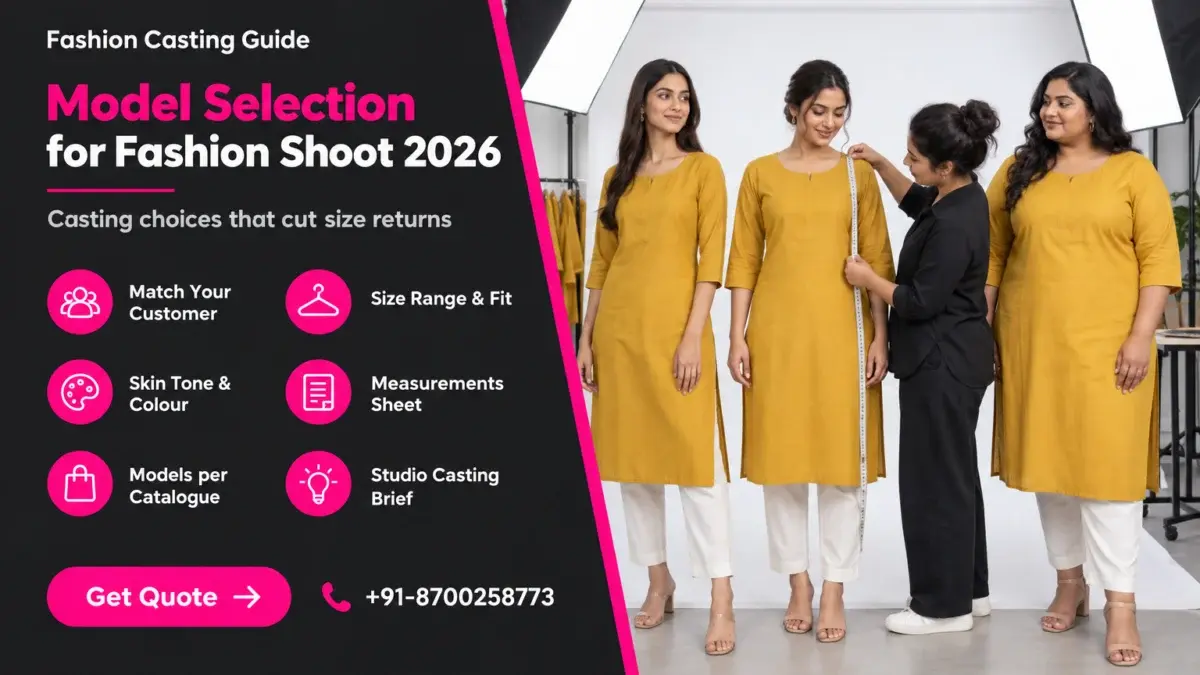
Model selection for fashion shoot planning is the step most apparel sellers rush, yet it decides whether a shopper on Myntra or Amazon can judge fit before ordering. Pick a model who does not look like your buyer, wears a size you barely sell, or washes out your fabric colour, and the listing quietly invites size exchanges and “not as shown” returns. This guide breaks casting into decisions you can actually make on a spreadsheet: customer match, size range, skin tone, measurements, model count and the brief.
At Ckstudio, a product and fashion photography studio working since 2015, casting is planned before a single garment is steamed. If you are already comparing studios for an ecommerce model photoshoot, use this guide to arrive with a casting brief instead of a vague “one pretty model” request. Prince, our founder and lead photographer, built the checklist below from years of trial fittings, reshoots and listing reviews with apparel sellers.
In this guide
It decides how much fit information a shopper gets from your photos. The model’s height, build, size worn and skin tone become the reference points a buyer uses to guess how the garment will sit on their own body, so casting is a returns decision as much as a styling one.
Online apparel buyers cannot try anything on. They read the size chart, glance at reviews and then look hard at the model. If the model is 5’10” and wears an XS while most of your orders are M and L, the drape, the hem length and the sleeve fall all look different from what your typical customer will see in the mirror. That gap is where size-related returns start.
Casting therefore answers four practical questions for every catalogue. Who is the buyer, and does the model look like a realistic version of them? Which size does the model wear, and is it the size you sell most? Does the model’s complexion keep the garment’s colour readable under studio light? And how will the model’s measurements be shown on the product page so the shopper can compare?
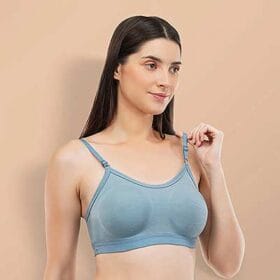
Not every product needs the same care. A loose dupatta or a free-size kaftan forgives a casting mismatch. A bodycon dress, slim-fit trousers, a bra, a fitted blazer or a kurta with a set side slit does not. For these fit-sensitive categories, the model is effectively part of the size chart, and we plan casting as carefully as lighting.
The same thinking applies across marketplaces. Ajio and Flipkart shoppers look for the same visual cues, so a strong casting decision travels with your images to every channel you list on, and so does a weak one.
| Category | Fit sensitivity | Casting priority |
|---|---|---|
| Bodycon dresses, shapewear, lingerie | Very high | Exact size worn, bust-waist-hip shown on listing |
| Kurtas, kurta sets, co-ords | High | Height for hem and slit length, size worn |
| Jeans and trousers | High | Waist, hip and inseam; height for break at the shoe |
| Oversized tees, hoodies | Medium | Show intended slouch on a mid-size body |
| Sarees, dupattas, free-size kaftans | Low | Skin tone and colour reading matter more than size |
Start from your order data, not a mood board. Look at the age band, the sizes that sell, the regions you ship to and the occasions your range is bought for, then cast a model who looks like a believable, slightly aspirational version of that buyer.
A D2C ethnic-wear label selling mostly to working women aged 28–40 in tier-2 cities needs a different face from a college-streetwear brand. The model should feel relatable first and aspirational second. When the model looks like a fashion-week runway regular and the buyer is a school teacher shopping for a festive kurta set, the shopper struggles to picture the outfit on herself.
Return reasons are the most underused input, and they are the first thing the Ckstudio team asks for when a brand shares a casting brief. If “too tight at hip” keeps appearing on your palazzo sets, the photos are probably showing them on a slim-hipped model, and your next model selection for fashion shoot should deliberately include a fuller hip measurement.
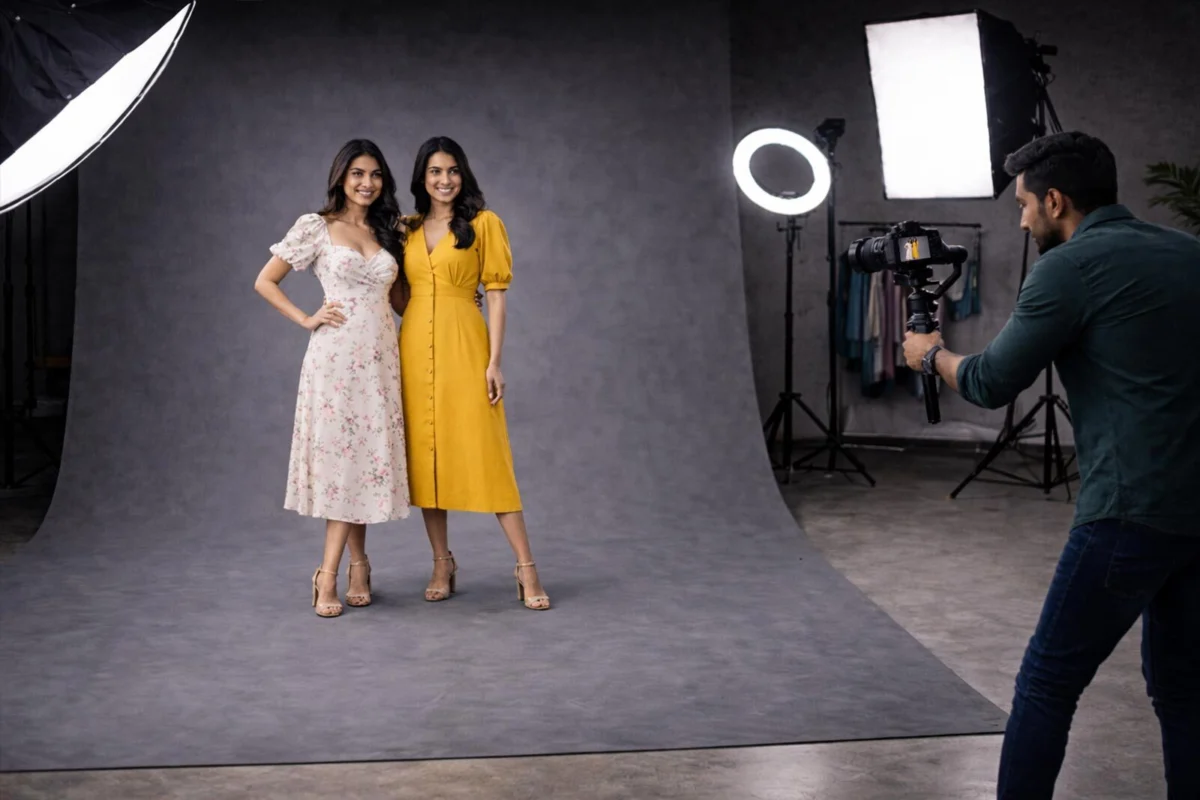
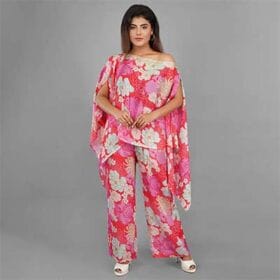
For brands with a distinct Indian ethnic range, also think about how the model carries traditional wear. A model who is comfortable in a saree drape, a lehenga dupatta or a kurta with a churidar will hold natural poses for longer, and the fabric falls better when the body is relaxed rather than stiff.
This short reel shows how a studio fashion shoot moves from posing to final frames, which helps you picture how a well-matched model carries a garment on set.
Shoot the garment in the size you sell most, on a model who genuinely fits that size, and add a second body type when your range runs from XS to 3XL. One sample size on one body cannot honestly represent a wide size range.
Many sellers shoot whatever sample the factory sent, which is usually S or M, and then cast a model who can squeeze into it. The garment ends up pinned and clipped at the back to look perfect, and shoppers in L or XL receive something that hangs very differently. If your best seller is M and L, the hero images should show M or L on a model whose body matches that size chart.
Plus-size catalogue models are worth a separate line in your budget if more than a fifth of your sales sit in XL and above. A curve model wearing your actual 2XL sample answers the question that shopper is really asking: “will this cling, gape or ride up on a body like mine?”
From the studio floor
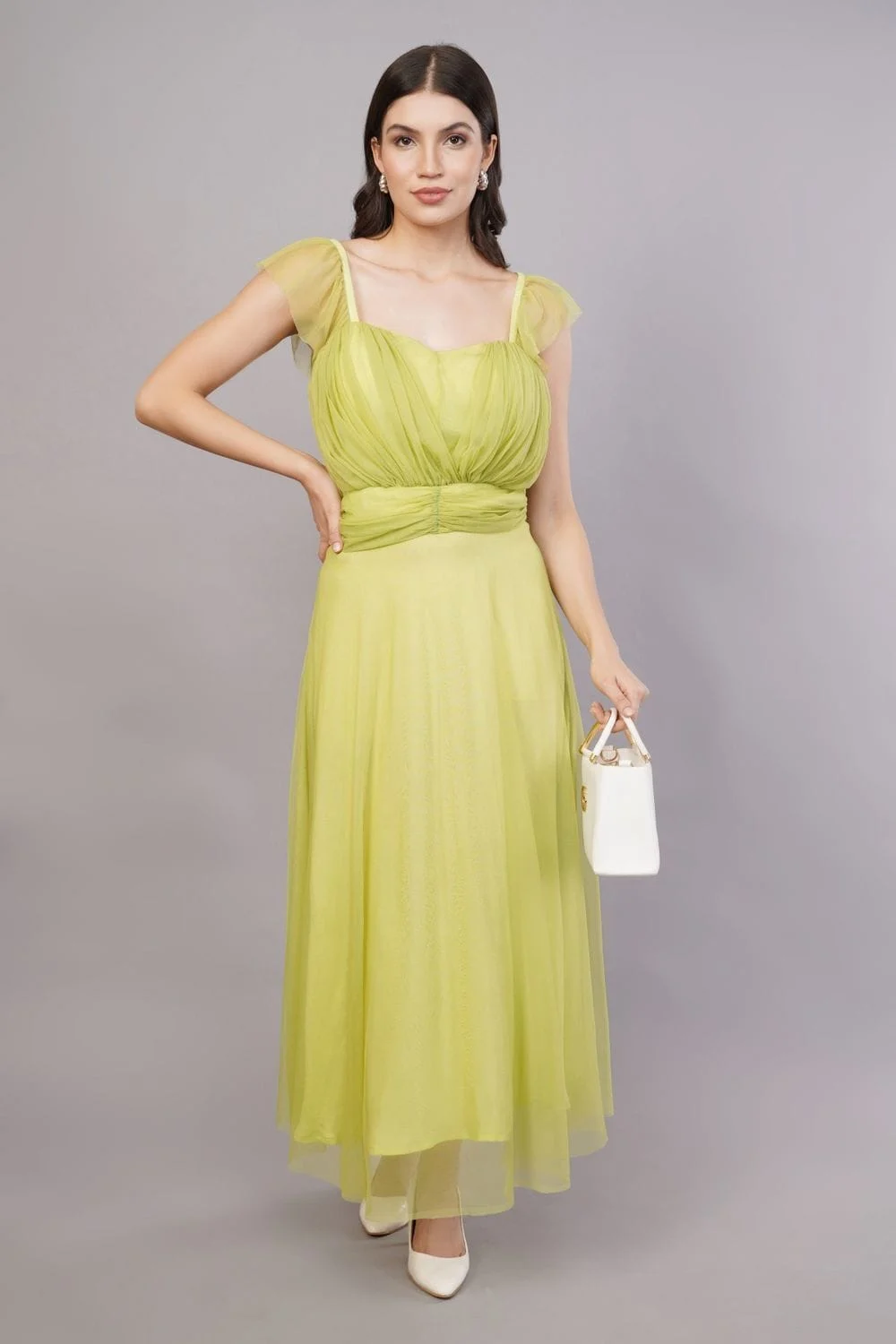
Before shoot day we run a trial fitting: each model tries the anchor-size sample of 3–5 key styles, and we shoot quick reference frames at 50mm from chest height. If a garment needs more than two clips at the back to look right, we flag it to the brand instead of hiding the problem, because the shopper in that size will not have clips. Measurements are retaken on the day of the trial, not copied from an old portfolio.
For fitted categories, garment preparation matters as much as casting. Our step-by-step guide on preparing garments before a model shoot covers steaming, labelling and sample checks so the fit you photograph is the fit you ship.
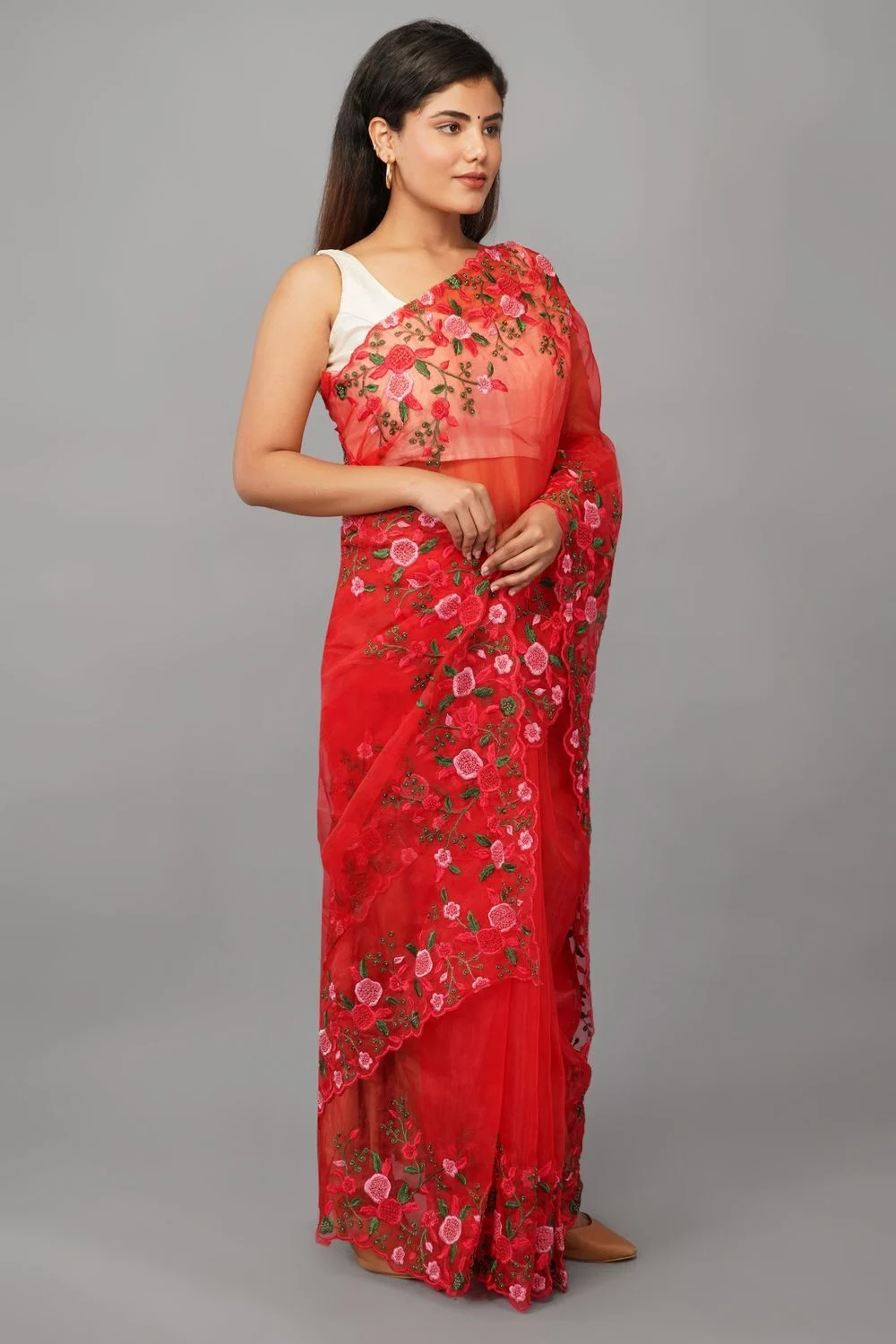
Skin tone changes how a colour reads in the photo. Pale pastels can disappear against very fair skin, deep navy and maroon can lose detail against deeper skin under flat light, and the camera’s white balance shifts slightly with what fills the frame, so casting and colour management have to be planned together.
Shoppers return garments when “the colour looks different from the photo”. Part of that is screen variance, which no seller controls, but much of it is studio decisions. A blush-pink kurta photographed on a very fair model under cool light can look almost white, while the same kurta on a wheatish or dusky model shows its pink clearly. Neither is wrong; what matters is that the photographed colour matches the fabric.
India’s buyers span a wide range of complexions, and a catalogue cast entirely from very fair models tells many of them the clothes were not designed with them in mind. A realistic mix — fair, wheatish and dusky — across a season’s catalogue is better for representation and better for colour reading, because each garment can be assigned to the model on whom its colour photographs most accurately.
| Garment colour family | Risk on camera | Casting and lighting fix |
|---|---|---|
| Pastels, ivory, off-white | Washes out next to very fair skin | Wheatish or dusky model, slightly lower key light |
| Navy, black, bottle green | Shadow detail lost against deep skin | Add a strip-box rim light, lift fill by half a stop |
| Reds, mustard, rani pink | Saturation clips easily | Any tone; expose for the fabric, check the red channel |
| Nude and skin-tone innerwear | Garment merges with skin | Choose a model whose complexion contrasts with the shade |
From the studio floor
Every set at Ckstudio starts with a colour-check card shot under the exact light, with the model in frame, at 5500K custom white balance. We shoot tethered and compare each colourway against the physical swatch on a calibrated monitor before the model changes outfits, and files are delivered in sRGB at 2000 px or more on the long edge so marketplace compression changes as little as possible.
A useful measurements sheet lists height, bust, waist, hip, shoulder, inseam and shoe size, plus the size the model normally wears in your brand. Take the numbers fresh at the trial fitting, because portfolio stats are often old or rounded.
Model agencies share comp cards with headline stats, but for ecommerce casting you need a few more numbers. Shoulder width matters for blazers and shirts, inseam for trousers and palazzos, and upper-arm measurement for sleeveless kurtas and blouses. Without them, you cannot tell in advance whether a garment will sit correctly.
| Measurement | Why it matters | Categories it affects |
|---|---|---|
| Height (barefoot) | Decides hem, slit and sleeve length on camera | Kurtas, dresses, sarees, trousers |
| Bust / chest | Primary size-chart match for tops | Tops, kurtas, blouses, shirts |
| Waist | Primary match for bottoms, dress seams | Jeans, trousers, skirts, co-ords |
| Hip | Most common cause of “too tight” returns | Leggings, palazzos, bodycon |
| Shoulder width | Seam position on structured garments | Blazers, shirts, jackets |
| Inseam | Shows break and length of bottoms | Jeans, trousers, track pants |
| Size worn in your brand | The number shoppers compare against | Every listing |
At Ckstudio we keep one row per model in a shared spreadsheet with the date measured, and we add a column for each style showing the size tried and any fit note — “loose at shoulder”, “hem 2 cm above ankle”. This sheet later feeds the “Model is wearing size M, height 5’7″” line on each product page, so accuracy here directly reduces confusion there.
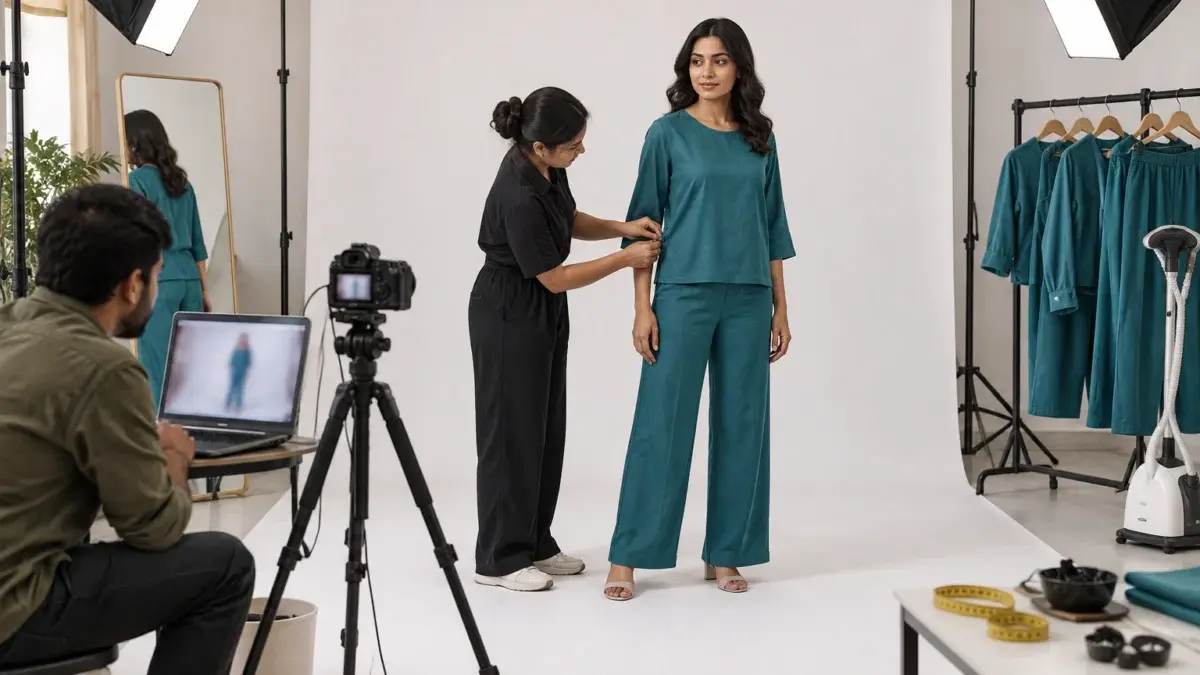
If your range is mostly separates and you are still deciding whether every style even needs a model, it helps to compare on-model, flat lay and mannequin formats first. Many brands mix them: a model for hero shots and garment photography on mannequin or flat for colour variants, which keeps casting focused on the styles where fit genuinely sells.
Most small catalogues need one anchor model per gender and size band, and a second model only when your size range is wide or you sell to clearly different customer groups. More models add variety but also add styling time, consistency risk and cost.
Consistency is the hidden benefit of fewer models, and it is why Ckstudio usually recommends one anchor model per size band. When every top in a collection is shown on the same model at the same height and size, the shopper can compare fits across styles: this kurta is longer than that one, this shirt is boxier. Swap models every few SKUs and that comparison breaks.
| Catalogue situation | Suggested casting | Why |
|---|---|---|
| Single-gender range, sizes S–XL | 1 anchor model | Maximum fit consistency across styles |
| Sizes XS–3XL | 1 anchor + 1 curve model | Honest fit at both ends of the chart |
| Menswear and womenswear | 1 male + 1 female anchor | One reference body per size chart |
| Kidswear | Age-band models, shot with guardian consent | Fit changes sharply by age |
| Large seasonal drop with campaign images | Anchor models for catalogue, extra faces for campaign | Keeps listing images consistent |
Once casting is fixed, divide styles by model and size so each model’s outfit changes are grouped. That one step often saves more studio time than any lighting shortcut, because hair, makeup and fitting resets are the slowest part of a model day.
Example scenario
Example: a women’s ethnic label with 40 kurta-set SKUs in sizes XS to 3XL, where sales data shows M and L as the top two sizes and roughly a quarter of orders in XL and above. A sensible plan is one anchor model in M for all 40 hero sets, plus a curve model in 2XL for the 12 best-selling styles. That gives every listing a consistent fit reference and gives the bigger-size shopper a real answer on the styles that sell most. The numbers here are illustrative, not a client result.
Where the range includes structured pieces — blazers, tailored trousers, fitted dresses — think about whether a dedicated on-model fashion photography session makes sense for those styles. Tailoring rewards a model who understands posture and how to stand without creasing the fabric.
Send the studio a written casting brief with your customer profile, anchor sizes, skin tone mix, measurement ranges and must-show fit details, then publish the model’s height and size worn on every product page. The brief controls the shoot; the listing line controls shopper expectations.
A good brief removes guesswork. It should be short enough to read in five minutes and specific enough that two different casting coordinators would shortlist similar models. Send it by email to [email protected] or share it on +91-8700258773 with sample photos of styles you like.

Marketplaces give you room for this in the description or bullet points. A single line — “Model height 5’7″, wearing size M” — is the cheapest return-reduction tool you have, and it only works if the size worn in the photos is true. Marketplace image rules still apply to every model image, so check the official requirements before upload.
| Listing element | Practice for model images | Source |
|---|---|---|
| Main image background | Pure white background for the main image on Amazon | Amazon Seller Central image requirements |
| Product fill | Product should fill most of the main image frame | Amazon Seller Central image requirements |
| Image size | At least 1000 px on the longest side so zoom works | Amazon Seller Central image requirements |
| Model stats line | Height and size worn in the description or bullets | Seller practice, no fixed marketplace rule |
| Size chart | Brand size chart mapped to the marketplace format | Each marketplace’s seller panel |
Read the current wording on Amazon Seller Central’s product image requirements before your shoot, because rules for main images, kids’ clothing and mannequins are updated from time to time. For body-measurement context in India, the national sizing work led by NIFT (National Institute of Fashion Technology) is a useful reference when you revise your size chart.
The costly mistakes are casting from a portfolio instead of a fitting, shooting a size you rarely sell, and hiding fit problems with clips. Each one makes the photo look better and the delivered garment look worse, which is exactly what drives returns.
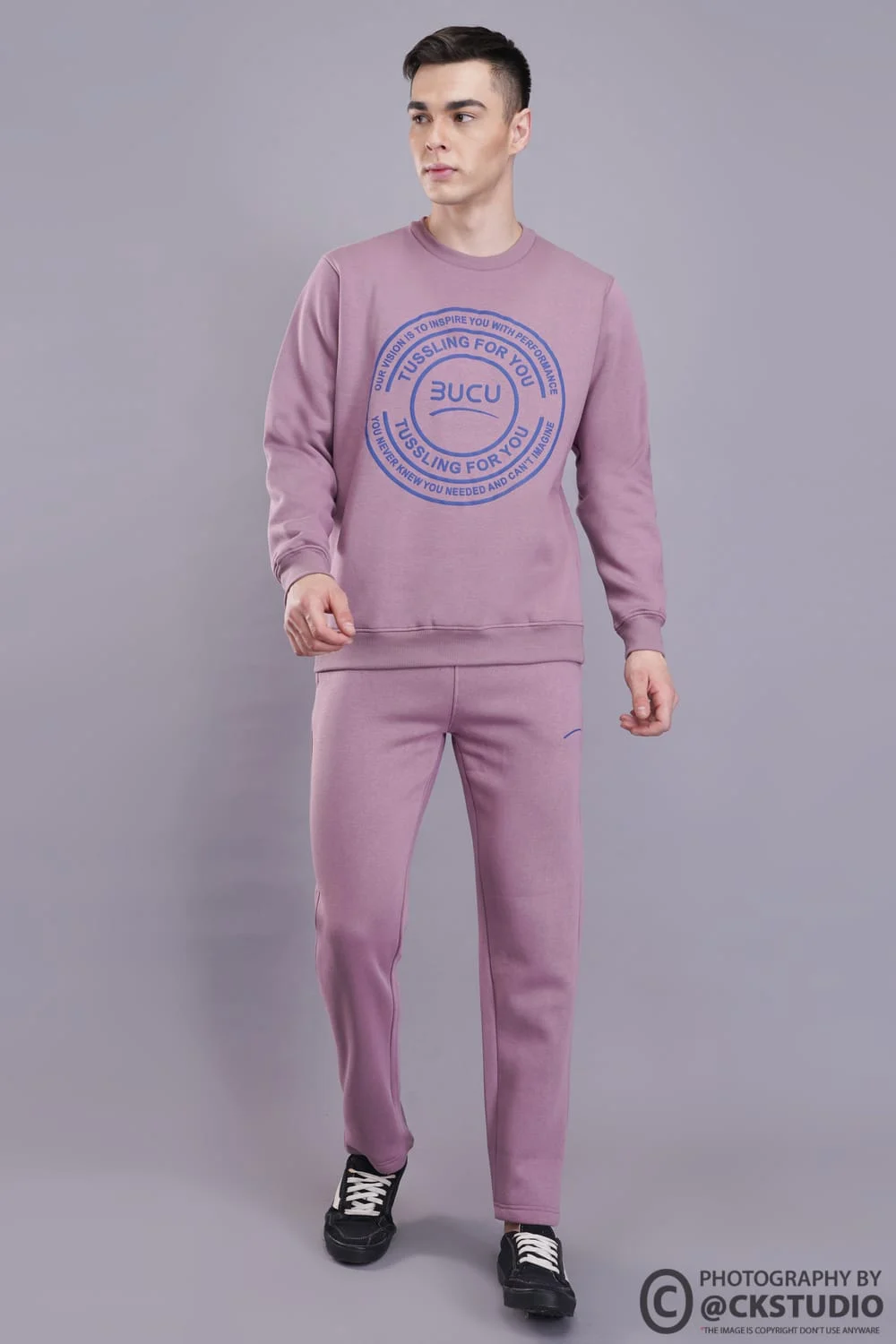
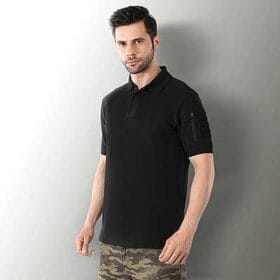
Menswear has its own traps. Brands often cast very lean, tall male models for tees and sweatshirts, and the relaxed fit then looks oversized. A mid-build model with a chest measurement inside your M or L range shows what most buyers will actually see. The reel below shows a menswear tee shoot built around clear fit angles for marketplaces.
From the studio floor
On a standard catalogue day we shoot 5–6 angles per style — front, back, both sides, a three-quarter and one detail — on a white or light grey seamless with two large octaboxes and a strip light for edge separation. The casting coordinator keeps the measurements sheet on set, and if a model’s fit note says “short in torso”, that style moves to the other model before the first frame, not after the retouch.
For a broader look at how image choices connect to refunds, read our guide on reducing returns with better product images, which covers colour, angles and detail shots alongside casting.
Size match. The model should genuinely fit the size you sell most, because shoppers judge fit from the photo. Height, skin tone and look come next.
Yes, if a meaningful share of your orders sits in XL and above. A curve model wearing your real 2XL or 3XL sample shows those shoppers the actual fit, which reduces size-related returns.
Usually one anchor model per gender and size band. Add a second model only for a wide size range or clearly different customer groups, and keep the same model across a collection for consistent fit comparison.
It can. Pastels may wash out on very fair skin and dark colours may lose detail on deeper skin under flat light. Casting a mix of tones and checking each colourway against a swatch keeps colours accurate.
Your customer profile, anchor size with size chart, height range, skin tone mix, fit details to show, styling limits and image usage. Seven short lines are enough for a studio to shortlist the right models.
Yes. A line such as “Model height 5’7″, wearing size M” helps shoppers compare against their own measurements, but it only works when the size worn in the photos is true.
Good model selection for fashion shoot planning is quiet work: sales data, a size chart, a measurements sheet and a trial fitting. Done properly, it gives every shopper an honest fit reference and gives your listings fewer “didn’t fit” returns. If you want help building the casting brief for your next catalogue, call Prince on +91-8700258773, message us on WhatsApp or write to [email protected] — Ckstudio works 10 am to 7 pm.
Next step: once your models are cast, plan how they will stand with our guide to Myntra model photography poses for clothing listings.
Share your size chart and top-selling styles, and the Ckstudio team will suggest a casting plan, model count and shot list before you book. Call or WhatsApp +91-8700258773.
Call Prince: +91-8700258773