


Fashion Photography Services



E-commerce Photography
A practical, week-by-week plan to audit, reshoot and re-export your Myntra listings so they are ready when the winter End of Reason Sale traffic arrives.

Myntra EORS catalogue prep is the work a fashion seller does in the four to six weeks before the winter End of Reason Sale: auditing live listings, reshooting weak or missing images, adding winter drops and exporting every file to the current Partner Portal template. This guide sits inside our Myntra seller hub, and it is written for sellers, D2C fashion brands and catalogue managers who want their listings ready before the sale, not patched during it.
Prince and the Ckstudio team see the same pattern every season: the brands that convert sale traffic are rarely the ones with the biggest discount. They are the ones whose images were complete, colour-true and consistent before the banner went live. Below you will find a timeline, a nine-step audit, the image rules that matter, a format decision table, a worked example and the mistakes that cost sellers the most during sale weeks.
In this guide
The End of Reason Sale (EORS) is Myntra’s large seasonal sale, run in a summer and a winter edition. The exact December 2026 dates are announced by Myntra, so treat any date you read elsewhere as unconfirmed and plan backwards from early December to be safe.
Sale traffic does not reward last-minute work, on Myntra or on any other ecommerce marketplace. Once the sale is live, every listing is competing on one grid of portrait thumbnails, and a shopper scrolling a discounted jacket category decides in a second whether your image looks better than the next one. Catalogue changes also take time to process: new images, new SKUs and corrected attributes have to clear Myntra’s content checks before they show. If an image gets rejected in the sale week, you lose the days that matter most.
That is why catalogue prep is a November job. The shoot itself is usually the shortest part. The slow parts are pulling samples back from the warehouse, steaming and styling winter layers, retouching against the physical garment and fixing the attribute sheet. A seller who starts in the first week of the sale month is already late.
| Week before sale | Catalogue task | Owner |
|---|---|---|
| Week 6 | Export your live listing report, flag SKUs with fewer than the full image set, poor zoom or old styling | Catalogue manager |
| Week 5 | Decide reshoot, new-drop and retouch-only lists; pull samples and book the shoot | Brand owner + studio |
| Week 4 | Shoot winter drops and reshoot gaps; lock the crop guide and lighting for the whole batch | Studio |
| Week 3 | Retouch, colour-match, export to the current template, name files against the SKU sheet | Studio retouching |
| Week 2 | Upload, track content-check results, fix rejections the same day | Catalogue manager |
| Week 1 | Freeze changes; only urgent fixes on top sellers | Catalogue manager |
The timeline is a planning tool, not a Myntra rule. If your sale-participation window or your category manager gives you a different cut-off, move every row by the same number of days and keep the order intact.
Audit your live listings SKU by SKU against nine checks: image count, view coverage, ratio, resolution, background, colour, consistency, image order and file naming. Anything that fails goes onto a reshoot, retouch or re-export list.
The audit is the heart of Myntra EORS catalogue prep because it tells you how much shooting you actually need. Many brands assume they must reshoot everything and burn budget on SKUs that only needed a re-export. Others assume everything is fine and discover in the sale week that half the bestsellers show a single front view. Open each listing on a phone, because that is where most shoppers will judge it, and work through the list below.
If you need the base standards each listing is measured against, our guide to Myntra apparel and model shoot standards covers pose count, framing and background in detail. Use it as the reference column of your audit sheet.
From the studio floor
When Ckstudio audits a catalogue, we score each SKU in a simple sheet with three outcomes: re-export (good master exists), retouch (good shoot, weak edit) or reshoot (missing views, wrong fit sample or dated styling). We open every hero at 100 percent on a calibrated 27-inch monitor and again on a mid-range phone at full brightness. Roughly speaking, a file that only fails ratio or naming never needs a camera, which is why the audit always happens before anyone books models.
Group the reshoot list by garment type and by model size, not by upload date. A shoot day planned around one model wearing every size-M sample in sequence moves far faster than one that jumps between categories. Mark the top 20 percent of SKUs by past sales as priority, so that if the shoot day runs short, the bestsellers are already done.
Myntra publishes its current image specifications inside the seller catalogue templates on the Partner Portal, and they can vary by category. The safe approach is to read your live template, then shoot a high-resolution portrait master that can be exported to whatever the template asks for.
Before any sale, download the current template for each category you sell from the Myntra Partner Portal and screenshot the image section. Specifications change through portal updates, and a seasonal sale is the worst time to discover that your old export preset no longer matches. The table below separates what the platform controls from the working standard a studio uses to stay ahead of it.
| Requirement | Where the rule comes from | Studio working practice for sale prep |
|---|---|---|
| Image dimensions and ratio | Category template on the Myntra Partner Portal | Shoot portrait masters well above the template size, export a separate file per template |
| Image count and mandatory views | Category template | Plan front, back, side, styled and detail frames for every apparel SKU |
| Primary image background | Category template | Clean white or light neutral, same tone across the collection |
| Model presentation | Category template and content checks | Size-matched model for apparel; ghost mannequin or flat lay only where the category accepts it |
| Size chart | Listing requirements on the Partner Portal | Size chart checked against the sample measured on set |
| Colour profile | Web display standard | Export in sRGB so colours render the same on phones and browsers |
If listings keep failing content checks or look weaker than competitors in the same sale grid, Myntra product photography planned to the live template fixes the problem at the source, before the files ever reach the upload queue.
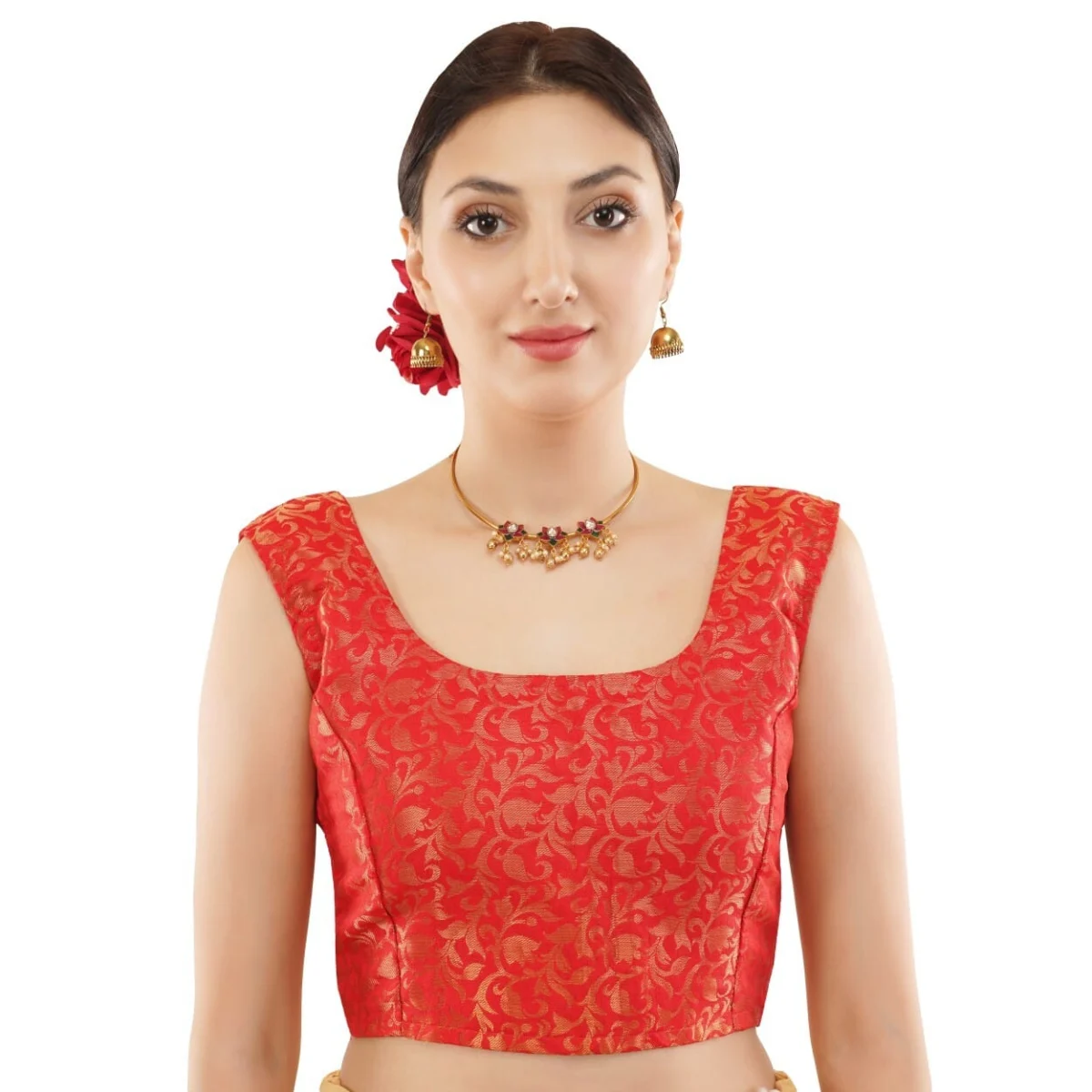
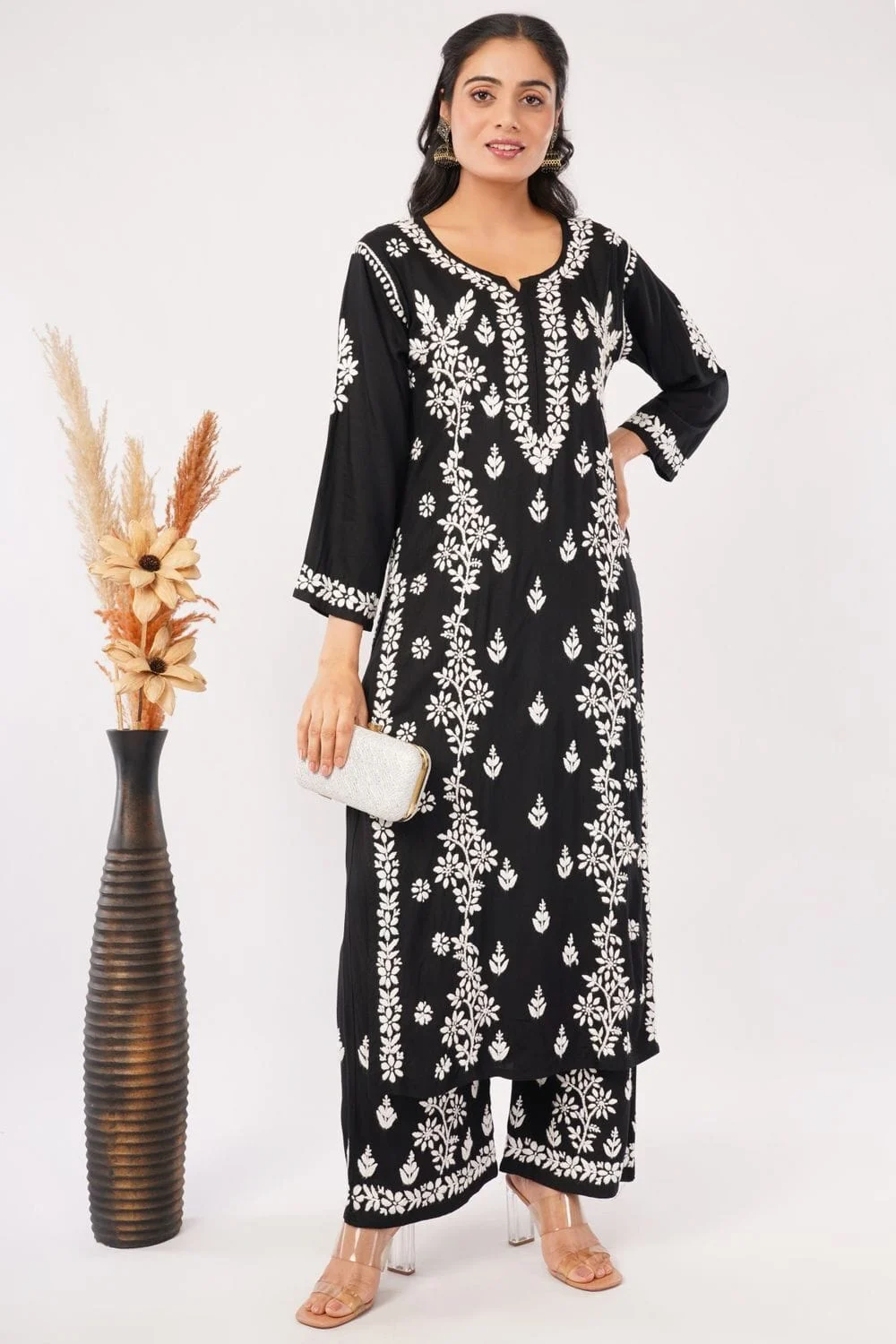
Winter EORS mixes two kinds of stock: heavy layers such as jackets, sweatshirts and shawls, and festive ethnic wear left over from the wedding season. Both are detail-heavy. Embroidery, zari and knit texture need a dedicated close-up, and a quilted jacket needs a side view that shows its real thickness. Build those frames into your template check now, because adding them after upload means another round of content review.
Shoot winter wear with broader, softer light, extra steaming time and a dedicated texture frame per SKU. Plan layered outfits so the item being sold is always the clear subject, and keep the exact crop and light setup from your existing collection.
Winter garments behave differently on set. Dark wool and velvet swallow light, so the same exposure that works on a cotton kurti leaves a black jacket looking flat and shapeless. Puffer jackets crease at the shoulder seams in storage, and a shawl slides off the model between frames. All of this adds minutes per SKU, which is why a winter batch needs a longer shoot plan than a summer one.
From the studio floor
For dark winter fabrics, Ckstudio moves from a single key to two large octaboxes at about 45 degrees either side of the model, plus a strip box behind for edge separation so a black jacket does not merge into its own shadow. We shoot on a full-frame mirrorless body with a 50mm or 85mm lens at around f/8 for front-to-back sharpness, tethered to a laptop so the stylist can check collar and sleeve fall on screen. Every knit or velvet SKU gets one extra macro frame of the texture.
This short clip shows how a marketplace apparel video is planned around the same front, side and detail logic as the still images, which helps when you add motion assets to sale listings.
New drops follow the same rule as reshoots: match the existing collection exactly. A shopper filtering by your brand during the sale should see one visual family, not three seasons of different lighting stitched together.
For most Myntra apparel, on-model images are the expected primary format, because they show fit. Ghost mannequin and flat lay work best as supporting frames or for categories where the template accepts them, and they are faster for large catalogue refreshes.
The format decision is about speed versus fit information. During Myntra EORS catalogue prep, a brand may have a long tail of SKUs that only need supporting images, plus a short list of hero styles that deserve a full model sequence. Matching format to purpose stretches the shoot budget without weakening the listings that carry the sale.
| Format | Best for | Strength | Watch out for |
|---|---|---|---|
| On-model | Hero apparel, ethnic sets, dresses, jackets | Shows fit, length and drape | Model size must match the sample |
| Ghost mannequin | Blazers, shirts, outerwear supporting frames | Shows shape and inner neckline, consistent at volume | Check your category template accepts it as a view |
| Flat lay | Kidswear, sets, accessories, detail and colour frames | Fast, clear colour and pattern read | Rarely suitable as the apparel hero on Myntra |
| Detail macro | Embroidery, knit, zari, hardware | Justifies price at sale time | Must match the colour of the hero frame |
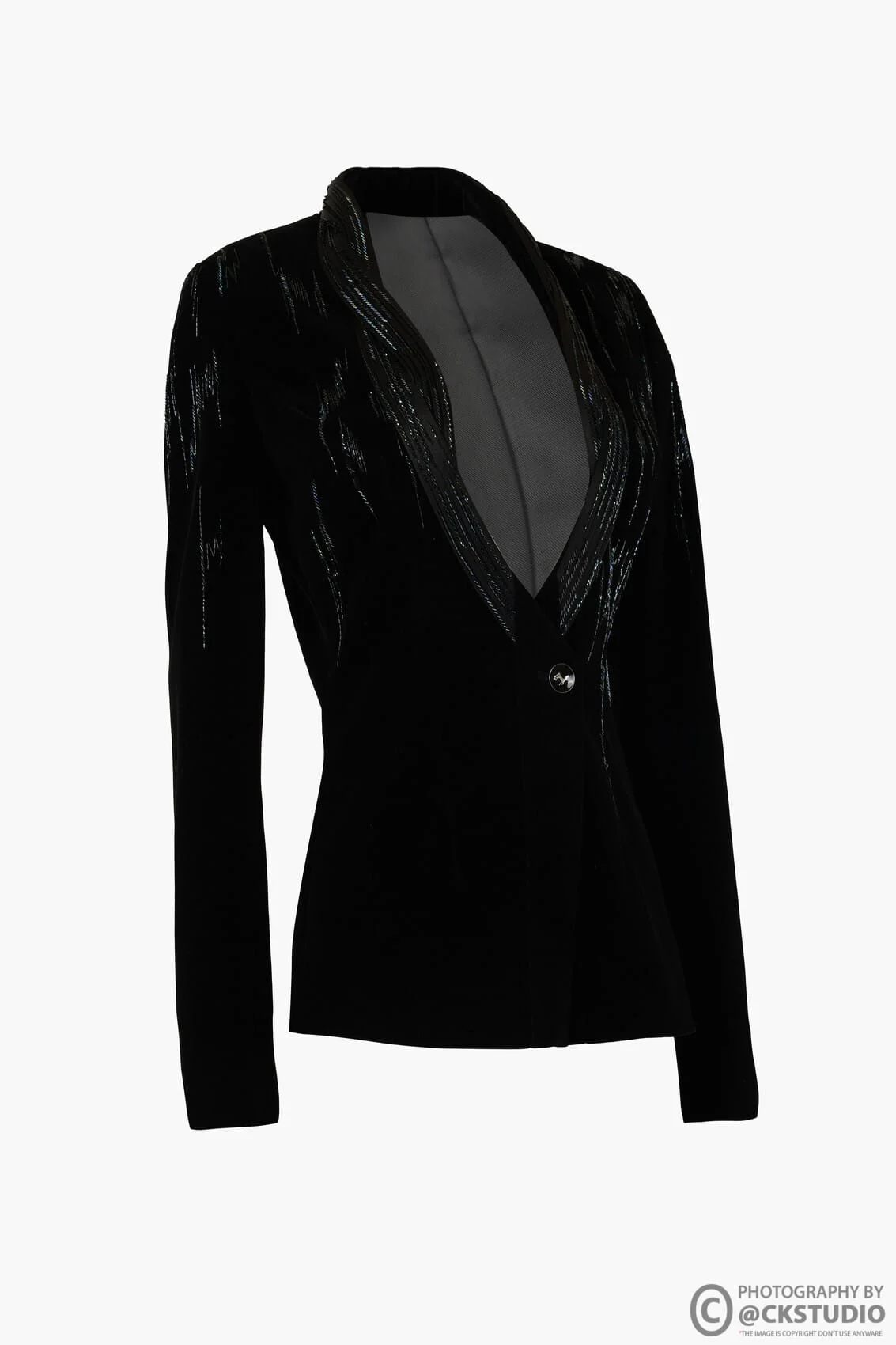
For outerwear and tailored pieces that need clean shape in supporting frames, ghost mannequin photography solves the consistency problem when dozens of jackets have to look identical in cut and posture across a sale category.
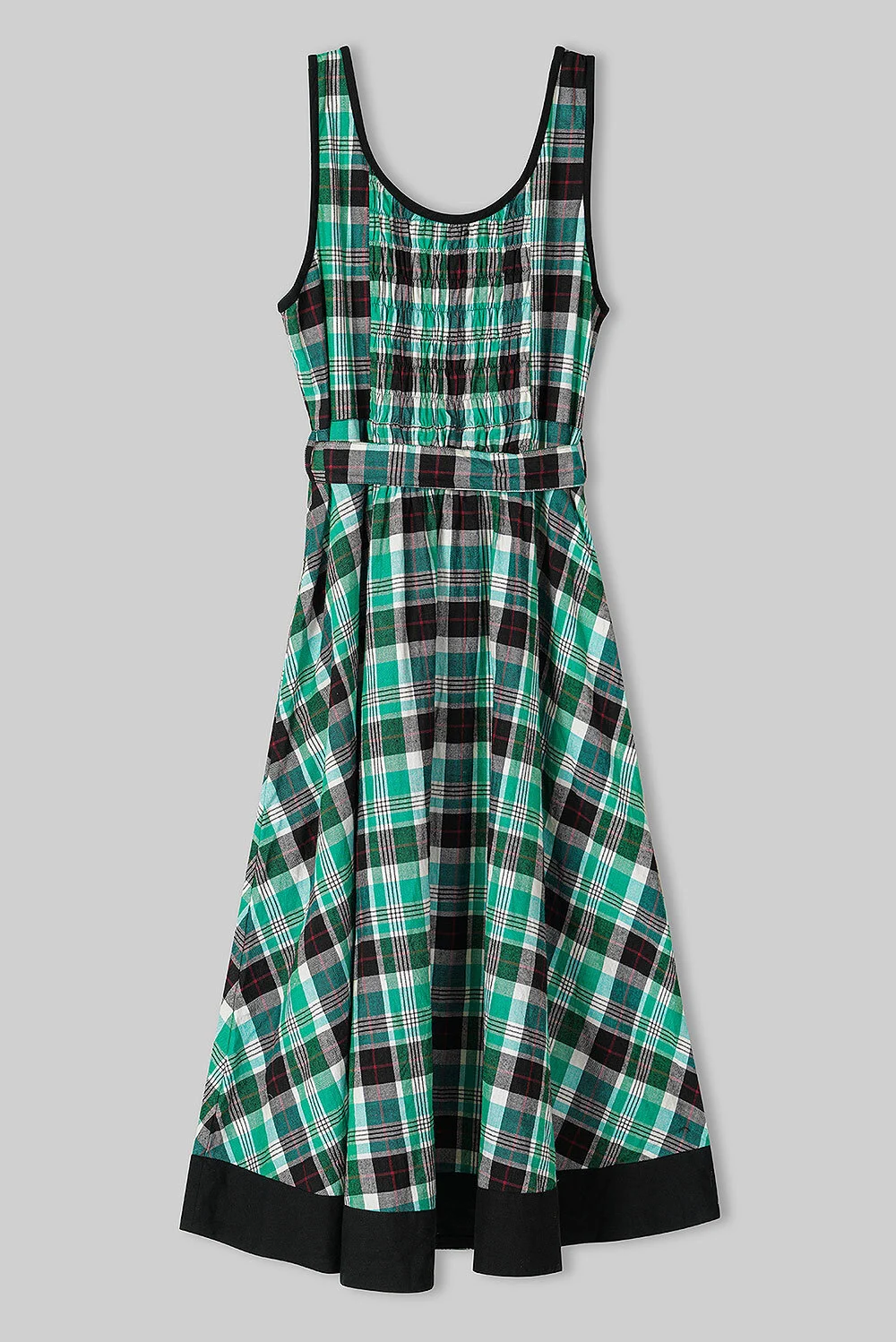
Never mix formats inside the hero position of one collection. If ten kurtas show a model in the first image and two show a flat lay, those two will look like a different brand on the sale grid. Use alternative formats in positions three onwards, where they add information instead of breaking the pattern.
Shoot with a colour reference in the first frame of every setup, retouch on a calibrated monitor against the physical garment and export in sRGB. Colour mismatch is one of the most common reasons fashion buyers return items, and sale volumes magnify it.
In e-commerce fashion, discounts bring in buyers who are new to your brand and who have no memory of how your fabric looks in real life. If the maroon kurta on screen arrives as brick red, the return is almost guaranteed. During a sale, that cost is multiplied by volume, and the reverse logistics hit your margin at exactly the moment discounts have already thinned it.
The fix sits in three places. On set, light must be consistent and neutral. In retouching, the editor needs the garment in hand, not just the raw file. In export, the colour profile must be the web standard: the International Color Consortium’s sRGB reference explains why this profile is the safe default for screens. Files left in a wide-gamut profile can look dull or oversaturated once a browser or app converts them.
From the studio floor
At Ckstudio, the first frame of every lighting setup includes a colour checker card held at garment height. Our retouchers build a custom profile from that frame, then compare each hero side by side with the physical sample under a 5000K viewing lamp before sign-off. Masters stay as 16-bit TIFF in Adobe RGB for archive, and marketplace exports go out as sRGB JPEG at high quality, named against the style code, so a re-export for the next sale needs no new edit.

If your old shoots are fine but the edits are uneven, colour-matched image retouching can rescue them without a new shoot, which is often the cheapest win in the whole sale plan.
Remove lint, loose threads, dust and creases that would not exist on a new garment. Do not slim the model, change print scale, brighten a fabric that is naturally muted or smooth away the knit texture of a sweater. Over-retouching passes the content check and then fails the buyer at the doorstep.
A typical mid-size refresh mixes a short reshoot list, a larger re-export list and a handful of new winter drops. Planning those three lists separately is what keeps the work inside a four-week window.
Example scenario
Example: a womenswear label has 40 live SKUs it wants in the winter sale. The audit shows 12 SKUs with only two or three images, 18 SKUs with good shoots but square files and inconsistent colour, and 10 new jackets and shawl sets not yet shot. The plan becomes 22 SKUs on set (12 gap reshoots plus 10 new drops, about five frames each, so roughly 110 model frames over two shoot days), 18 SKUs sent straight to retouch and re-export, and one upload batch in week two. These numbers are illustrative, not a client result.
The example shows why the audit matters. Without it, the label might have booked four shoot days for all 40 SKUs. With it, almost half the catalogue never goes near a camera, and the shoot days concentrate on the SKUs that actually lack images. Retouch and re-export can also start while the new drops are being shot, so two workstreams run in parallel.
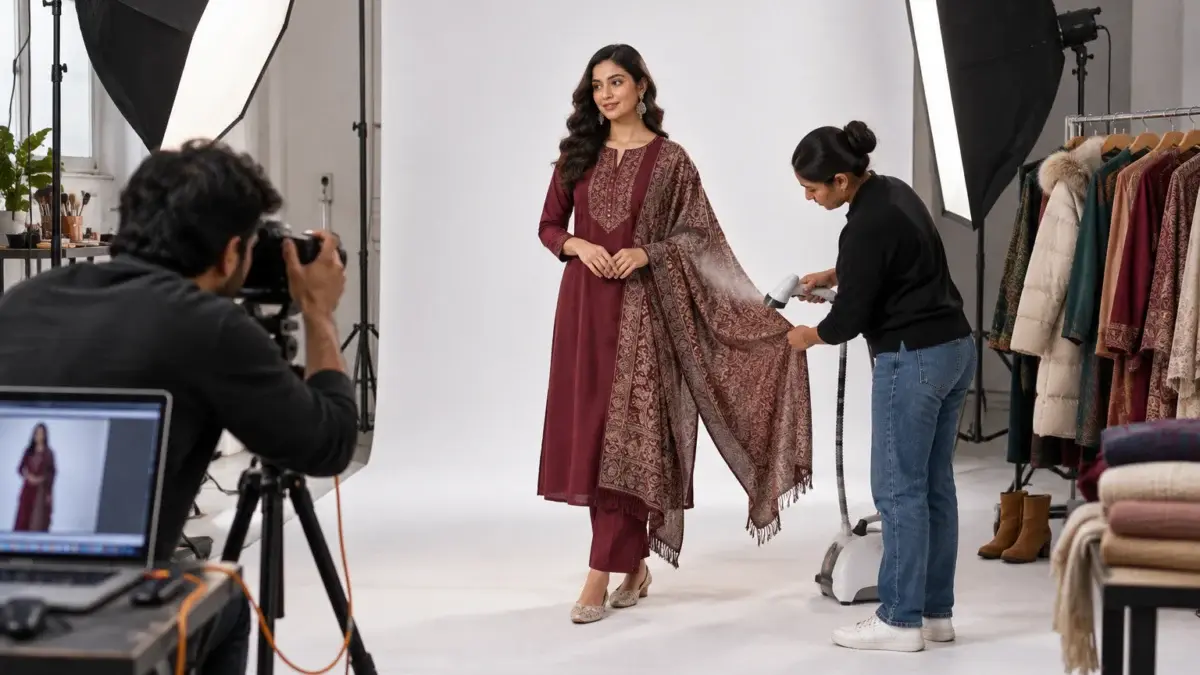
The short reel below gives a feel for how a fashion shoot day is paced in a working studio, from styling to the final frame.
New images and old attributes are a common mismatch: a reshoot shows a shawl styled with the set, but the listing still says “kurta and palazzo”. Update the attribute sheet in the same pass as the images. Our walkthrough of SKU attributes and size charts for Myntra shows how to keep both sheets tied to one style code.
For a refresh like this, Ckstudio delivers files foldered by style code with views numbered in upload order. If you want a second opinion on your audit sheet, send it to [email protected] or message +91-8700258773 on WhatsApp.
The costly mistakes are timing mistakes: starting late, uploading in the sale week and changing images on bestsellers while traffic is peaking. The rest are consistency and colour errors that a proper audit would catch.
From the studio floor
Our final QC pass before delivery checks 4 things on every file at 100 percent zoom: focus on the fabric at the chest line, a clean background edge with no halo, colour against the reference frame and the filename against the style code. A file that fails any one of the four goes back to the retoucher, not to the client, which keeps the upload week free of surprises.
If you are short on time, call +91-8700258773 and the Ckstudio team will tell you honestly which of your SKUs need a camera and which only need a re-export before the sale.
Myntra announces the winter EORS dates itself, and they were not confirmed at the time of writing. Plan your catalogue work to finish by the end of November so you are ready for an early-December start.
Start about six weeks before the expected sale date. That leaves time to audit, shoot, retouch, upload and fix any content-check rejections before traffic peaks.
Usually not. A proper audit separates SKUs that only need re-export or retouching from those that are missing views or use the wrong fit sample, and only the second group needs a new shoot.
Myntra lists image dimensions in each category template on the Partner Portal, and they can change. Shoot a high-resolution portrait master and export to the exact size your current template states.
Only after re-exporting them in portrait format from the original master. Square marketplace files usually crop badly on Myntra and break the look of the sale grid.
Ckstudio audits your listings, shoots on-model, ghost mannequin and flat lay frames to the live template, and delivers colour-matched files named by style code. Email [email protected] or call +91-8700258773 to plan the batch.
Sale traffic rewards preparation. A seller who audits in early November, shoots only the gaps, retouches against the real garment and uploads two weeks ahead walks into the December sale with a catalogue that looks complete and trustworthy. Good Myntra EORS catalogue prep is less about volume and more about order: audit, shoot, retouch, export, upload, freeze. Prince’s advice to every fashion brand is simple: decide your reshoot list this week, not next month.
Next step: once your files are uploaded, learn how to read and fix content-check feedback quickly with our guide to fixing Myntra QC image rejections.
Share your SKU list and the categories you sell, and the Ckstudio team will map out what needs a reshoot and what only needs a re-export. See how we handle Myntra catalogue shoots, write to [email protected] or WhatsApp +91-8700258773.
Call Prince: +91-8700258773