Fashion Photography Services
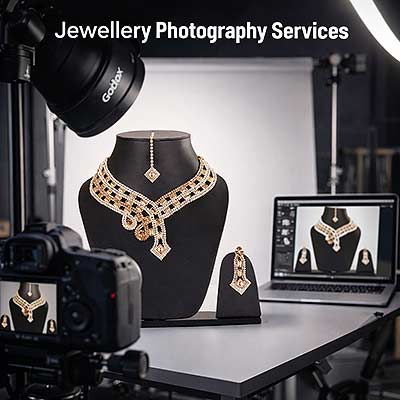
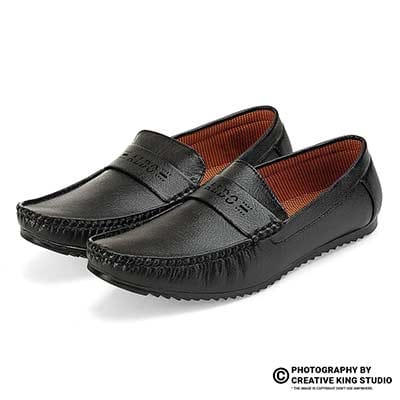
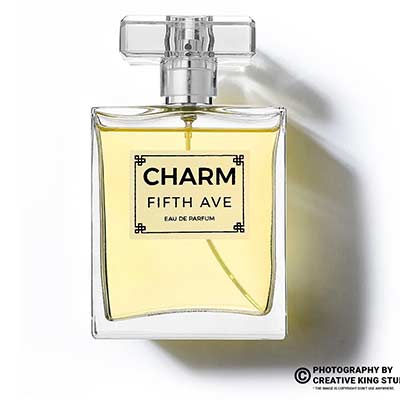
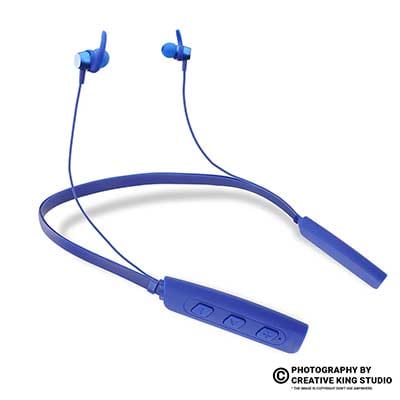
E-commerce Photography
The aspect ratios, hook timing, file formats, caption files and cutdowns to write into every creator brief, so one shoot feeds Reels, Meta ads and your listing gallery.
Getting the UGC video specs right is the cheapest way to stop paying twice for the same creator video. Most D2C brands brief the script, the creator and the product, then discover after delivery that the file is the wrong shape for Reels, the hook is buried, captions are burned in where the CTA button sits, and the marketplace upload rejects the format. At Ckstudio our UGC video creation for ecommerce work starts from the delivery list, not the camera, because the specs decide how the scene is framed on shoot day.
This checklist is written for D2C marketers and ecommerce founders who commission creator content and want to know exactly what files to expect. Prince, founder and lead photographer of Ckstudio, has been shooting marketplace catalogues and product video from Delhi NCR for years, and the rules below are the ones our editors actually export against. Placement specs move every few months, so treat every number here as a starting point: this guide was written in November 2026, and the final check against Meta and your marketplace help pages belongs on the day you sign the brief.
In this guide
UGC video specs are the technical delivery terms of a creator video: shape, length, hook position, resolution, file format, caption files and the number of cutdowns. They belong in the brief because they change how the creator is framed and paced on shoot day, and most of them cannot be fixed in the edit.
A script tells the creator what to say. The specs tell the camera operator and editor what to deliver. When the two are separated, the usual result is a beautiful horizontal take that loses the creator’s hands when it is cropped to 9:16, or a 58-second testimonial that has no clean 15-second version because the product only appears at second 11. Those are not editing problems; they are briefing problems.
We split UGC video specs into three layers so nothing is forgotten. The first is placement specs: where the video will run (Reels, Stories, feed ads, YouTube Shorts, a listing gallery) and therefore which aspect ratio and length it needs. The second is file specs: resolution, frame rate, codec, container and colour. The third is package specs: captions, subtitle sidecar files, music-free versions, raw footage and how many hooks or cutdowns come out of one take.
Whoever uploads the files should sign off the specs. In a small D2C team that is usually the performance marketer for ads and the catalogue manager for marketplace listings. If those two people never see the brief, expect a re-export round. A useful habit is to paste the placement list from your ad account and the video section of your marketplace’s seller help page straight into the brief, with the date you checked them.
Specs also protect the creator. A creator who knows the video must work at 9:16 and 1:1 will hold the product lower and closer to centre, avoid gestures at the frame edge, and leave a beat of silence before the CTA so the editor has a clean cut point. Tell them up front and the whole shoot gets easier, whether it is shot on a phone at home or on a two-camera setup in an e-commerce studio.
Vertical 9:16 is the master shape for Reels, Stories and YouTube Shorts; 1:1 or 4:5 suits feed ads; and 16:9 or 1:1 is the safer shape for most marketplace listing galleries. Ask for every shape you will run, and confirm each one in the platform’s own spec page before the shoot.
Meta’s Ads Guide is the reference for Facebook and Instagram placements, and it lists 9:16 as the shape for Reels and Stories. Feed placements accept square and vertical shapes, which is why most brands deliver a 4:5 or 1:1 version alongside the vertical master. Ckstudio’s own UGC deliverables are built around three shapes, 9:16, 1:1 and 16:9, because those three cover nearly every placement an Indian D2C brand buys.
| Placement | Shape to request | Why |
|---|---|---|
| Instagram and Facebook Reels | 9:16 vertical | Full-screen placement; anything wider gets letterboxed or cropped |
| Stories | 9:16 vertical | Same full-screen frame, shorter attention window |
| Feed ads | 4:5 or 1:1 | Takes more vertical space in the feed than 16:9 |
| YouTube Shorts | 9:16 vertical | Vertical short-form player |
| Marketplace listing gallery | 16:9 or 1:1 | Most gallery players are landscape or square; confirm per marketplace |
The practical rule is to shoot for the tallest shape and protect the widest one. If the creator is framed for 9:16 with room either side, a 1:1 crop is easy. A 16:9 version needs either a second camera framed wide or a deliberately loose vertical frame. Decide which before the shoot, because a phone-only creator cannot produce a clean 16:9 listing video from a tight vertical selfie.
Write the shapes as a list in the brief, for example: “Master 9:16 at 1080 x 1920, plus 1:1 and 16:9 versions of the 30-second cut.” That one line prevents most of the re-export requests we see from brands who arrive with footage shot elsewhere.
Put the product or the problem on screen within the first two seconds, and deliver several fixed lengths rather than one long video. A 15-second, 30-second and 45 to 60-second cut from the same take covers Stories, Reels ads and listing pages without reshooting.
The hook is a spec, not just a creative idea, because it decides where the editor can cut. We write the hook timing into the brief as “product visible by 0:02, problem stated by 0:03”. On a vertical feed the viewer decides to stay or swipe before any voiceover finishes its first sentence, so the opening frame must already show something: the product in hand, the before state, the texture, the result.
Duration ranges follow the placement. Ckstudio delivers UGC in 15, 30, 45, 60 and 90-second lengths, and most ad testing plans only need the first three. YouTube’s help pages describe Shorts as vertical videos of up to three minutes, but a selling Short rarely needs that long. Listing videos can run longer, because a shopper who presses play on a product page has already shown intent; a 45 to 60-second demo that shows fit, texture and usage is usually more useful there than a 15-second hook reel.
The cheapest test variable is the first three seconds. One body of the video plus three different openings gives you three ads for very little extra shoot time. Brief it as “3 hooks x 1 body x 2 lengths” and the editor knows to leave a clean join point after each hook. Our hook, problem, product, CTA script framework explains how to write those openings; this checklist only fixes where they sit on the timeline.
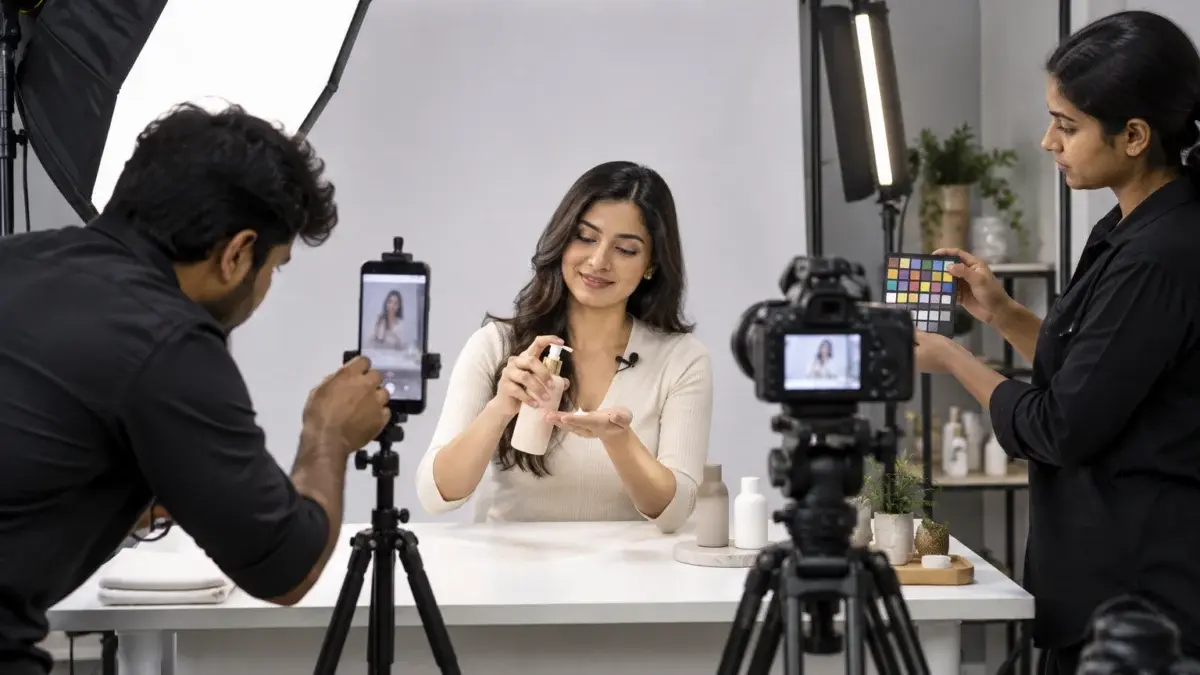
The behind-the-scenes cosmetic shoot below shows how a studio crew builds a short product video in fixed beats, with the product on screen from the first frame and separate close-ups that later become cutaways for shorter edits.
Notice that every close-up is held long enough to survive a cut in either direction. That spare second at the head and tail of each shot is what makes a 15-second cutdown possible later.
The safe zone is the central part of the vertical frame that is not covered by the app’s interface. Keep the product, the creator’s face and every caption inside it, and leave the bottom band and the top strip free, because that is where the caption text, CTA button and profile name are overlaid.
Reels and Stories place the account name and audio label near the top, and the caption, CTA button and action icons along the bottom and the right edge. A product held at chest height by a seated creator usually lands right under the CTA button. Meta publishes safe-zone guidance and templates in its Ads Guide, and those templates should be the overlay your editor checks against, because the exact margins change as the apps are redesigned.
Safe zones matter more for UGC than for studio ads because creators naturally frame themselves as they would for a selfie: face high, product low. Write the safe-zone rule into the brief in plain words: “product and face in the middle of the frame; no burned-in text in the bottom quarter or the top strip; keep the right edge clear of key detail.”
From the studio floor
On our UGC set the vertical phone or camera feed goes to a monitor with a safe-zone overlay taped on as a transparent sheet, so the creator and the operator see the dead areas live. We seat the creator so the product sits at mid-frame height, usually a 30 to 40 cm product table raised under the hands, and we keep a 10 to 15 cm gap between the product and the right-hand edge where the action icons sit. Captions are added in the edit, never burned in by the creator’s phone app.
A 1:1 feed version has fewer overlays, but the crop from a vertical master cuts off the top and bottom, so headroom and the product table edge must be inside the middle square. For 16:9 listing videos the gallery player adds its own controls along the bottom, so a lower-third price tag or offer text belongs higher in the frame, or nowhere at all, since many marketplaces discourage promotional text in product media.
A simple test catches most safe-zone mistakes: before approval, the brand watches each cut on a phone, inside the actual app preview or ad preview tool, not on a laptop timeline. If any word or the product disappears under the interface, the file goes back to the editor.
Ask for a 1080 x 1920 vertical master (or 4K where the shoot supports it), a consistent frame rate of 25 or 30 fps, H.264 video in an MP4 container with AAC audio, and Rec.709 colour. MP4 and MOV are the formats Meta’s Ads Guide recommends and Ckstudio’s UGC exports use.
Resolution is the easy part: full HD in the target shape is enough for every social placement, and 4K is useful mainly when you want to crop a 16:9 and a 9:16 out of the same frame. Frame rate is where footage from different creators often clashes. If one creator records at 30 fps and another at 24 fps, the cut between them stutters, so the UGC video specs should name one rate for the whole campaign. Slow-motion inserts can be shot at 50 or 60 fps and conformed in the edit.
| Item | What we request | Note |
|---|---|---|
| Resolution | 1080 x 1920 vertical master; 1080 x 1080 and 1920 x 1080 versions | 4K capture when two shapes come from one camera |
| Frame rate | 25 or 30 fps, constant | Same rate for every creator in the campaign |
| Container and codec | MP4, H.264 | MOV accepted as a master; MP4 for upload |
| Audio | AAC stereo, 48 kHz | Plus a music-free version |
| Colour | Rec.709, graded | No phone beauty filter on product shots |
| File naming | brand_sku_shape_length_hook_version.mp4 | Sorts cleanly in the ad account |
From the studio floor
For multi-shape delivery Ckstudio runs two rigs on the same take: a phone or mirrorless body locked vertical for the 9:16 master, and a full-frame mirrorless camera, typically the Canon R8 used on our UGC set, framed wide at 16:9 in 4K for the listing version. Both record at 25 fps, white balance is set manually from a grey card, and a lavalier mic feeds a separate recorder at 48 kHz so the audio can be synced to either camera.
Ask for file names that describe the content. A name like serum_SKU12_9x16_15s_hookB_v2.mp4 tells the media buyer the shape, length and hook without opening the file, and it makes the creative report readable months later.
Ask for two versions of every cut, one with styled burned-in captions and one clean, plus an SRT subtitle file and a music-free audio mix. That set lets you run captions inside the safe zone, upload platform captions where supported, and swap music without re-editing.
Many people watch short-form video with the sound off, so captions are part of the message, not decoration. But burned-in captions are permanent: if the wording breaks a platform rule or sits under the CTA button, the whole file is unusable. A clean version plus an SRT sidecar file keeps the edit flexible, and a Hindi or Hinglish subtitle file can be added later for regional ad sets without touching the picture.
Music licensing is the other trap. A track that is fine inside the Instagram app’s library may not be cleared for paid ads or for a marketplace listing. The safe UGC video specs line is: “deliver every cut with licensed or royalty-free music, plus a version with voice and effects only.” The voice-only version is also what most listing galleries want, since many shoppers browse product pages without sound anyway.
Ask for raw footage separately and decide whether you need it. Raw clips are useful for future edits, but they are large and they carry usage-rights questions. Agree in writing what the raw files can be used for and for how long, alongside the edited cuts.
Marketplace listing videos follow the seller help pages, not social media rules: usually a landscape or square MP4 or MOV in full HD, showing only the product being sold, with no external links, phone numbers or competitor references. Check the current video section of Seller Central or your seller dashboard before export.
Amazon sellers upload listing videos through the video upload tool in Amazon Seller Central India, and the eligibility, length and content rules sit in its help pages. Flipkart, Myntra and Meesho publish their own media rules inside their seller dashboards. What they share is a focus on the product: a UGC video that works brilliantly as a Reel can fail a listing review because the creator mentions a discount code, shows a website address or compares the product with a named competitor.
| Marketplace | Shape we deliver | Content to avoid | Where to confirm |
|---|---|---|---|
| Amazon | 16:9 master, 1:1 backup, MP4 | Website URLs, contact details, discount codes, competitor names | Seller Central help: video upload |
| Flipkart | 16:9 or 1:1, MP4 | Offer text, external links, other brands | Flipkart Seller Hub help |
| Myntra | 9:16 and 1:1 for fashion | Promotional text overlays, off-brand styling | Myntra partner portal guidelines |
| Meesho | 9:16 or 1:1, MP4 | Contact details, links, misleading claims | Meesho supplier panel help |
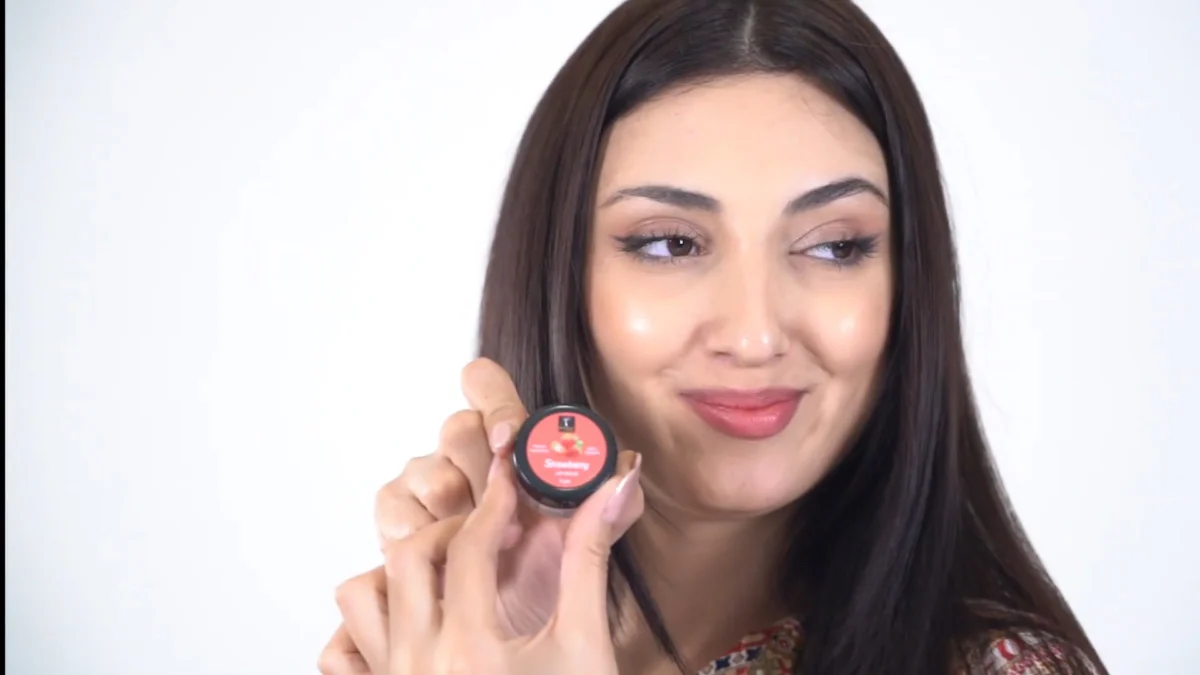
Treat the shapes above as Ckstudio’s delivery defaults, not marketplace rules; the binding rule is whatever the seller help page says on the day you upload. The video below shows a studio crew shooting sunglasses for marketplace listings, with the product isolated on a clean set so the same footage passes a listing review and still works as social content.
The practical fix is a separate “listing cut” in the brief: the same footage, re-edited without the creator’s discount mention, the end card or the social CTA, and exported in the marketplace shape. It costs one extra edit, not one extra shoot.
Plan the cutdowns before the shoot: name every final file in the brief, shoot each beat as a separate clean take with spare frames at both ends, and capture vertical and landscape at the same time. Then the editor assembles Reels, ad variants and the listing cut from one session.
One shoot day is cheaper than three only if the deliverables are listed in advance. A brand that asks for “a few UGC videos” gets whatever the editor thinks is best. A brand that writes “2 x 9:16 Reels, 3 hooks x 15 s ad cuts, 1 x 16:9 listing video, all with clean and captioned versions” gets an editor who shoots coverage for each. When the listing version and the social versions both have to look polished, it is often simpler to treat the session as product video production with creator talent, rather than relying on a single phone take.
Example scenario
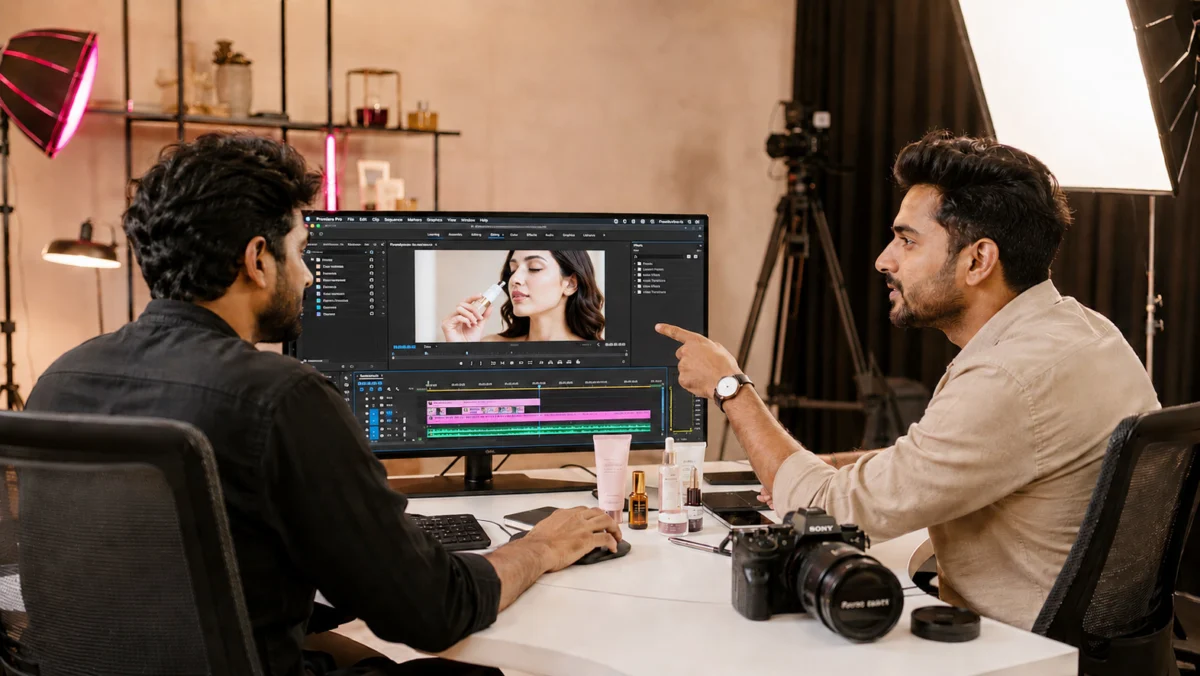
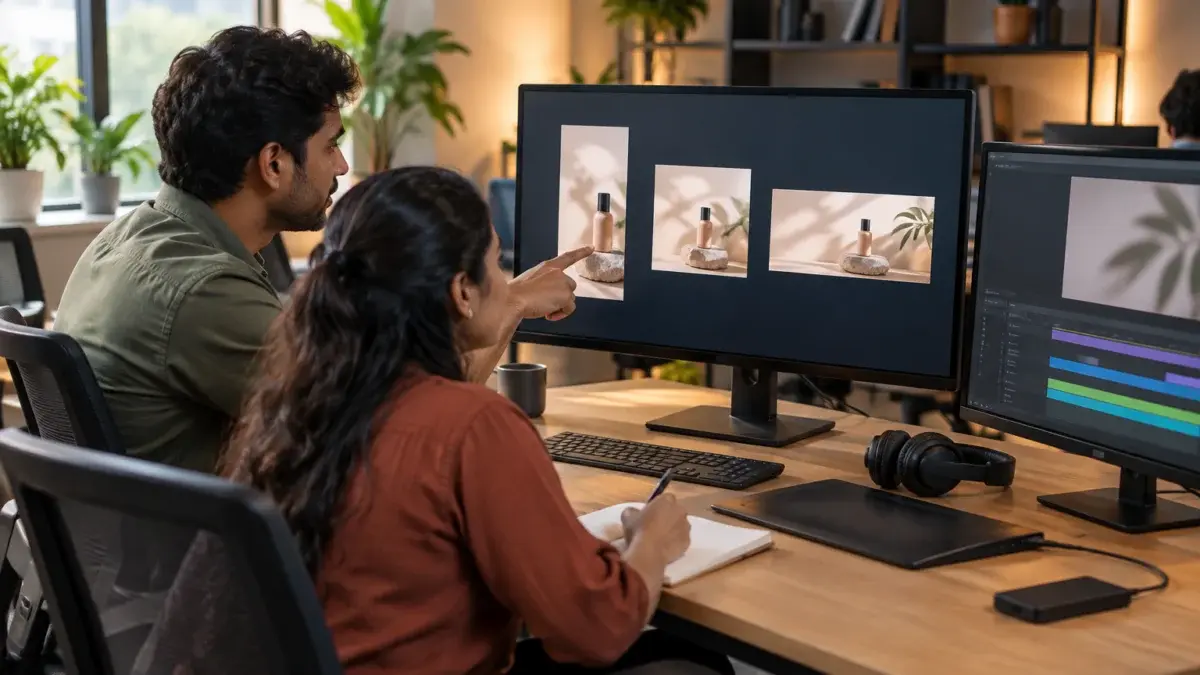
Example: a skincare brand with 12 SKUs wants Reels, Meta ad tests and listing videos for its four hero products. The brief lists, per hero product, one 30-second 9:16 Reel, three 15-second ad cuts sharing one body with three hooks, and one 45-second 16:9 listing video. That is 5 finished cuts per hero product and 20 in total, each in a captioned and a clean version, so 40 files from a single shoot day planned around four product tables. These numbers are illustrative, not a client job.
If you want to see how a studio-led session compares with sourcing separate creators for each format, our breakdown of studio video versus UGC Reels budgets walks through when each route makes sense.
The final checklist covers placements, shapes, lengths, hooks, file specs, caption and audio versions, raw footage, naming and a phone-based QC pass. Paste it into the brief, have the creator or studio confirm it in writing, and check each delivered file against it before payment.
From the studio floor
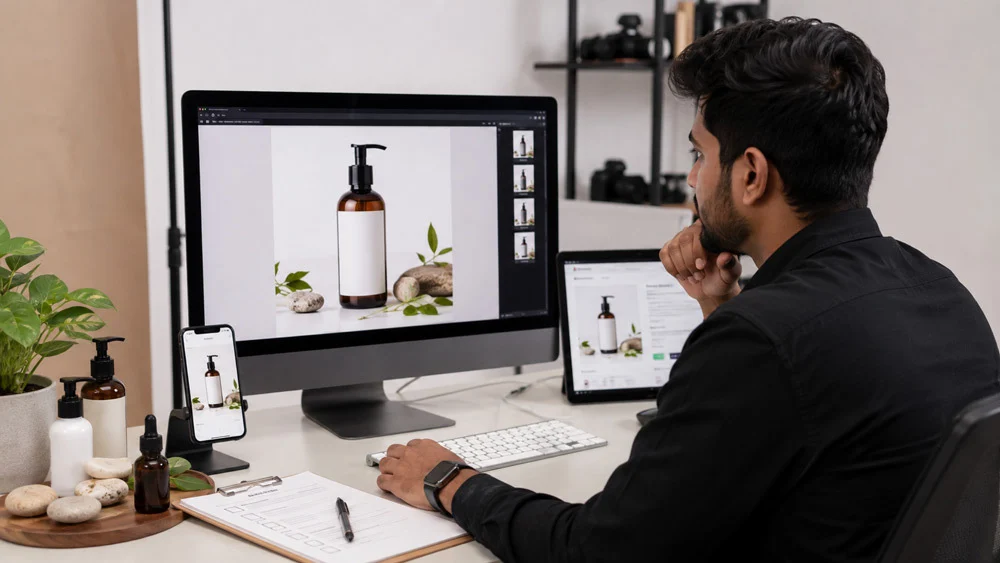
Our QC pass on a UGC batch has four checks per file: play it on a phone inside the app preview to test the safe zones, compare the product colour against the physical pack under 5600K light, read every caption against the label, and confirm the file name, shape and length match the delivery list. A 20-cut batch is checked file by file, never by spot sample.
Request a vertical 9:16 file at 1080 x 1920, an MP4 with H.264 video and AAC audio, a constant frame rate, and captions placed inside the safe zone. Confirm the current numbers in Meta’s Ads Guide before the shoot.
Use 9:16 for Reels and Stories placements and 4:5 or 1:1 for feed placements. Most brands deliver a 9:16 master plus one feed shape so the same ad can run across placements.
For ads, 15 to 30 seconds with the product on screen in the first two seconds works for most tests. Listing videos can run 45 to 60 seconds because the viewer is already on the product page.
Ask for MP4 with H.264 video for upload, and accept MOV as a higher-quality master. Add a clean version without captions and an SRT subtitle file so the edit stays flexible.
The footage can, the edit usually cannot. Instagram cuts often include discount codes, social CTAs and trending audio that marketplace reviews reject, so brief a separate listing cut in a landscape or square shape.
Only if you will re-edit it. Raw clips are large and carry usage-rights terms, so state in writing whether raw files are delivered, where they may be used and for how long.
Clear UGC video specs turn a creator shoot into a predictable set of files: the right shapes, a hook where the editor can cut it, captions that stay out of the interface, and a listing version the marketplace will accept. Ckstudio plans every UGC session from that delivery list, and Prince is happy to review your current brief before you book creators. Call +91-8700258773, message us on WhatsApp at +91-8700258773 or email [email protected] with your placement list.
Send Ckstudio your placements and SKU list, and we will return a shot plan with the exact cutdowns, shapes and files. Call +91-8700258773, WhatsApp +91-8700258773 or write to [email protected].
Call Prince: +91-8700258773Next step: turn this spec list into a one-page brief your creator can sign off, using our UGC creator brief template for Indian brands.