Fashion Photography Services
E-commerce Photography
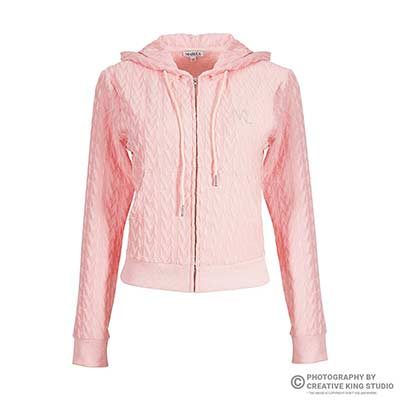
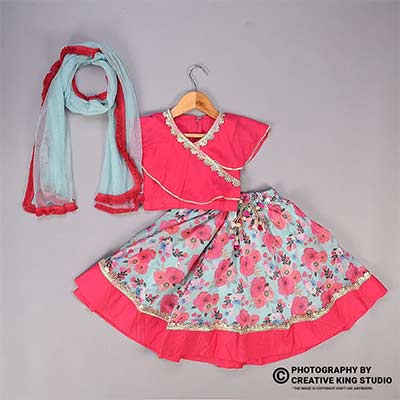
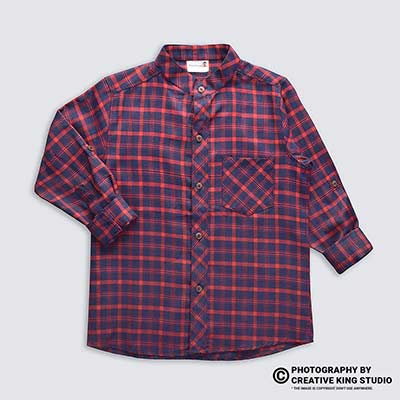
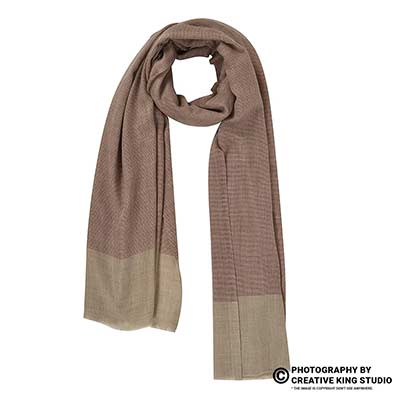
Front, back, side, detail and on-body frames — which ones each apparel category needs, why repeated zoom crops fail review, and a shot list you can hand to any studio.
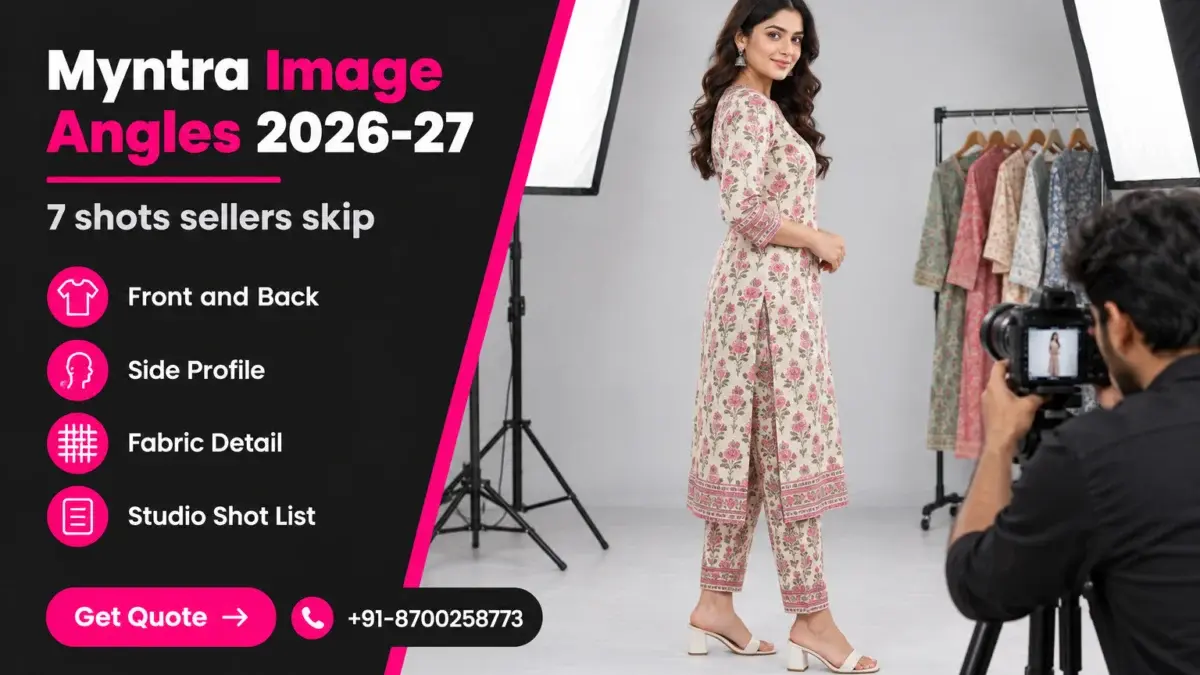
Getting your Myntra image angles right is the quiet difference between a kurta that goes live on the first upload and one that sits in a hold queue for a week. Most apparel sellers do not fail on lighting or retouching; they fail because the image set repeats one view three times and leaves out the side profile or the fabric close-up a shopper needs. This guide sits inside our Myntra seller hub, at the stage where your listings are built but some keep coming back.
We will walk through the angle set each apparel category needs, why a stack of zoomed crops fails catalogue review, the size and ratio basics you should confirm in the Partner Portal, how to read the listing status report when an angle is the problem, and a shot list you can hand to a photographer. Everything here comes from how Ckstudio plans fashion and e-commerce shoots for Myntra, Ajio and Flipkart sellers, and where a marketplace rule is involved we point you to the official source instead of guessing a number.
In this guide
Myntra image angles are the distinct views of one garment that together describe it fully: front, back, side, a fabric or construction detail, and usually an on-body or styled frame. A listing is held when the set is incomplete or when several images show the same view, because catalogue reviewers cannot confirm fit, length or construction from what was uploaded.
Think of the image set as a fitting-room conversation. The front image answers “what does it look like”, the back answers “is there a zip, a yoke, a print on the back”, the side answers “how long is it and how does it fall”, and the detail frame answers “what is the fabric and the finish”. A shopper on a phone swipes through those questions in seconds. When one answer is missing, the shopper either asks the question in a return or leaves the page.
Catalogue review works on the same logic. A reviewer checking an apparel listing looks for the views that describe the article type and for consistency across the set — same garment, same colour, same light. If image two and image three are the same front view cropped tighter, the reviewer sees a five-image set that only carries three answers. That is why sellers often see a listing go into a pending or hold status even though every individual photo is sharp and correctly sized.
A phone cover can be understood from two views. A kurta, a co-ord set or a pair of trousers cannot, because drape, length and fit change with every angle. Myntra is a fashion-first marketplace, so the catalogue expectations lean towards model-led sets with clear front, back and profile frames, unlike general marketplaces where a single white-background hero carries most of the weight. The Myntra apparel photos that convert are the ones that let a buyer judge fit without reading the size chart twice.
The practical takeaway is simple: before you look at file sizes or retouching, count the distinct views in each set. If any set has fewer distinct views than images, you already know where the hold is coming from.
Every apparel set needs a front hero, a back view and at least one side or three-quarter profile, followed by a detail frame of fabric, print or closure. Bottoms add a waistband close-up, ethnic sets add a dupatta or styling frame, and layering pieces add an open-and-closed view.
The table below is the angle map we use while planning a Myntra apparel shoot. It is not a copy of a marketplace rule sheet — Myntra’s article-type guidance lives inside the Partner Portal and changes by category — but it reflects the views reviewers and buyers both expect. If your current set misses a cell marked “required”, that is the first reshoot to plan, and it is where professional Myntra product photography pays for itself, because the missing view is planned into the shoot rather than patched after a hold.
| Category | Front | Back | Side / 3-4 | Detail frame | Extra frame |
|---|---|---|---|---|---|
| Kurta, kurti, kurta set | Required, full length | Required | Required, shows length and slit | Neckline embroidery or print | Dupatta draped / styled frame |
| Tops, shirts, t-shirts | Required | Required | Recommended | Collar, button or fabric weave | Tucked or styled frame |
| Dresses | Required, full length | Required, zip visible | Required, shows flare and hem | Fabric texture or print scale | Movement frame |
| Jeans, trousers, palazzos | Required | Required, pockets visible | Required, shows rise and fall | Waistband and closure | Hem or ankle close-up |
| Jackets, shrugs, blazers | Required, closed | Required | Recommended | Lining or hardware | Open front frame |
| Co-ord sets | Required, full set | Required | Recommended | Fabric close-up | Top and bottom as separates |
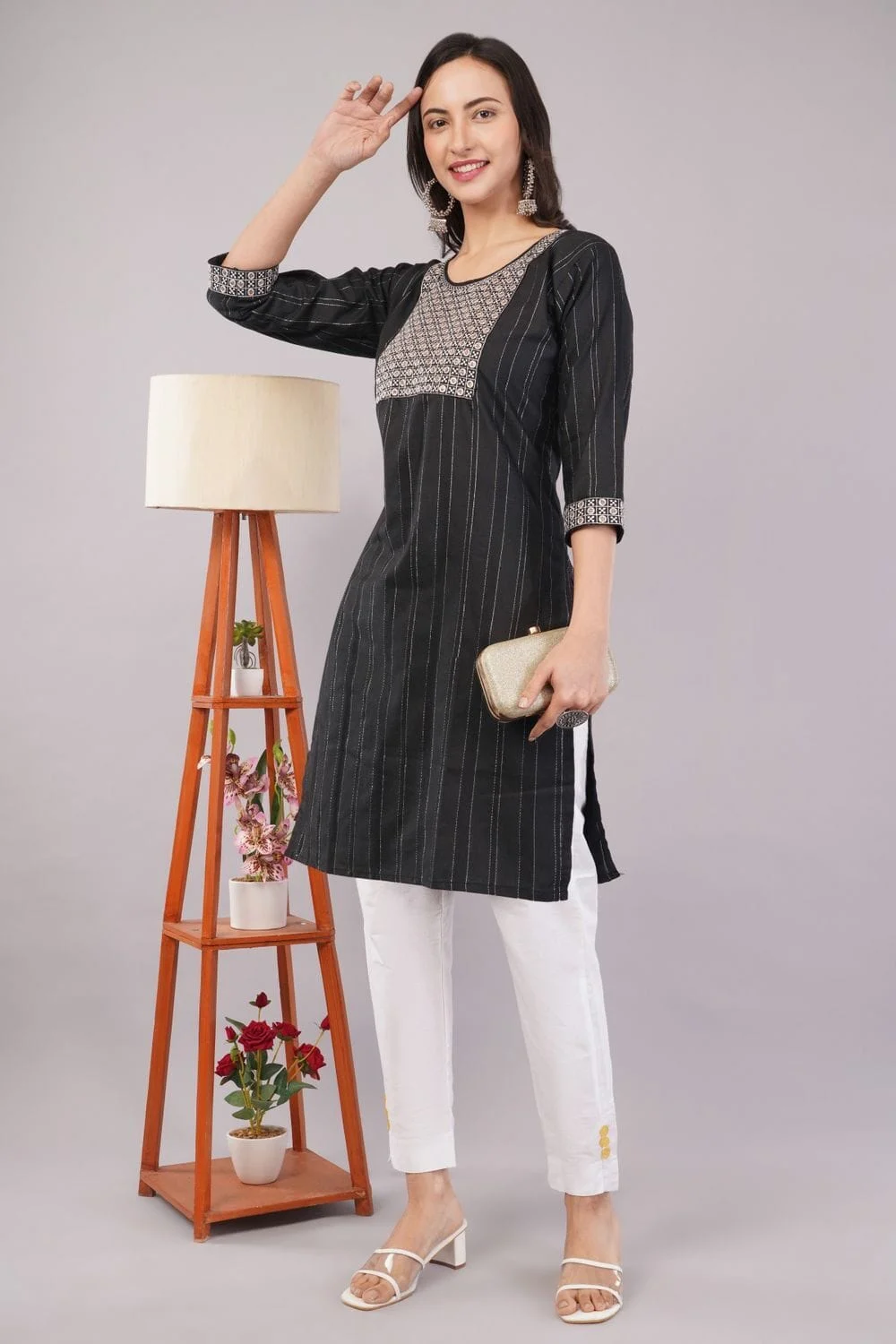
Count views, not files. A tight set of five distinct views usually describes a kurta better than eight images where three are crops of the front. Check the current maximum and minimum image count for your article type in the Partner Portal, then fill it with the angle map above. When a style comes in several colours, each colour needs its own complete set; reusing the front of one colour and the back of another is a common cause of a colour mismatch flag in Myntra QC image rejection reports.
Sellers who also list on Ajio or Flipkart can shoot all views once and export per-marketplace crops later, as long as the framing leaves enough space around the garment for every ratio they need.
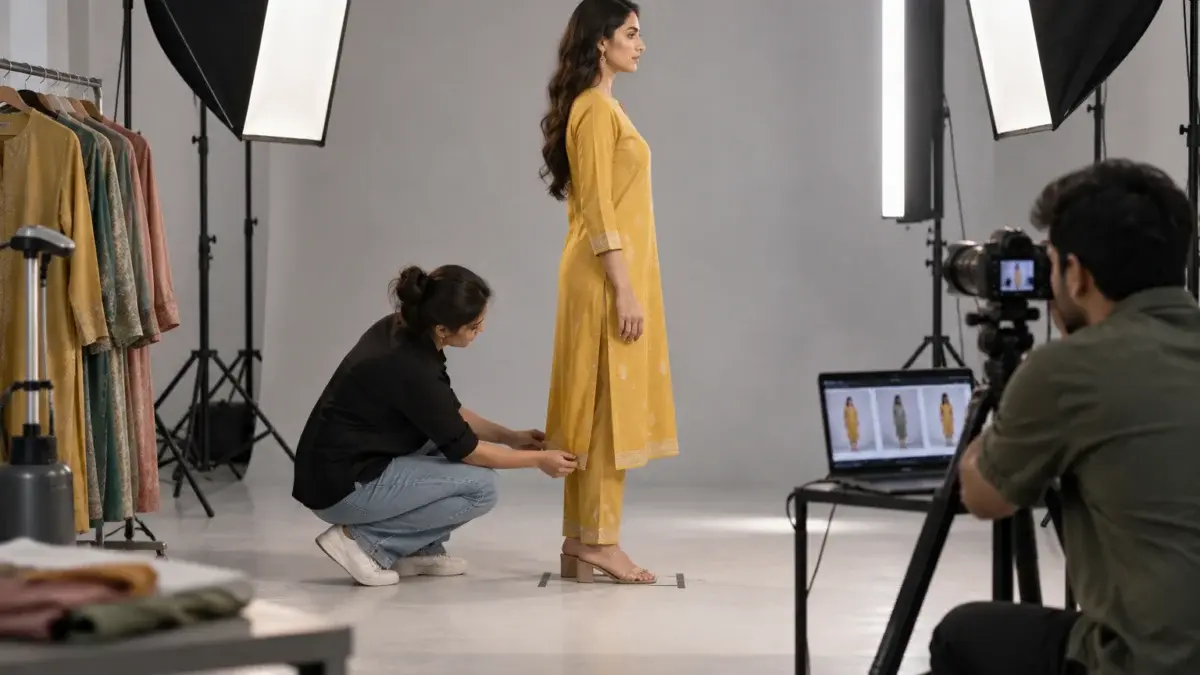
The side view is skipped because it feels redundant on set and because it is the hardest frame to make flattering. Yet it is the only angle that shows length, drape and fit through the body, so a missing Myntra side view image is one of the most common reasons an apparel listing is held or returned.
On a rushed shoot day the model does front, turns around for the back, and the team moves to the next style. A true side profile needs the model to rotate ninety degrees, the stylist to re-pin the garment, and sometimes the light to be adjusted because one side of the body now faces away from the key light. That is three extra minutes per SKU, which across a sixty-SKU day becomes three hours — so it quietly gets dropped.
The cost of dropping it shows up later. A kurta with a high side slit, a dress with an A-line flare or trousers with a cropped length look almost identical from the front to a straight-cut version. Buyers who cannot see the profile guess, and wrong guesses come back as “did not fit as expected” returns. Seller-guide writers who track Myntra listing holds also flag the side view as the angle most often missing from apparel sets.
From the studio floor
At Ckstudio we tape four marks on the floor for every model set: front, 90-degree side, back and a 45-degree three-quarter. The camera stays on one tripod at roughly chest height with a 50mm lens, about 4 metres from the model, so the garment is the same size in every frame. The model rotates on the marks; the camera never moves. That one habit removes most scale and perspective mismatches before retouching even starts.
A three-quarter frame is more flattering and often becomes the second image in the set, but it does not replace a clean profile for fitted or flared garments. For kurtas, dresses and trousers we shoot both: the three-quarter for appeal and the 90-degree side for honest length. For boxy t-shirts and shirts, a three-quarter usually carries enough information on its own.
Here is what a marketplace-ready apparel video shoot looks like when every angle is planned — notice how the garment is shown turning, which answers the same questions a side still does.
Repeated zoom means uploading several crops of the same front image as if they were separate views. It inflates the image count without adding information, so reviewers see a set that still lacks back, side or true detail frames, and shoppers see the same picture three times.
The mistake usually starts with good intentions. A seller has one strong front frame, the upload screen asks for more images, and the quickest fix is to crop the neckline, crop the sleeve and crop the hem from that same file. Each crop is lower in resolution than the original, the lighting and pose are identical, and the buyer learns nothing new. A real detail frame is shot separately, closer to the fabric, with light raked across it to show weave, embroidery depth or print scale.
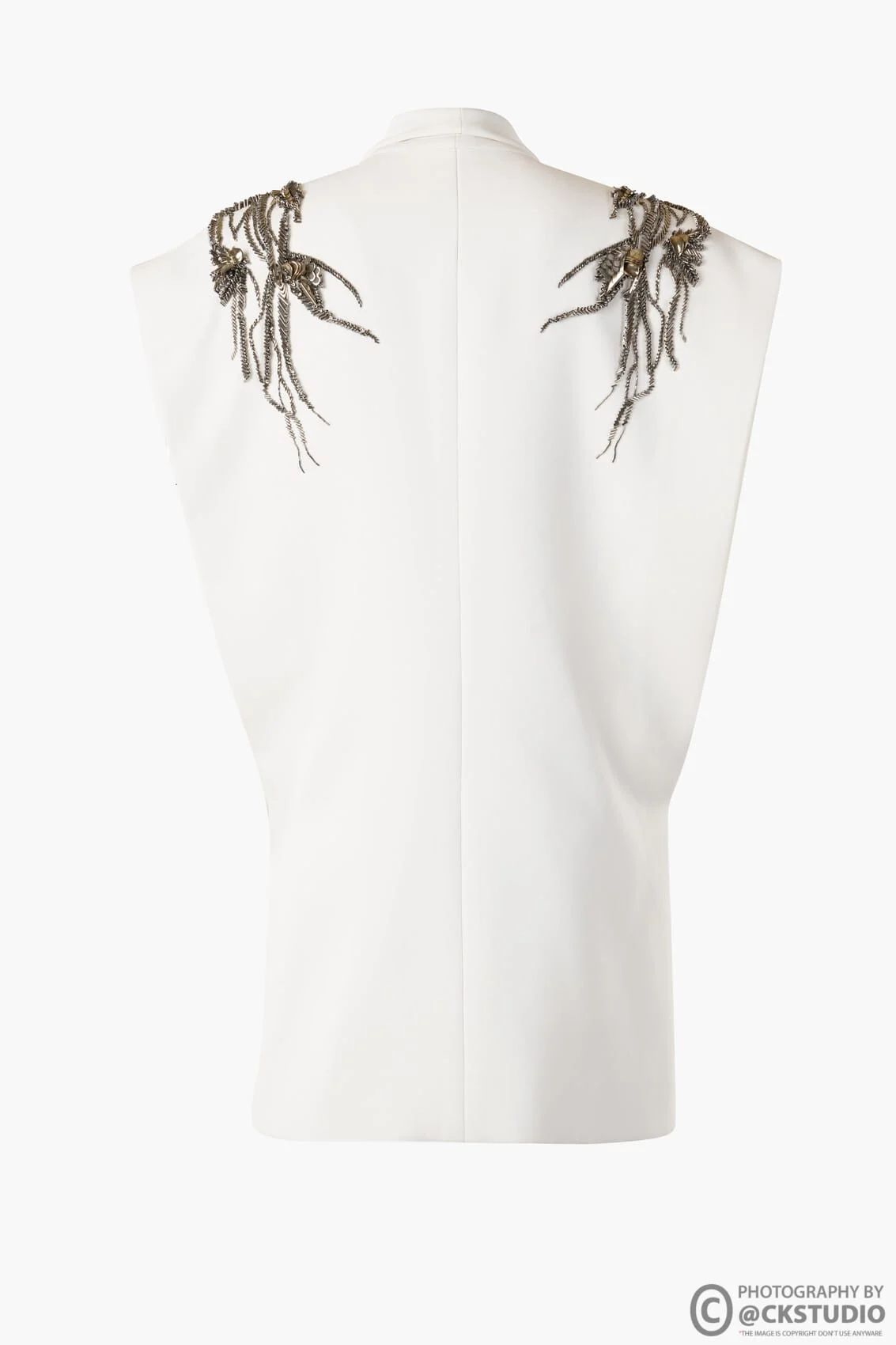
If you are unsure whether a set suffers from this, line up the thumbnails in a row. Any two thumbnails that look alike at thumbnail size are, for a shopper, the same image. Replace one of them with a missing angle from the map in the previous section.
Ckstudio retouchers run this thumbnail test on every Myntra batch before delivery, because it catches duplication faster than reading file names.
Confirm the current aspect ratio, minimum resolution, file format and background rule for your article type inside the Myntra Partner Portal before you export. Seller guides widely describe Myntra apparel images as portrait 3:4, but rules are revised, so treat the portal as the only source of truth and never guess a pixel number.
Angles and sizes interact. A side view framed tightly for a square marketplace will lose the hem or the head when cropped to a portrait ratio, which is why we frame every angle with generous space top and bottom. If you plan for Myntra 3:4 images, shoot a little wider than the final crop so every view can be exported at the same scale.
| What to check | Why it matters for angles | Where to verify |
|---|---|---|
| Aspect ratio (commonly described as 3:4 portrait) | Every view must be cropped to the same ratio and scale | Myntra Partner Portal catalogue guidelines |
| Minimum resolution | Detail frames must survive zoom without upscaling | Partner Portal, per article type |
| Image count range | Decides how many distinct views you can show | Partner Portal upload screen |
| Background and presentation | All angles in one set should share it | Partner Portal style guide for the category |
| Colour profile | Keeps shade identical across angles on screen | Export in sRGB; see the sRGB note below |
For colour, we export every view in sRGB, the standard web colour space described by the International Color Consortium, because browsers and phone screens assume it. A front exported in Adobe RGB and a back exported in sRGB can look like two different shades of the same kurta, which a reviewer may read as a colour mismatch.
Our longer Myntra photography guidelines post covers background, model and retouching rules in depth; this guide stays focused on which views to shoot and how to keep them consistent.
Name each export by style code, colour and view — for example STYLE123_BLACK_01_FRONT, _02_SIDE, _03_BACK, _04_DETAIL. Upload order then matches the angle map, and anyone on your team can spot a missing view from the folder alone.
Open the listing status report, filter for held or rejected styles, and read the remark against each one. Remarks that mention missing views, duplicate images, wrong product shown or colour mismatch almost always trace back to the angle set, not to retouching.
Many sellers treat every rejection as a quality problem and send files back for heavier editing. That wastes a round. The remark column tells you what kind of problem it is, and angle problems need a reshoot or a re-sequence, not more retouching.
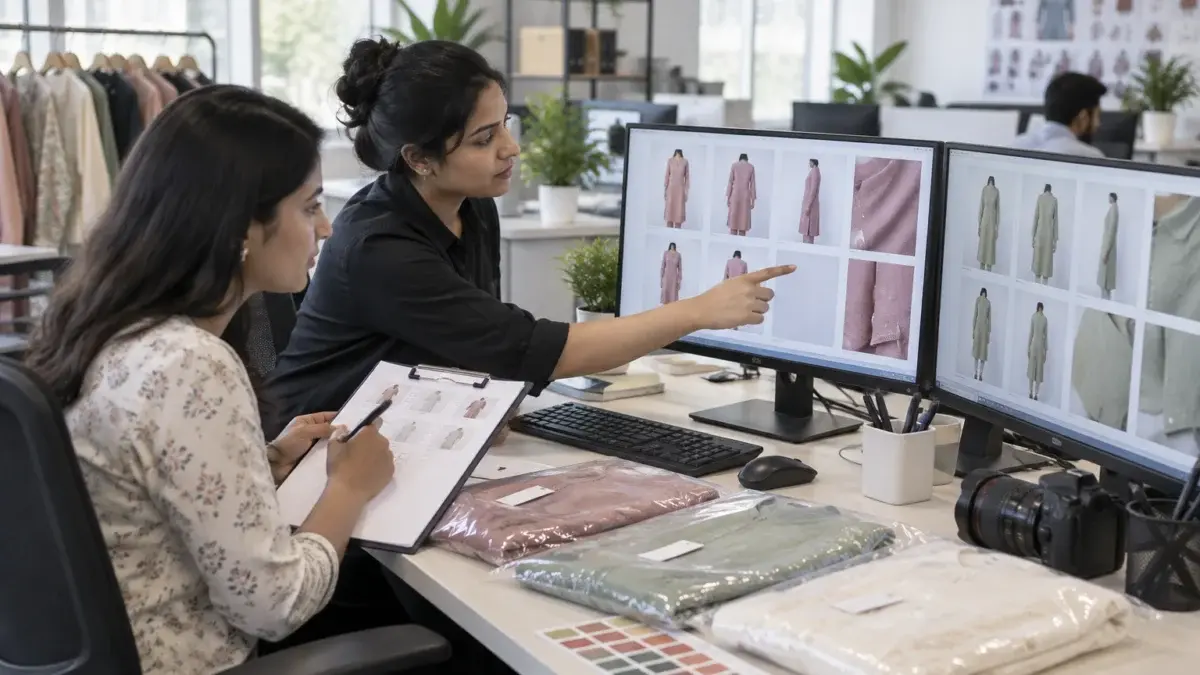
“Duplicate image” is the clearest signal of repeated zoom. “Colour mismatch” usually means one view was shot on another day or another colour variant. “Image not clear” on an otherwise sharp set often points to an upscaled crop being used as a detail frame. “Product not visible” on a back view usually means hair, a dupatta or a hand is covering the construction. Each of these maps to a specific line in your shot list.
Keep a running log of remarks per category across batches. When the same remark repeats in one category, the fix belongs in the shot list for that category, not in the retouching brief, and ecommerce teams that track this see the same mistake disappear within a cycle or two.
Lock the camera, the lights and the white balance for the whole set, and move only the model. Plan poses as a fixed sequence per category so every style in a batch shows the same views in the same order with the same light falling on the garment.
Inconsistency between angles is what makes a set look stitched together. If the front was shot with the key light on the left and the back with the model rotated into shadow, the garment will look a shade darker from behind. Buyers notice; reviewers notice faster because they see hundreds of sets a day.
From the studio floor
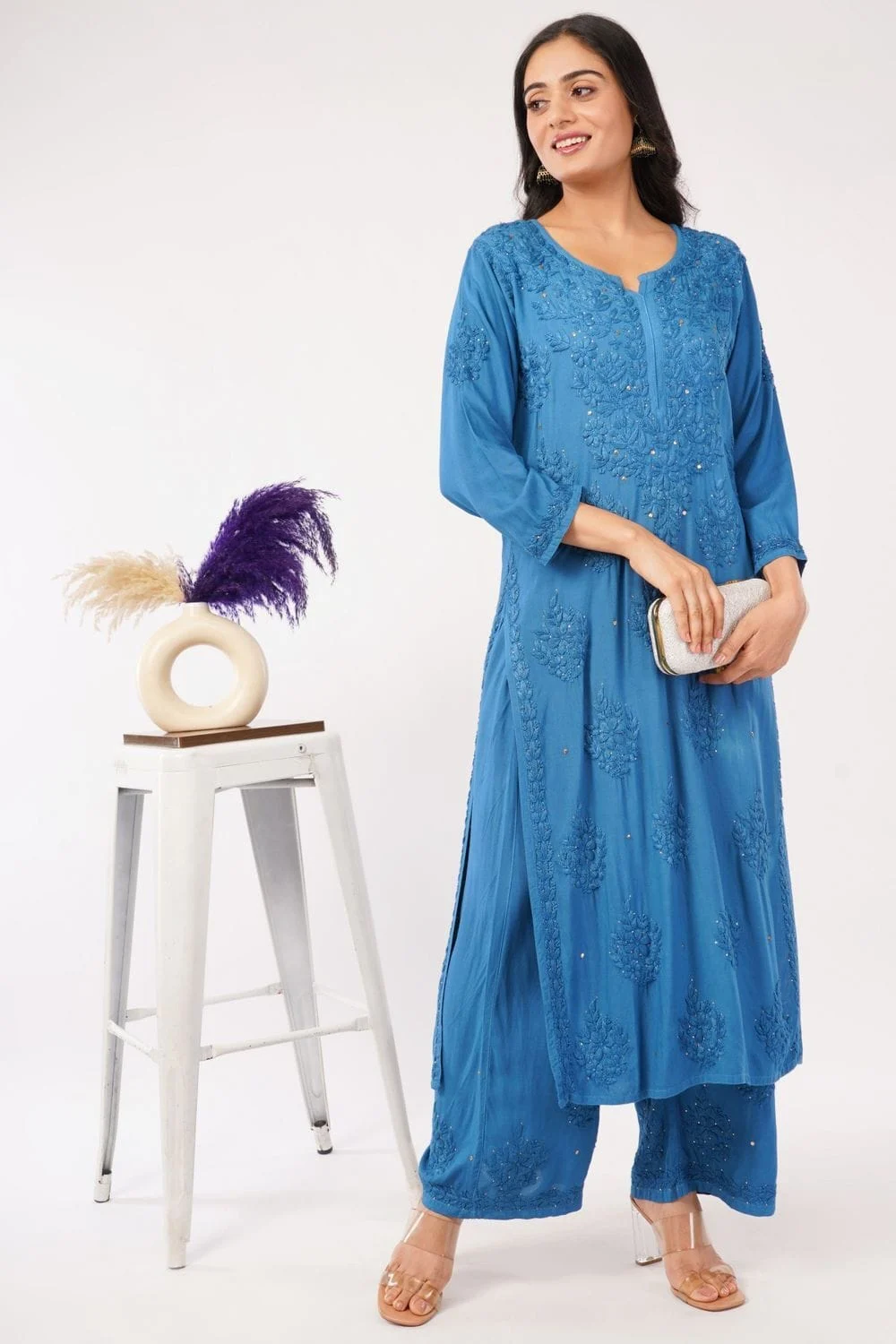
For Myntra apparel sets we light with two large octaboxes at about 45 degrees either side of the camera and a strip softbox behind the model for edge separation, at roughly a 1:1.5 key-to-fill ratio so the side profile does not fall into shadow. White balance is set once from a grey card at the start of each category and not touched again. A colour checker frame is shot at the start of every new colour so the retoucher can match front, side and back to the same shade.
Before the shoot, the stylist writes a pose card per category: kurtas get front relaxed, three-quarter with hand away from the slit, 90-degree side, back with hair moved forward, and a seated or walking styled frame. Every model follows the same card, so a Myntra on-body model shot of style 12 matches style 40 in the same batch. For detailed pose ideas, our Myntra model photoshoot guide lists poses by garment type.
Prince’s rule on set is simple: if a pose hides the garment, it is a styling shot, not an angle. It can stay as an extra, but the core views must show the product cleanly.
This behind-the-scenes clip shows how a marketplace accessory shoot keeps light and position fixed while the product is turned through every angle — the same discipline applies to apparel.
Hand over a shot list that names every view per category, the order of upload, the colour variants, and the file naming. A studio can then plan light and models once per category and deliver complete, consistent sets instead of patching missing views after a hold.
Use this as your Myntra image checklist for each style before it reaches the studio. It works whether you shoot in-house or book professional apparel photography, and it keeps everyone on the same page about what “complete” means.
Example scenario
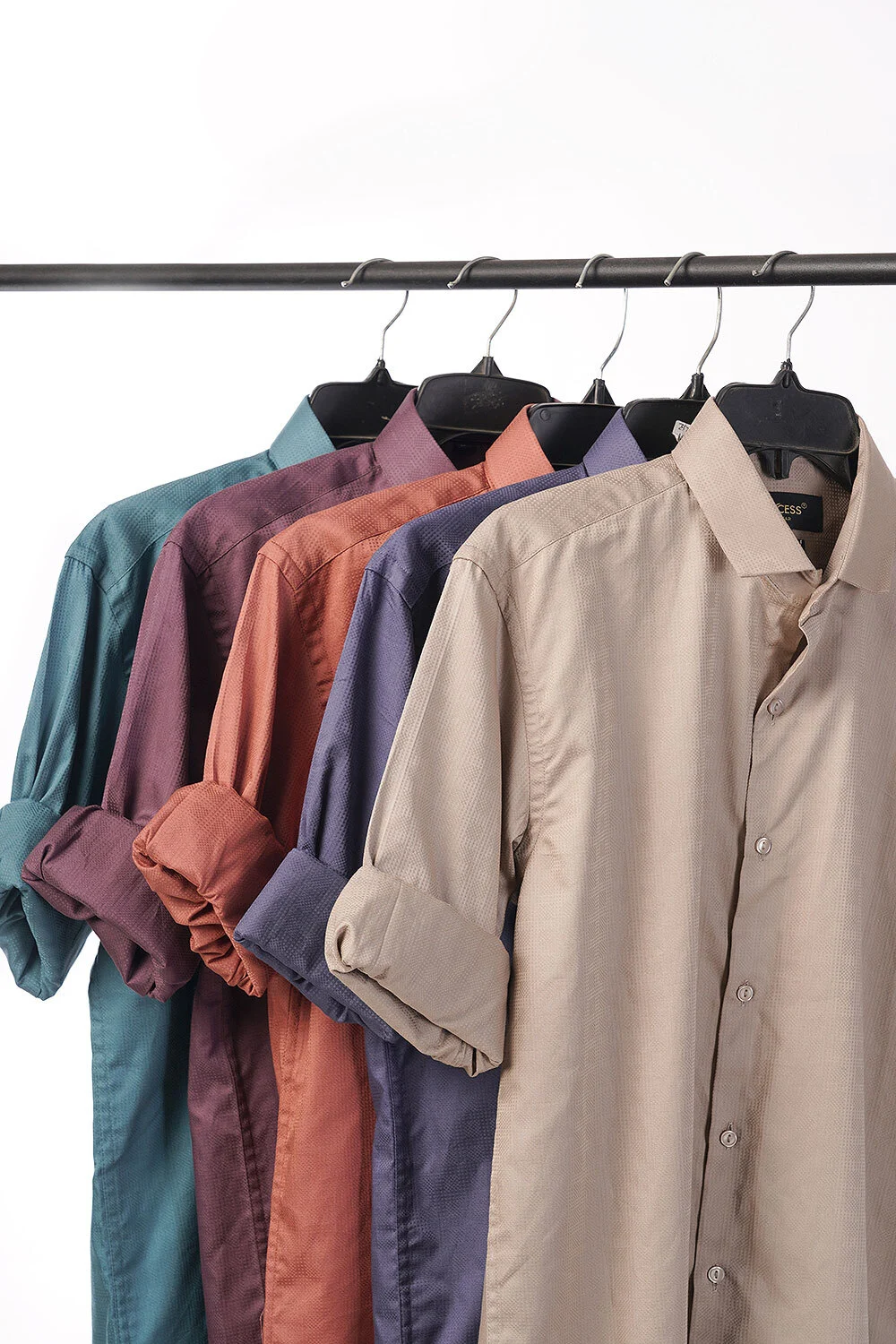
Example: a 40-SKU kurta catalogue in 3 colours each needs 120 complete sets. At 6 distinct views per set that is 720 planned frames, plus one colour-checker frame per colour change. Grouping by category and colour means the studio sets light 3 times instead of 40, and the shot list makes a missing side view visible on set rather than in the status report. These numbers are illustrative only.
From the studio floor
Before a Myntra batch leaves the studio, our QC pass checks four things per style: 6 views present against the shot list, identical crop scale across views (we overlay the front and back at 50% opacity), sRGB JPEG exports named in upload order, and one folder per colour. Steaming happens before the front frame and again before the back, because creases from the first pose show up clearly in the back view.
If you want help building or shooting this list, call +91-8700258773 or send the style sheet to [email protected] and the Ckstudio team will map each article type to its views before quoting.
Plan for front, back and a side or three-quarter profile on every apparel style, plus a fabric or construction detail. The exact count and any category extras are set per article type in the Myntra Partner Portal, so confirm them there before you shoot.
Avoid it. Crops of the same front image add no new information, often lose resolution, and can trigger duplicate-image remarks. Shoot a separate detail frame closer to the fabric instead.
Holds are often about the set, not single photos. A missing back or side view, two near-identical frames, or one view in a different shade can hold a listing even when each file is technically perfect.
Seller guides widely describe Myntra apparel images as portrait 3:4, but confirm the current ratio and minimum resolution for your article type in the Partner Portal. Export every view of a set at the same ratio and scale.
Most fashion categories lead with on-body frames, but some styles are listed on ghost mannequin or flat lay. Whatever presentation you choose, keep it the same across every angle within one set.
Send a shot list per category naming each view, upload order, colour variants and file naming. Ckstudio can review your style sheet on WhatsApp at +91-8700258773 and map views before the shoot.
Most angle problems are planning problems. When the shot list names every view and the studio holds camera and light steady, a complete set is the default rather than the exception, and the hold queue stops eating your launch dates. Start with the styles currently held, map their missing views against the table above, and reshoot by category.
Prince and the Ckstudio team have shot fashion catalogues for Myntra, Ajio and Flipkart sellers since 2015. Share your held styles on WhatsApp at +91-8700258773 or email [email protected] and we will tell you which views are missing.
Next step: once your angle set is complete, work through the remaining remark types in our guide to fixing Myntra QC rejection image errors.
Ckstudio plans every view per category, locks light across angles and delivers SKU-wise folders in upload order. Call Prince to share your style sheet.
Call Prince: +91-8700258773