Fashion Photography Services
E-commerce Photography
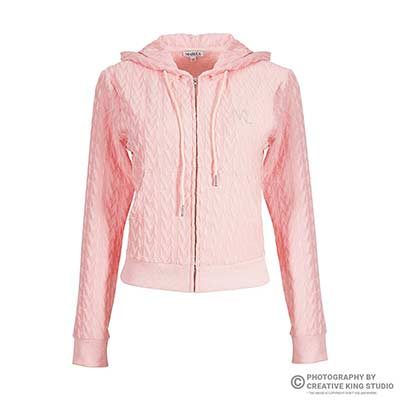
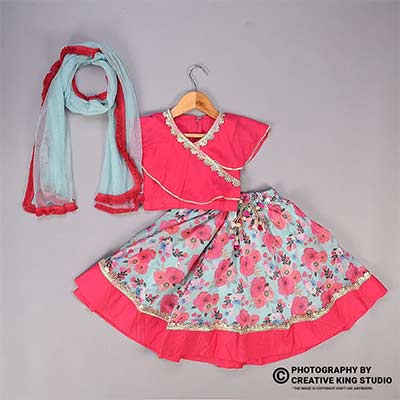
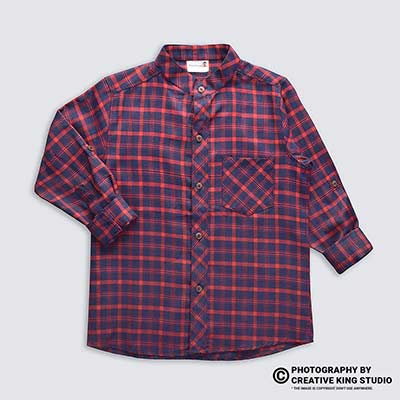
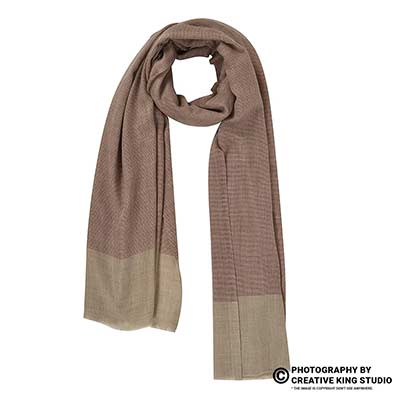
Where a hollow-garment shot helps an apparel listing, where it gets flagged, and how a hybrid set keeps quality check on your side.
A Flipkart ghost mannequin image looks like the cheapest way to photograph a clothing range: no model fee, no styling day, and every garment shows its full shape on a clean backdrop. The catch is that the most widely quoted Flipkart apparel guideline says mannequin images are not allowed, and sellers rarely know whether that line covers an invisible mannequin, a visible dress form, or both.
This guide is part of our Flipkart seller guide hub, and it answers one question only: when can an apparel listing on Flipkart carry ghost mannequin frames, and when is a model shot the safer choice? Prince, founder of Ckstudio, sees the same pattern every season: a seller shoots an entire range on a hollow form, a handful of listings get flagged at quality check, and nobody can say whether the mannequin, the background or the crop caused it. The checks below separate what is written down from what is assumed.
In this guide
The most specific public version of Flipkart’s apparel image rules states that mannequin images are not allowed, that front and back views are mandatory, and that a light grey background with a soft shadow is required. These rules are published by an integration partner, not on an open Flipkart page, so they describe what Flipkart has asked for rather than a guarantee for every vertical.
Flipkart keeps its detailed catalogue instructions inside the logged-in Seller Hub, attached to each vertical’s listing template. What sellers find on Google is therefore second-hand. The clearest copy for clothing sits in the Flipkart image guidelines published by Fynd, a listing integration partner that pushes catalogues into Flipkart on behalf of brands. Its apparel section is short and blunt, and the mannequin line is the one that matters for this guide.
Flipkart’s own Seller Hub blog guide to ecommerce fashion photography is gentler. It recommends neutral backdrops such as white, grey or beige and talks about garment preparation, but it is marked as informational and does not set a mannequin rule either way. Read together, the two sources tell you the direction of travel: Flipkart wants apparel to look as it will on the buyer, on a consistent neutral background.
| Rule | What the source states | Source | How to treat it |
|---|---|---|---|
| Mannequin | Mannequin images are not allowed | Fynd apparel guidelines | Verify for your vertical before a full shoot |
| Background | Light grey with soft shadow; white not accepted | Fynd apparel guidelines | Verify in the Seller Hub template |
| Views | Front and back mandatory, side optional | Fynd apparel guidelines | Plan both on every SKU |
| Model | Same model, same skin tone across all shots of a product | Fynd apparel guidelines | Lock one model per style |
| Fit and condition | No ill-fitted (very loose or tight) garments, no creases or folds | Fynd apparel guidelines | Steam and clip every piece |
| Image count | Minimum 2, 3 preferred, may depend on product | Fynd apparel guidelines | Upload more than the minimum |
| Backdrop style | Neutral backdrops such as white, grey or beige | Flipkart Seller Hub blog | General advice, not a vertical rule |
Notice what the table does not say. Nothing in either source mentions an “invisible” or “ghost” mannequin by name, and nothing gives a list of verticals where mannequins are exempt. Any article that tells you Flipkart bans ghost mannequin photography outright, or that it is always fine, is filling that gap with a guess. The honest position is that the written rule targets mannequin images in apparel, and the open question is whether your reviewer reads a hollow-garment composite as one.
That is why the rest of this guide treats every Flipkart ghost mannequin image as a decision you verify per vertical, not a blanket yes or no.
Technically no: a ghost mannequin image is a composite where the form is removed in editing, so the shopper sees only the garment with its inner neck and hollow shape. In quality check, though, a reviewer judges the final frame, and a poorly finished composite with a visible stand, neck plate or flat collar reads as a mannequin shot.
A visible mannequin shot shows the dress form itself: the neck stump, shoulder caps, sometimes the base or the pole. A ghost mannequin image is shot on a removable-panel torso, then a second frame of the inside back neck is captured and blended in, so the garment appears to float with a natural opening. Done well, there is no mannequin left in the picture at all. That is the argument sellers make, and it is a reasonable one.
The problem is how the rule is enforced. Quality check does not see your editing layers; it sees the delivered file. If the collar band is missing, the neck hole shows the backdrop through a flat cutout, or a sliver of a clear acrylic stand remains under the hem, the image reads as a garment on a form. At that point the “mannequin images are not allowed” line becomes easy to apply.
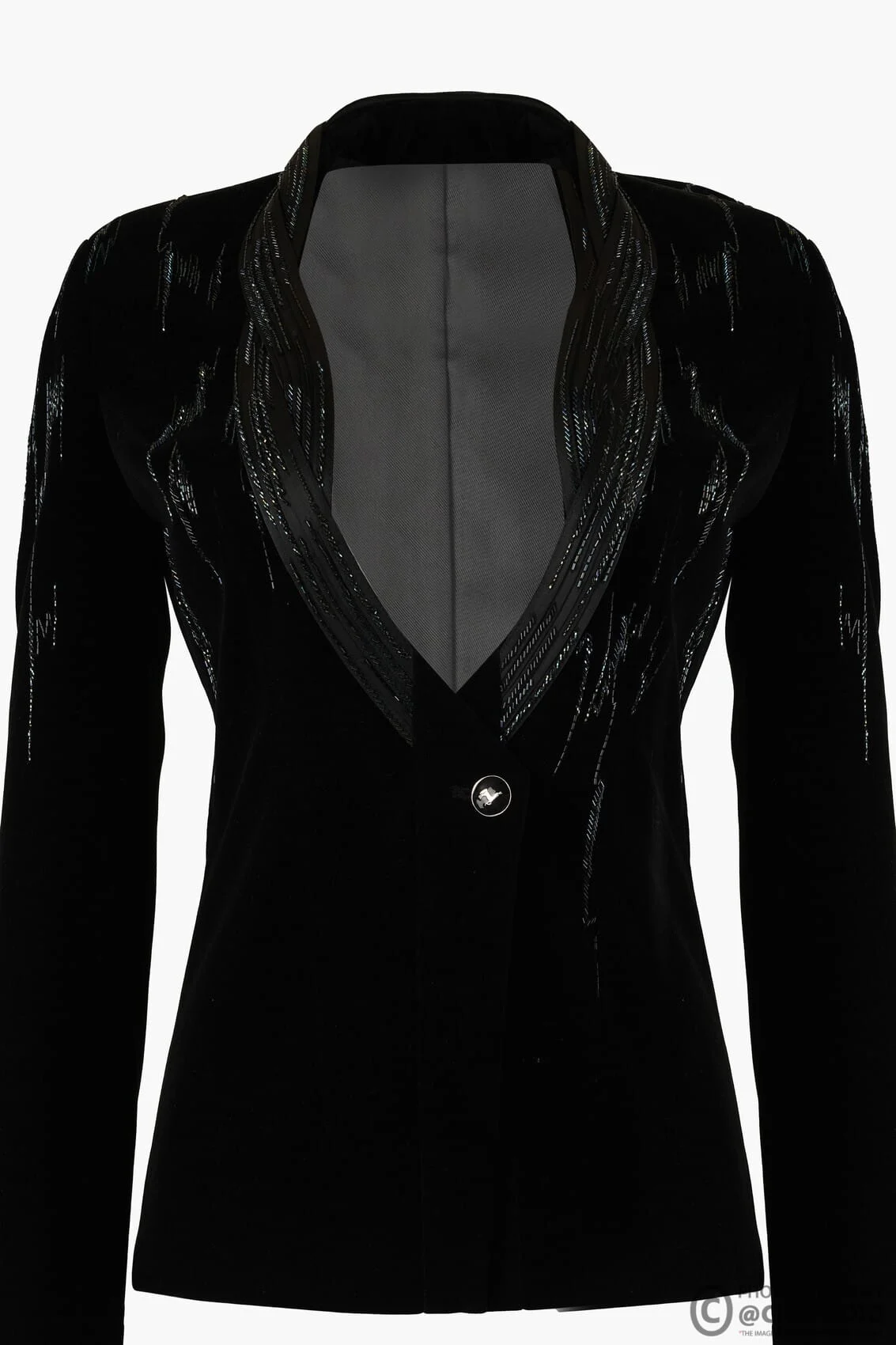
From the catalogues Ckstudio shoots, the pattern is consistent even though Flipkart does not publish it. Hollow-garment frames sit comfortably as secondary images that show structure: the shape of a blazer, the drape of a shirt placket, the cut of a jacket lining. They are most likely to be questioned when they replace the mandatory front and back views in a vertical whose template sample shows a model. Bottomwear, layering pieces and structured outerwear tend to carry them better than kurtas, dresses and sarees, where fit on a body is the whole point.
If your range relies on clean hollow frames, professional ghost mannequin photography fixes the finishing problems that trigger flags, because the inner-neck capture and blend are planned at the shoot, not patched afterwards. That keeps the decision about where each frame goes in your hands rather than the reviewer’s.
Open the listing flow for the exact vertical you sell, read the image notes and sample images in that vertical’s template, and then list one test SKU with your planned frame order. The approval or rejection of that one listing is worth more than any public guide, including this one.
Flipkart splits clothing into verticals such as kurtas, t-shirts, shirts, jeans, shorts, sarees and ethnic sets, and image instructions can differ at that level. A seller who checks “women’s clothing” in general and then shoots both kurtas and track shorts the same way is guessing for half the range. Run this sequence once per vertical, not once per catalogue:
| Vertical type | What to look for in the template | Safer primary frame | Role for a hollow frame |
|---|---|---|---|
| Kurtas, dresses, sarees, ethnic sets | Sample shows a model; fit and drape notes | Model front and back | Rarely needed; detail crops instead |
| T-shirts, shirts, polos | Sample often shows a model; same-model rule | Model front and back | Secondary structure or collar frame |
| Jackets, blazers, hoodies | Lining, collar and fit notes | Model front and back | Strong secondary for shape and lining |
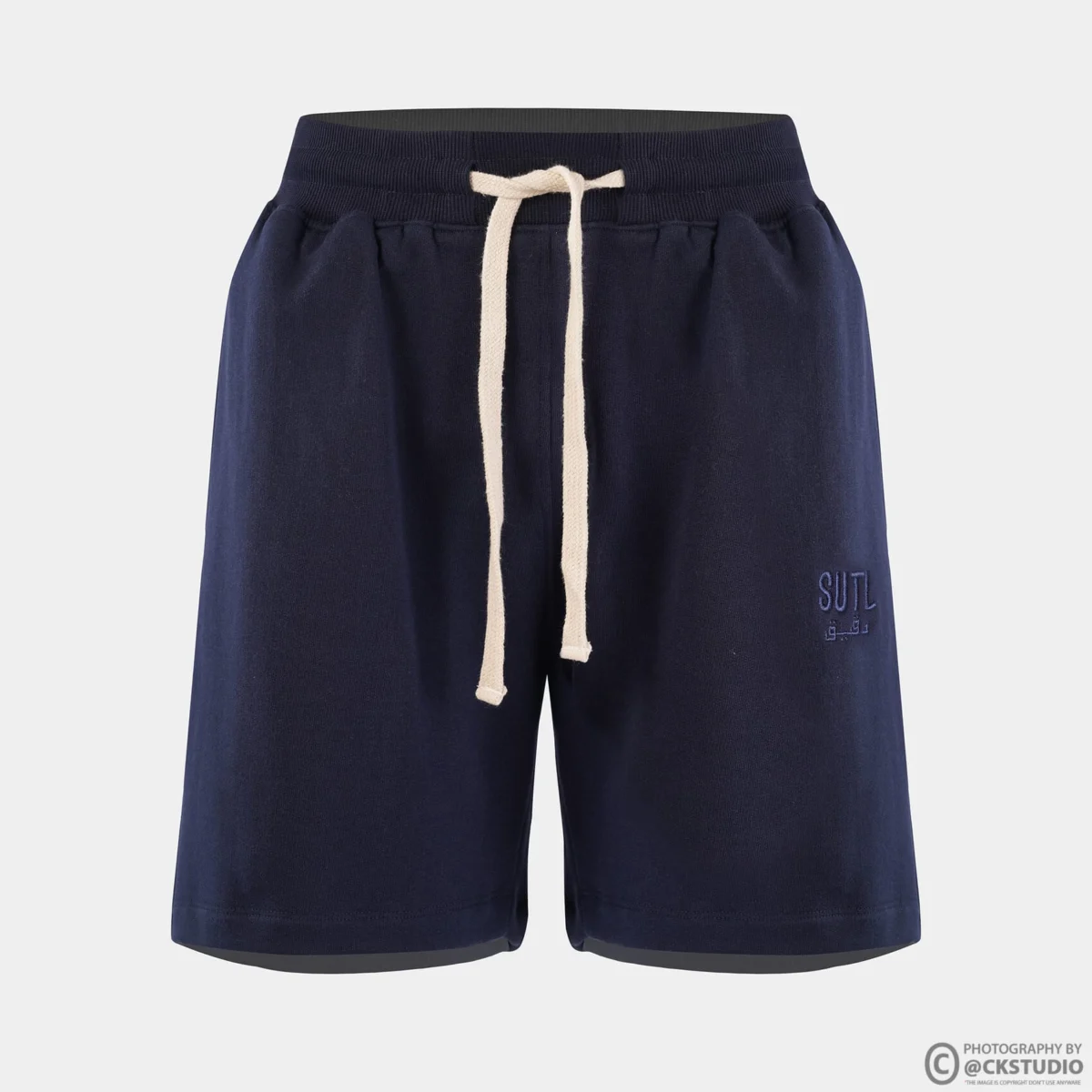
| Shorts, track pants, bottomwear | Product-only samples in some templates | Test SKU decides | Possible primary only if the test passes |
| Kidswear | Check the vertical’s own sample carefully | Test SKU decides | Common secondary; verify first |
The table is a planning aid built from Ckstudio’s own shoot experience on e-commerce apparel, not a Flipkart rule. Its job is to tell you which verticals deserve a test SKU before you book a full ghost mannequin day, and which ones you should simply plan on a model from the start.
A model shot is safer whenever the vertical’s template shows a model, whenever fit is the main buying question, and whenever your front and back views would otherwise be hollow frames. In those cases the reported mannequin rule, the same-model rule and the fit rule all point the same way.
Fit-led garments are the clearest case. A kurta’s side slits, a dress’s waist seam and a saree’s pleats only make sense on a body, and shoppers on Flipkart compare near-identical listings on a phone screen. A hollow kurta looks like a box with sleeves at thumbnail size. A model shot also carries information a ghost frame cannot: length against the knee or ankle, how the neckline sits, and whether the fabric clings or falls.
The reported rules add a second reason. Front and back are mandatory, and the same model with the same skin tone should appear across all shots. If your front is a model and your back is a hollow frame, the set is inconsistent on two counts. Planning model front and back first keeps the mandatory frames clean and leaves hollow frames for optional slots.
| Question | Model shot | Ghost mannequin frame |
|---|---|---|
| Fits the reported mannequin rule | Yes | Grey area; depends on finish and vertical |
| Shows fit, length and drape | Yes | Shape only, no body reference |
| Shows lining, inner neck, structure | Partly | Yes, clearly |
| Consistent across colour variants | Needs same model and pose | Easy with a locked form |
| Reuse on other marketplaces or your site | Usually yes | Usually yes as a secondary |
Our Flipkart model photography guide covers poses, framing and model consistency in depth. When a seller’s listings keep getting questioned because hollow fronts are standing in for the mandatory views, Flipkart product photography with model shoots fixes it by putting real people in the two frames the rule cares about most.
The short reel below shows how a marketplace t-shirt shoot is framed on a model, with the same front and back discipline the apparel rule asks for.
Put the model front and back in slots one and two, a side or three-quarter model view in slot three, and use hollow-garment frames only for structure and detail in the later slots. That order satisfies the mandatory views first and still gives shoppers the clean garment shape a ghost frame shows best.
A hybrid set is the answer most apparel sellers end up with once they have run a test SKU or two. It keeps the frames that quality check looks at hardest on a model, and it uses ghost mannequin capture where it genuinely adds information. It also costs less than shooting every angle on a model, because detail and structure frames do not need hair, makeup or a styling rail.
Example scenario
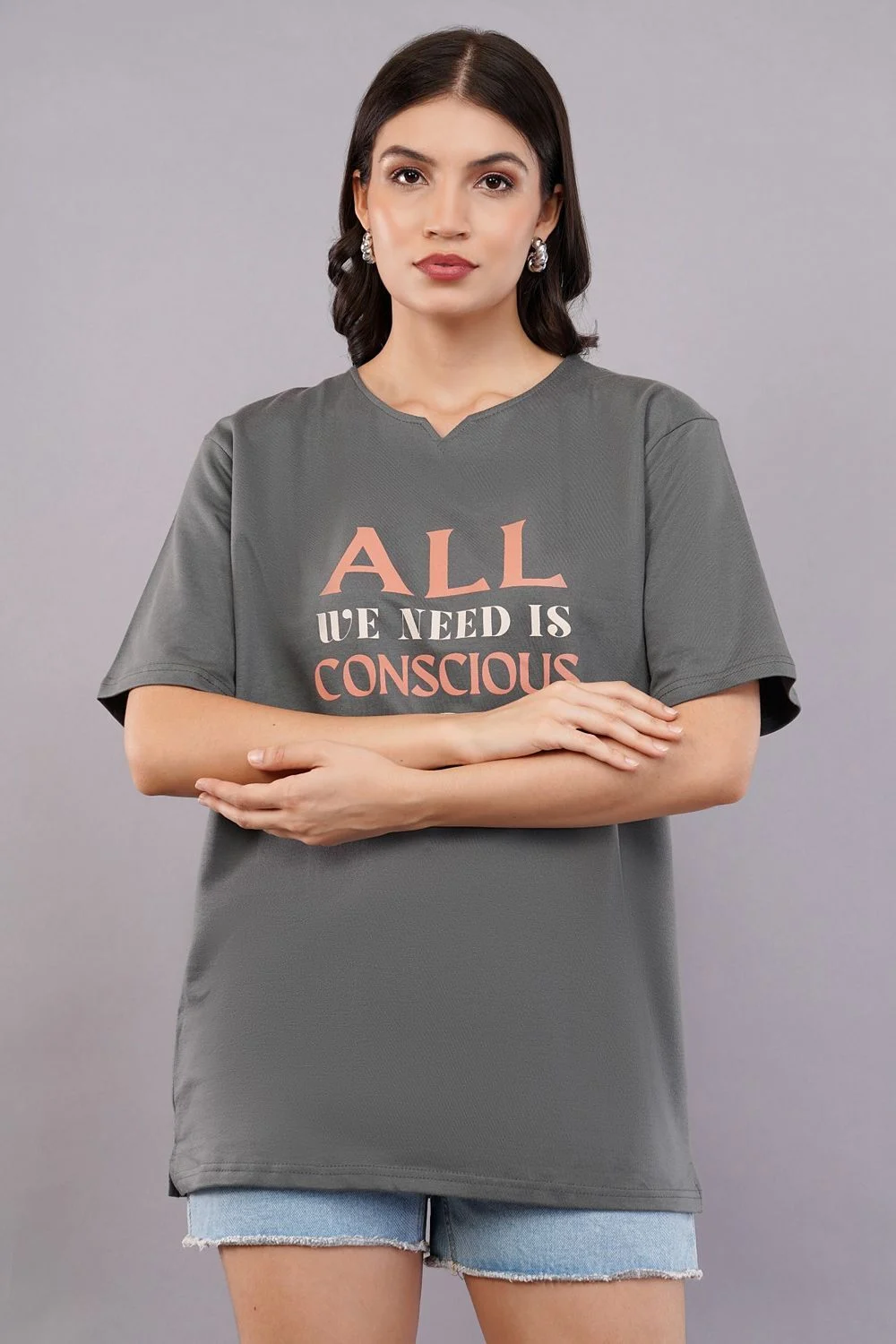
Imagine a 24-SKU drop: 12 printed t-shirts and 12 pairs of knit shorts. A hybrid plan shoots the t-shirts with front, back and side on one model, then adds one hollow frame per t-shirt for collar and shape, which is 48 frames. The shorts start with one test SKU listed using a hollow front; if it passes quality check, the remaining 11 are shot hollow front and back with one model frame each, otherwise they move to the full model plan. These numbers are illustrative, but the logic of testing one vertical before committing a whole day holds for any range.
If you are still deciding between styles for a whole range, our flat lay vs ghost mannequin vs model comparison breaks down which style suits which garment. For Flipkart specifically, the hybrid order above is the one we recommend because it never puts a hollow frame where a mandatory view belongs.
From the studio floor
On hybrid days at Ckstudio we shoot the model block first and the form block after, with the camera height, focal length and backdrop untouched between them. A 50mm lens at roughly chest height for both blocks keeps the garment proportions matched, so slot 4 does not look wider or shorter than slot 1 when a shopper swipes. Each style gets the same white balance reading from a grey card at the start of both blocks.
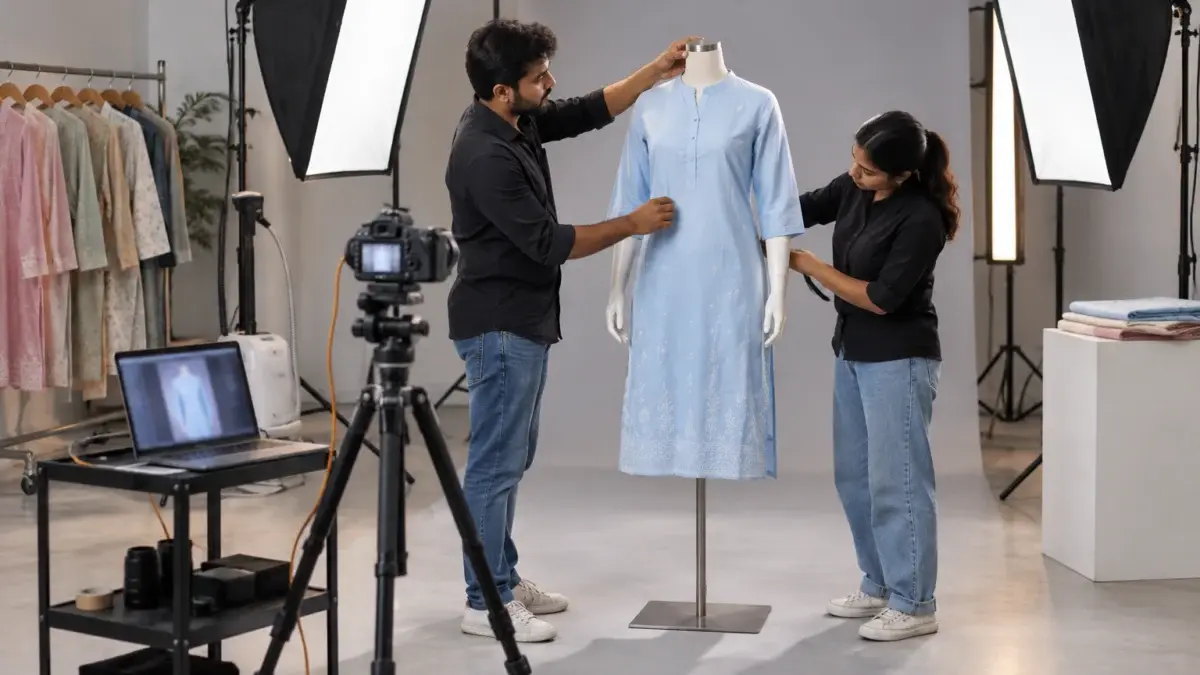
Shoot the garment on a torso with removable chest and neck panels, capture a separate inside-back-neck frame, and blend the two so the collar band is continuous and no form, pin or stand survives in the file. Quality check judges the finished frame, so every trace of the mannequin has to go.
The capture is where most composites succeed or fail. The garment has to sit on the form as it would on a person: shoulders on the shoulder seams, side seams straight, no pull lines across the chest. Clipping at the back takes up excess fabric, but clips must never print through to the front. Then the neck panel comes off and the inner back neck, with its label area and stitching, is shot separately from the front.
From the studio floor
Our standard ghost mannequin set uses two large softboxes at about 45 degrees left and right of the form and a strip box behind for edge separation, with the camera tethered so every frame is checked at 100 percent on screen. We shoot at f/8 to f/11 for front-to-back sharpness, capture the front, back and inner-neck frames for every style, and steam each piece twice: once before dressing the form and once on it.
Once compositing goes past a few dozen styles, consistent image editing and retouching is what keeps every inner neck and shadow identical across the catalogue, which is the detail reviewers and shoppers notice first.
This behind-the-scenes reel shows how a marketplace product is lit and checked on set, which is the same tethered workflow we use before any composite is built.
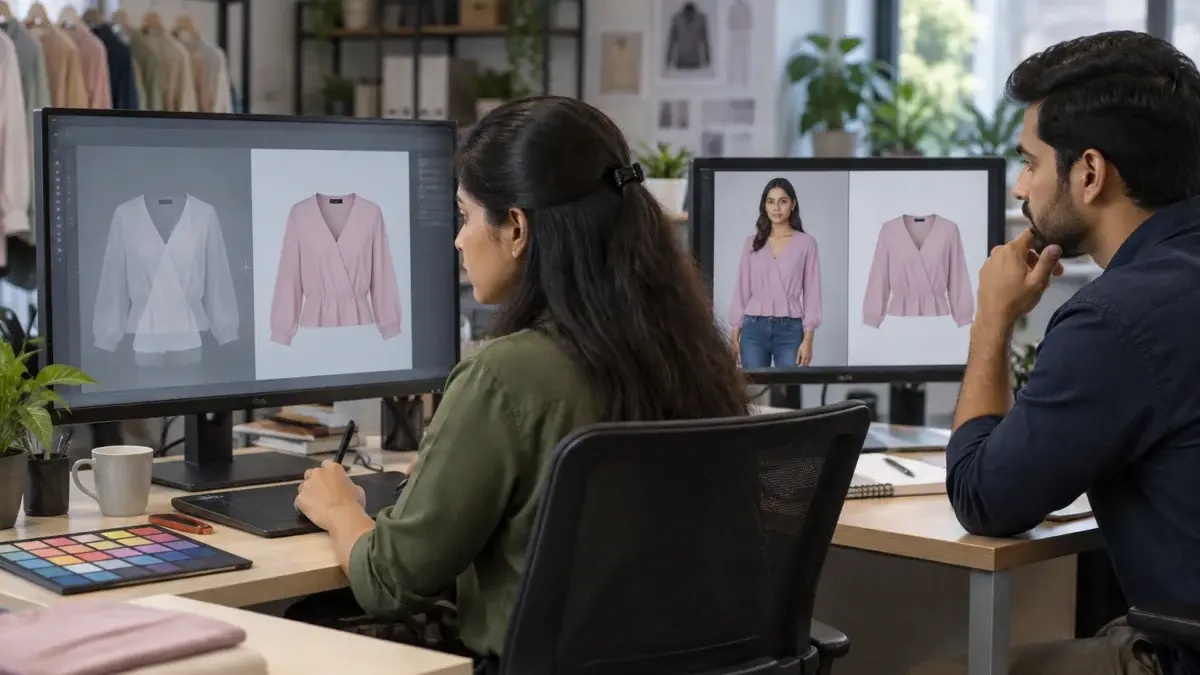
Lock one backdrop, one light position and one shadow recipe for the whole range, and apply it to model frames and hollow frames alike. If the reported light grey rule applies to your vertical, the grey tone and the soft shadow must match from slot one to slot six.
Inconsistency is the quiet reason hybrid sets look wrong. The model block is usually shot on a sweep with a natural floor shadow; the hollow block is often composited onto a flat digital fill with no shadow at all. Swipe between them and the garment seems to jump forward. On a light grey background the difference is even easier to see, because a flat digital grey and a lit paper grey are never quite the same tone.
From the studio floor
When a template asks for light grey, we shoot both blocks on the same grey seamless instead of filling grey digitally, then sample the backdrop in three places per frame and keep every file within a narrow tonal band before export. Files are delivered as sRGB JPEGs, and the soft shadow is the real floor shadow wherever possible, with a painted contact shadow only on composites, matched in softness and direction to the model frames.
Before uploading, confirm the vertical rule from Seller Hub, check that front and back are model frames where the template expects a model, and inspect every hollow frame for leftover mannequin traces, shadow mismatch and colour drift. Ten minutes per style here saves a rejected batch later.
Run this list on every style, not once per catalogue. The rules that cause flags are small and visual, and they are easiest to catch when someone who did not edit the file looks at it fresh on a phone-sized preview as well as a full monitor.
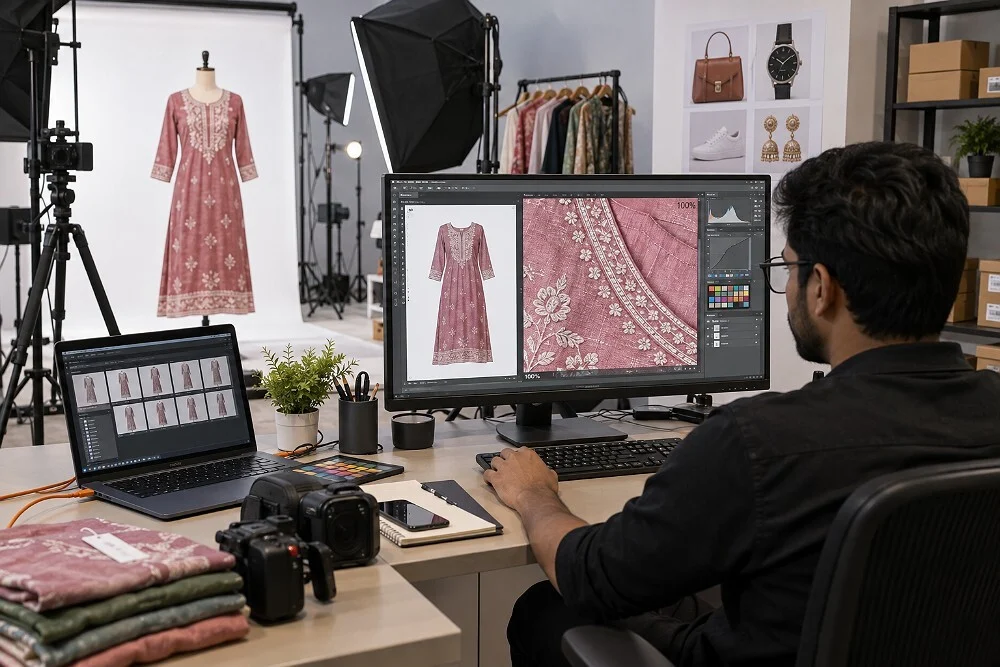
Ckstudio runs this checklist on every apparel delivery before files leave the studio. If you would like a second pair of eyes on a set that keeps bouncing, send the files to [email protected] or message us on WhatsApp at +91-8700258773 and we will tell you which frames are most likely to be the problem.
There is no public Flipkart page that names ghost mannequins. The most specific published apparel guideline, from integration partner Fynd, says mannequin images are not allowed. A clean ghost mannequin composite is often accepted as a secondary frame, but you should confirm your vertical with a test SKU before relying on it.
For fit-led verticals such as kurtas, dresses and t-shirts, a model front is the safer main image because front and back views are mandatory and the template usually shows a model. For some bottomwear or kidswear verticals a hollow front may pass, but only list it as the main image after one test SKU clears quality check.
The usual causes are a visible form, neck plate or stand, a flat collar with the backdrop showing through, a white background where the vertical asks for light grey, or a hollow frame used in place of a mandatory model view. Read the rejection reason, fix that one issue and relist a single SKU to confirm.
Use the background your vertical’s template asks for. Partner documentation for apparel reports light grey with a soft shadow and says white is not accepted, while Flipkart’s own blog recommends neutral backdrops. Whatever the rule, the hollow frames must match the tone and shadow of the model frames in the same listing.
The reported minimum is two images with three preferred, depending on the product. In practice a hybrid set of five or six works well: model front, back and side, then a hollow-garment shape frame, a fabric close-up and a size or detail frame where allowed.
Often yes as secondary images, but each marketplace sets its own apparel rules, backgrounds and main-image requirements. Keep a master file on a neutral background and export a separate version per marketplace instead of uploading one file everywhere.
A Flipkart ghost mannequin image is a useful tool, not a shortcut around the model shot. Verify the vertical, keep the mandatory views on a model, finish every composite until no form survives, and match the background across the set. For a shoot planned to the live template, call +91-8700258773 or WhatsApp +91-8700258773, and Prince or the Ckstudio team will review your category rule before the first frame is lit.
Next step: once your frame order is settled, confirm the backdrop with our Flipkart apparel image background rules checklist.
Ckstudio shoots hybrid model and ghost mannequin sets for ecommerce sellers on Flipkart, Myntra and Ajio, with the category rule confirmed before the shoot. Email [email protected] or call between 10 am and 7 pm.
Call Prince: +91-8700258773