Fashion Photography Services

E-commerce Photography
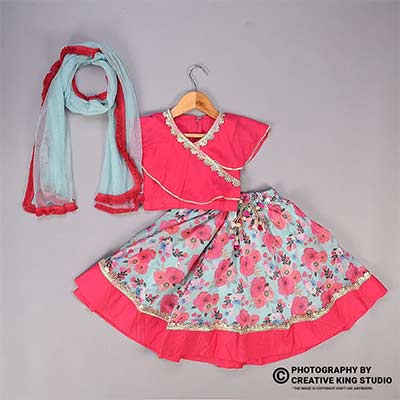
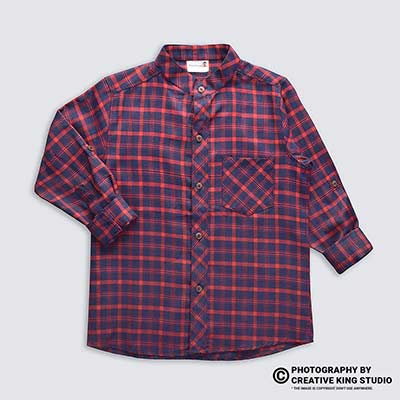
Documents, supplier registration, brand checks and the first image set, in the order that gets a new fashion label from interest to an approved catalogue.

If you are working out how to sell on AJIO for the first time, the honest answer is that it is a sequence, not a sign-up form. AJIO is Reliance’s curated fashion and lifestyle platform, and it checks your business, your brand and your catalogue before a single style goes live. This guide is the starting point of our AJIO seller hub, written for new fashion and apparel sellers and D2C brands that want one clear path from interest to a first approved catalogue.
It is written by Prince, founder and lead photographer of Ckstudio, a product and fashion photography studio operating since 2015 that shoots catalogues for brands selling on AJIO, Myntra, Amazon and Flipkart. We stay on one intent: the steps a beginner takes before the first upload, the documents that need to match, and the image set that new apparel sellers most often forget. Everything marketplace-specific below is tied to AJIO’s own seller pages, and where AJIO does not publish a number, we say so instead of guessing.
In this guide
AJIO onboards registered businesses that sell fashion and lifestyle products under a brand they own or are authorised to sell. In practice that means a GST-registered entity, a brand with ownership or authorisation proof, and stock that fits AJIO’s categories, such as apparel, ethnic wear, footwear, bags, jewellery and beauty.
AJIO is not an open bazaar where any reseller lists any product. It positions itself as a curated store, so the platform evaluates the label itself before catalogue access opens. That is the single biggest difference a new seller notices when comparing it with open ecommerce marketplaces such as Meesho or a general Amazon listing. If you sell unbranded, generic stock bought from a wholesale market, AJIO is usually the wrong first channel; if you run a small label with your own name on the neck tag, it is a realistic one.
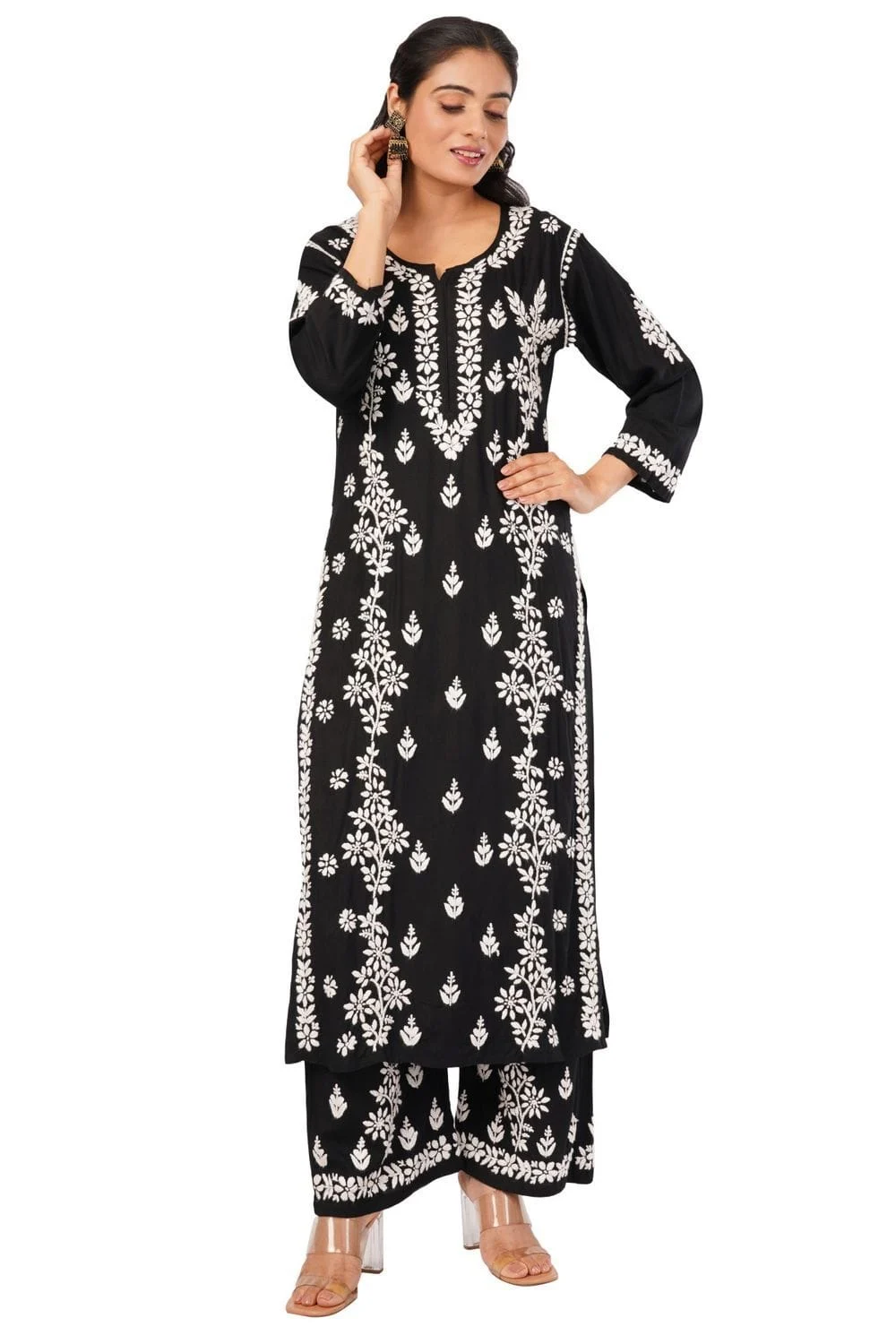
Before you open the registration portal, answer four questions honestly. Is your GST registration active and in the same legal name as your bank account? Do you have trademark proof or an authorisation letter for the label? Can you hold enough stock in every size you plan to list? And do you have, or can you produce, a consistent image set for every style? A “no” on any of these does not end the plan, but it tells you which step to fix first.
Sellers who are still choosing between platforms should read our comparison of AJIO and Myntra for new fashion brands, because the onboarding rhythm and catalogue expectations differ more than most people assume. If you already know AJIO is the target, the rest of this guide explains how to sell on AJIO in the order the platform actually checks things.
A GSTIN is mandatory, and it should sit alongside PAN, bank proof, address proof, a brand logo and either a trademark certificate or a brand authorisation letter. The rule that matters most is consistency: every document should carry the same legal business name as the GST certificate.
The Reliance supplier portal verifies your GST details during registration, so mismatches surface early. A proprietor whose bank account is in a personal name while the GSTIN shows a trade name, or a private limited company that uploads a director’s PAN instead of the company PAN, will usually be asked to correct and resubmit. Fixing that takes a bank visit or a GST amendment, which is why we always tell new sellers to check the documents before anything else.
| Document | Who needs it | What to check before uploading |
|---|---|---|
| GSTIN certificate | Every seller | Active status and the exact legal name on the GST portal |
| PAN | Every seller | Business PAN for companies and LLPs; proprietor PAN for proprietorships |
| Bank account proof | Every seller | Cancelled cheque or statement in the same name as the GSTIN |
| Address proof | Every seller | Matches the principal place of business on the GST record |
| Brand logo | Every seller | The same mark that appears on labels and in the trademark record |
| Trademark certificate or application | Brand owners | Filed in your own name, in the class that covers your products |
| Brand authorisation letter | Authorised resellers | Signed by the brand owner, naming your business and the brand |
| CIN and TAN | Private limited companies | Listed by onboarding guides; keep them ready |
Under Indian GST law, a taxpayer on the composition scheme cannot supply goods through an e-commerce operator that is required to collect tax at source, and large marketplaces fall in that category. In practice, sellers planning to list on AJIO should hold a regular GST registration. If your business opted for composition to keep compliance light, speak to your accountant about moving to regular registration before you apply, because changing it mid-application slows everything down.
Resellers carry one extra document, and it is the one that most often stalls approval. The authorisation letter needs to name your business exactly as it appears on your GSTIN, name the brand, and be signed by the trademark owner. A letter from a distributor who is not the owner, or one that names a sister company, rarely passes. We cover the letter’s fields in detail in a separate guide linked at the end of this post.
Keep scanned copies of every document in one folder, named clearly, before you open the portal. It sounds basic, but sellers who start registration with documents scattered across phones and email threads lose more time than those who spend an evening organising first.
Registration happens on the Reliance supplier portal, not on the shopping app. One supplier profile covers AJIO, JioMart and Reliance Digital, so you register once, select AJIO and fashion as your interest, and enter every detail exactly as it appears on your GST certificate.
The official entry point is the Reliance supplier registration portal. Everything after that, from brand evaluation to catalogue upload, follows from the profile you create there, so take care with spellings, addresses and contact details. Use a business email you will keep, because approval updates and Seller Central access are tied to it; our own studio inbox, [email protected], has been the same for years for exactly this reason.
AJIO does not publish a fixed approval timeline for new suppliers, and third-party estimates vary widely, so plan your launch around documents being complete rather than a calendar date. Use the waiting time productively: steam and tag samples, measure every size for the size chart, and fix your style code format. Those jobs are needed the moment Seller Central opens.
From the studio floor
When a new label books a first AJIO shoot with us while registration is still pending, we ask for one sample per style in the base size, plus a written list of 18-character-or-shorter style codes. We shoot each style in 4 angles (front, side, back, detail) and a fabric swatch crop, export at 1600 × 2000 px in sRGB, and file every frame by style code. When approval lands, the images are ready to attach to the template the same week.
What happens after approval belongs to a different guide: our walkthrough of the first AJIO Seller Central login and catalogue setup covers templates, Upload History and QC in detail. This post stops at the point where your account is approved, because knowing how to sell on AJIO starts with getting through the front door cleanly.
AJIO reviews your brand before it opens catalogue access, and the outcome also decides which business models you can choose. The review looks at ownership proof, how the brand is presented and whether your categories fit the platform’s assortment.
Think of brand evaluation as a first impression of the label, not just a paperwork check. A logo that differs from the one on the trademark record, a brand name spelt three ways across documents, or a product range that does not match the categories you selected all raise questions. Present the label the way you want buyers to see it: one logo file, one spelling, one clear description of the range.
Trademarks are filed by Nice class, and the class should cover what you sell. Apparel and footwear normally fall in Class 25, bags and leather goods in Class 18, jewellery in Class 14, and cosmetics in Class 3. A label that started in apparel and now wants to list handbags may need a separate filing before AJIO accepts the new category under that brand. Check the goods description on your trademark record, not just the class number.
| Model | Who owns the stock | Who carries unsold risk | Best suited to |
|---|---|---|---|
| Marketplace | Seller | Seller | New labels that want control over inventory and pricing |
| Sale-or-return | Seller until sold | Mostly seller | Brands with proven sell-through and spare stock |
| Outright | Platform after purchase | Platform | Established brands the platform buys from directly |
The model changes when you are paid and who absorbs unsold stock, so run your unit economics on each one before you sign. We do not quote commission or fee figures here, because AJIO’s terms are agreed per seller and category and are not published in one public rate card; ask for them in writing during onboarding.
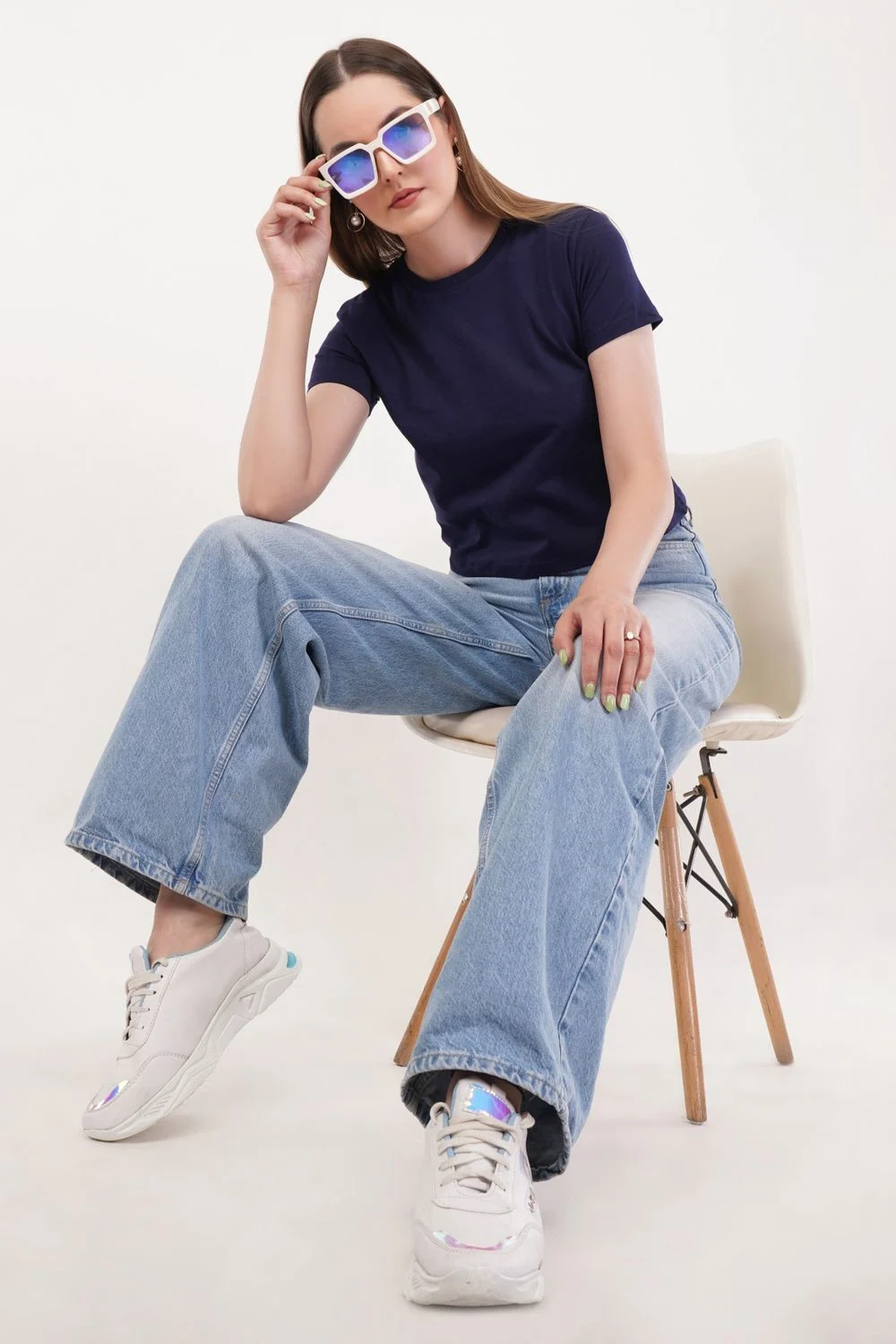
Brand presentation is also where images first matter. A small set of well-shot hero frames tells a reviewer the label is real and organised. That is one reason we suggest shooting a handful of styles properly before approval rather than waiting until Seller Central opens.
Your first catalogue passes QC when every style has the mandatory apparel angles in AJIO’s 1:1.25 portrait frame, a measured size chart, correct dropdown attributes and one EAN per size. One failed image or wrong attribute can hold back the whole style, so check files before upload, not after.
The image rules below come from AJIO’s image guidelines as summarised on our AJIO seller hub, and Seller Central shows the current template for each category under Products and then Catalog once you log in at AJIO Seller Central. Always cross-check against the template you download, because columns and dropdowns vary by category.
| Rule | What AJIO asks for | How to check it yourself |
|---|---|---|
| Aspect ratio | 1:1.25 portrait, over 1000 px on both sides | Export at 1600 × 2000 px so the ratio is exact |
| File size | 200 KB to 1 MB per image | Sort the folder by size and recompress outliers |
| Format | JPEG or PNG at 72 dpi | One export preset for the whole batch |
| Background | Any light colour, white included | Keep one tone across every style |
| Fill | 80–85% on main angles, 100% on the detail shot | Crop overlay check on each frame |
| Apparel angles | Front, side, back and detail are mandatory | Count frames per style code before export |
| Not allowed | Brand URLs, promotional text, price tags, watermarks, duplicate images | Visual scan of a contact sheet |
The order of the gallery matters too. For apparel, the first image is normally an on-model, cropped front frame; mannequin, ghost mannequin and pack shots cannot lead the listing, though they work later in the gallery. Creases and folds get flagged, so every garment should be pressed before it is shot. If your samples arrive straight from the factory bag, professional garment photography with steaming and styling built in removes the most common QC reason at the source.
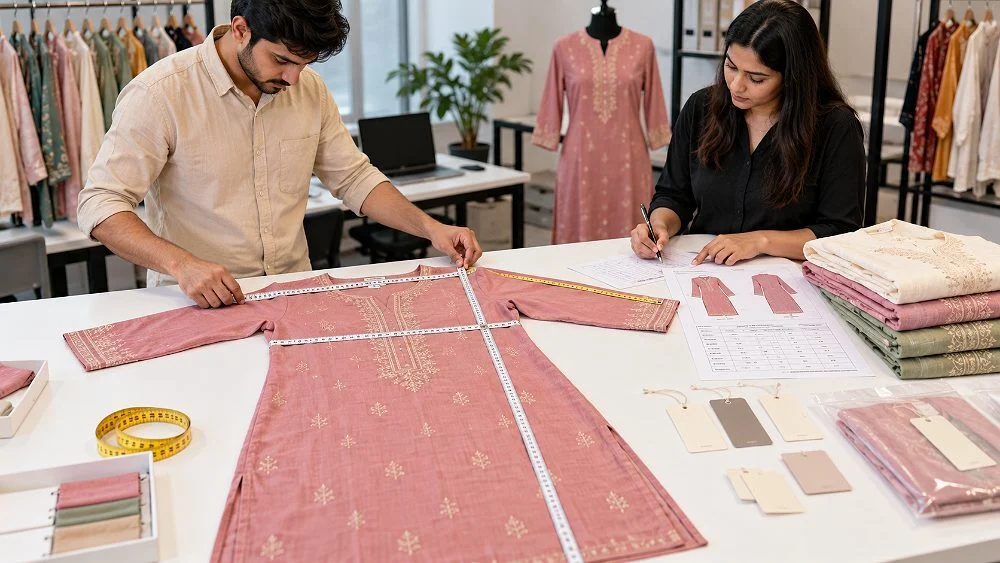
AJIO expects measured size charts entered in the template, not a generic S to XXL table copied from another brand. Measure chest, waist, hip and length on each size of a style, record them in inches or centimetres as the template asks, and keep the sheet with the sample. A size chart that disagrees with the garment shows up later as fit-related returns.
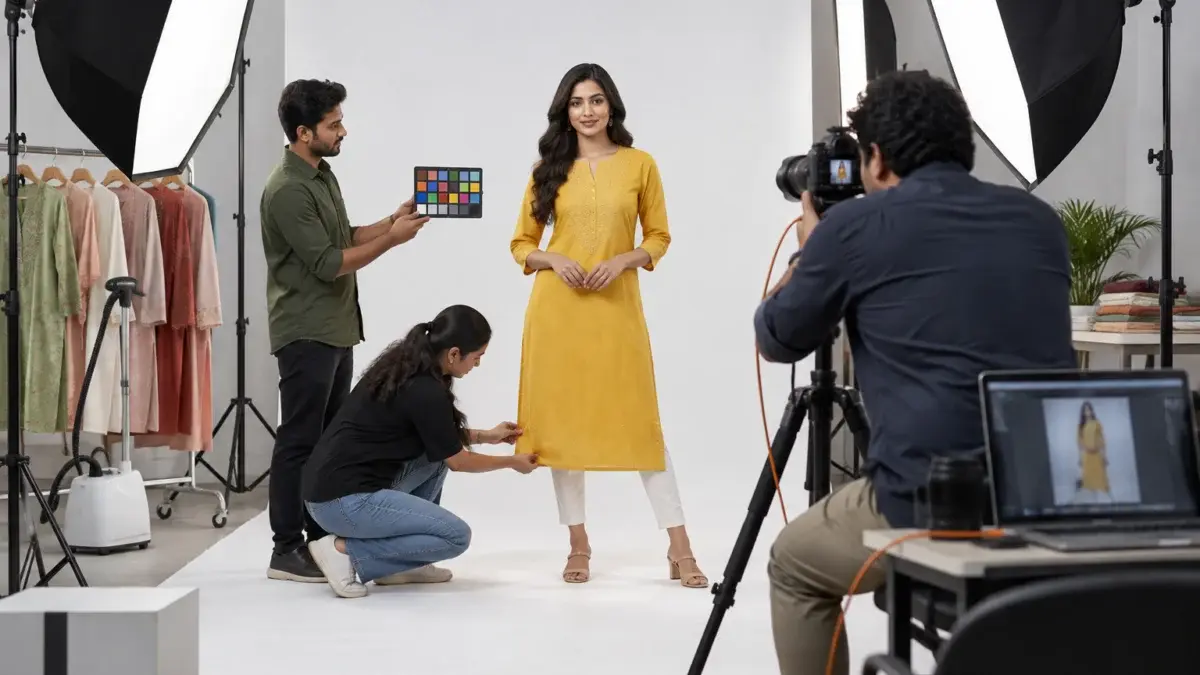
The short video below shows how a marketplace apparel shoot runs on set, from model positioning to the angle sequence that a fashion platform expects for a single style.
Most new sellers arrive with a single front photo per style, often shot on a phone against a wall. What they usually lack is the side and back angles, a true detail frame at full fill, a colour swatch crop and a consistent background across the whole batch.
These gaps are predictable because many labels start on Instagram or WhatsApp catalogues, where one attractive frame is enough. A curated e-commerce platform asks for more, and the gallery structure is the same for every style, so a missing angle is caught by QC rather than by shoppers. Below are the gaps we see most often at Ckstudio when a label brings its existing images for review.
From the studio floor
For a first AJIO apparel batch we light a white seamless with two octaboxes at roughly 45 degrees and a strip box behind as a rim, shoot on a full-frame mirrorless body with a 50mm lens at f/8, and keep the camera height fixed with tape marks on the floor. Each kurta gets 3–4 minutes of steaming, a pin check at the back, and 5 frames: front, side, back, detail and swatch. A colour card is shot once per lighting change, and QC compares every export against the sample under daylight-balanced light.
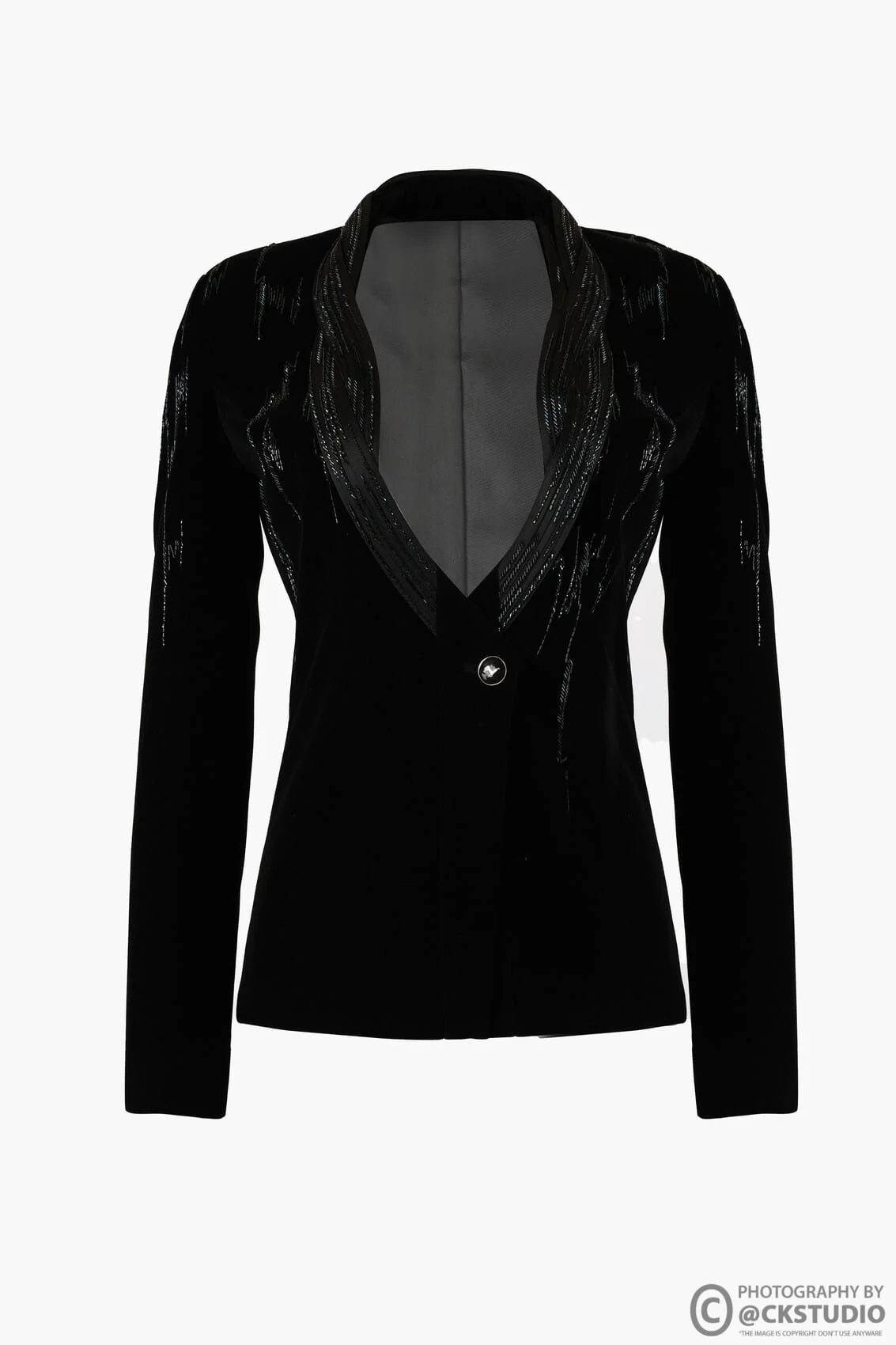
When a label’s range depends on fit and drape, such as dresses, co-ords or occasion wear, on-model fashion photography solves the lead-image problem because the first frame has to show the garment on a body anyway. The same session can produce the side, back and detail frames with matched lighting, which keeps the grid consistent from day one.
Example scenario
Example: a new label launches with 24 kurta styles, each in 4 sizes and one colour. That is 24 style codes and 96 EANs in the template. With 4 mandatory angles plus a swatch, the shoot list is 120 frames, all exported at 1600 × 2000 px. If only 18 styles have back angles, the other 6 styles are likely to stall at QC, so the shot list is checked against the style list before the model leaves the set. These numbers are illustrative, not a real client.
The video below gives a feel for a full fashion shoot day, including styling and model direction, which is the part most beginners underestimate when they plan a first catalogue.

Need a second opinion on the images you already have? Send a few frames on WhatsApp at +91-8700258773 or call +91-8700258773, and the team will tell you which angles are missing before you book anything.
The first week usually goes wrong in the template, not the shoot: long style codes, one EAN for all sizes, typed values instead of dropdowns, and colour names that do not match the photographed shade. Each one is easy to prevent if you check it before upload.
Seller Central accepts uploads as a filled template, and rejected rows come back with error notes that you correct and re-upload. Beginners often re-upload the whole sheet instead of only the rejected rows, which creates duplicates and confusion. Work row by row, keep a log of what each error said, and fix the source of the problem rather than the symptom.
From the studio floor
Before we hand files to a new seller, the catalogue desk runs three checks on every batch: a dimension sort (every file 1600 × 2000 px), a weight sort (every file between 200 KB and 1 MB, usually 350–700 KB at JPEG quality 85), and a contact-sheet scan at 12 frames per row to catch a missing back angle or a crop that drifts. File names follow STYLECODE_01 to STYLECODE_05 so the template image columns fill in order.
The second group of first-week mistakes is operational. Sellers list sizes they cannot restock, skip the size chart for “free size” styles, or upload a style before the sample has been measured. None of these break the upload, but they show up as cancellations and returns within the first orders. If you are unsure how to sell on AJIO without stretching your stock, start with fewer styles in full size runs rather than many styles with gaps.
Finally, check the listing on the live site after it goes up. Look at the first image on the category grid, the zoom on the detail frame and the size chart on mobile. Ten minutes on your phone often catches what a spreadsheet hides.
Use the first 30 days to move in a fixed order: documents, registration, brand evaluation, template preparation, shoot, upload and a live-listing review. Each step unlocks the next, and skipping ahead usually means doing a step twice.
The checklist below is the order we recommend to every label that asks Ckstudio how to sell on AJIO without a second QC round. It assumes your GST registration is already active. Tick each item only when it is actually complete, not when it is “nearly there”.
| If you have… | Do this first | Why |
|---|---|---|
| Documents in different names | Fix bank or GST records | Registration verifies the GST name |
| No trademark filing yet | File or obtain authorisation | Brand evaluation needs ownership proof |
| Phone photos only | Plan a full-angle shoot | Mandatory angles and frame rules apply |
| Images but no size charts | Measure every size | Measured charts are entered in the template |
If you want help planning the shoot part of this checklist, email [email protected] with your style count and categories, and Ckstudio will send back a shot list built around AJIO’s frame rules.
Register your business on the Reliance supplier portal with an active regular GSTIN, PAN, bank and address proof in the same legal name, plus a brand logo and trademark proof. After brand evaluation, set up Seller Central, fill the category template and upload images that meet AJIO’s frame rules.
Yes. A GSTIN is mandatory for AJIO seller registration, and it should be a regular registration, because composition-scheme taxpayers cannot supply goods through e-commerce operators that collect tax at source.
Only if you are authorised by the brand owner. Resellers need a signed brand authorisation letter that names their business exactly as it appears on the GSTIN, along with the owner’s trademark details.
On the Reliance supplier registration portal. One supplier profile covers AJIO, JioMart and Reliance Digital. After approval, you manage listings in AJIO Seller Central.
For apparel, front, side, back and detail images are mandatory, in a 1:1.25 portrait frame above 1000 px on both sides, between 200 KB and 1 MB, on a light background, with no text, price tags or watermarks. The first image should be an on-model cropped front.
AJIO does not publish a fixed approval timeline for new suppliers. Complete, matching documents and quick replies to queries are the most reliable way to avoid delays.
Knowing how to sell on AJIO is less about secret tricks and more about doing the steps in order. Get your documents into one legal name, register once on the supplier portal, present your brand clearly for evaluation, and prepare a template and image set that passes QC the first time. Prince and the Ckstudio team see the same pattern with every new label: sellers who prepare before approval launch faster than those who start preparing after it. For a shoot plan built around AJIO’s rules, call +91-8700258773.
Next step: if you resell a label or your trademark is still pending, read the AJIO brand authorisation and trademark proof checklist.
Ckstudio shoots apparel catalogues to AJIO’s 1:1.25 frame with steaming, styling and file QC built in. Share your style list on WhatsApp at +91-8700258773 or email [email protected], or see our garment photoshoot service.
Call Prince: +91-8700258773