





Fashion Photography Services





E-commerce Photography




Sources disagree on grey versus white for clothing. This checklist shows you how to confirm the rule for your category, shoot it correctly and upload a set that clears quality check the first time.
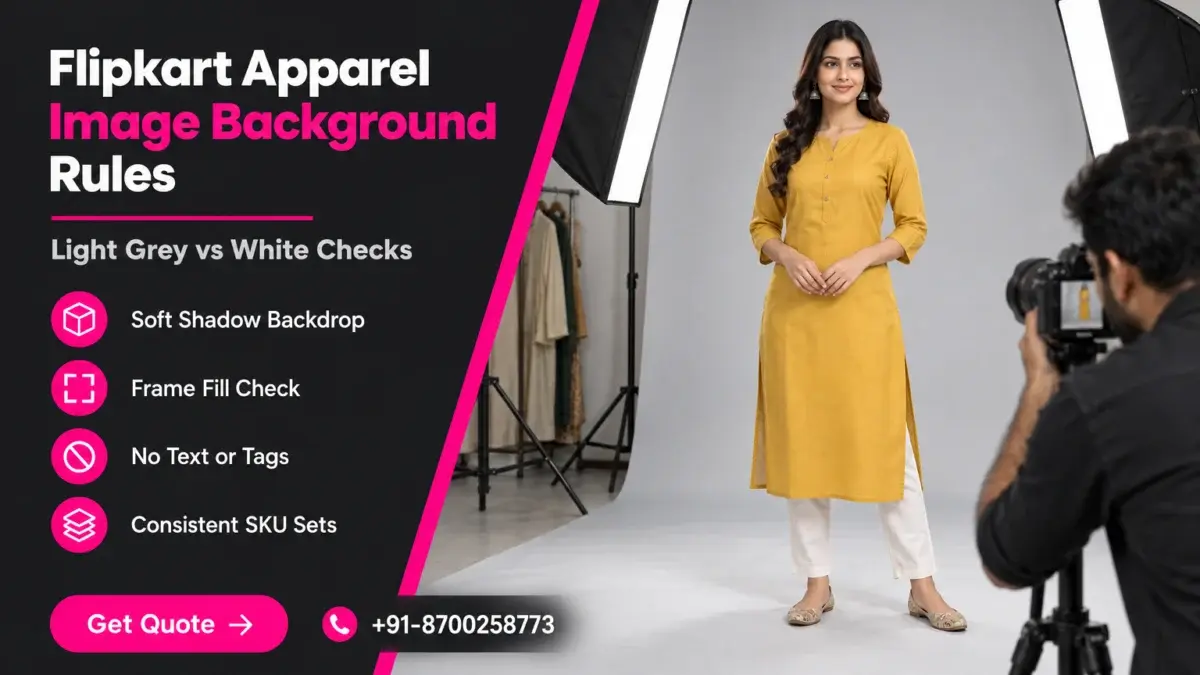
The Flipkart apparel image background is the setting that causes the most confusion for clothing sellers: some guides insist on pure white, while partner documentation for apparel asks for light grey with a soft shadow and says white will not be accepted. Before you book a shoot or re-edit a catalogue, it helps to know where each claim comes from. This checklist belongs to our Flipkart seller guide hub, which covers fees, listing and image rules for 2026-27.
Prince, founder of Ckstudio, has shot apparel catalogues for Flipkart, Myntra and Ajio sellers for years, and the pattern is familiar: a seller shoots 60 kurtas on white, a few listings bounce at quality check, and nobody is sure whether the background, the crop or a stray tag caused it. This guide separates confirmed rules from reported ones, gives you a way to verify your own category, and ends with a 9-point checklist you can run on every file before upload.
In this guide
They conflict because most public “Flipkart image rules” are not published by Flipkart itself. General seller guides repeat a white-background rule written for all categories, while apparel-specific partner documentation asks for light grey with a soft shadow. The live template inside your Seller Hub account is the only source that settles it.
Flipkart publishes its detailed catalogue instructions inside the logged-in Flipkart Seller Hub, not on an open web page. What appears in search results is therefore second-hand: integration partners, listing tools, agencies and blogs that copied a rule at one point in time. Some of those copies were written for electronics or home goods, where a pure white primary image is the norm, and then reused for clothing without a note.
The most specific public document for clothing comes from Fynd, a listing integration partner that pushes catalogues into Flipkart. Its Flipkart image guidelines for apparel state that a light grey background with a soft shadow is required and that a white background will not be accepted. The same page lists front and back views as mandatory, side views as optional, no mannequin images, crease-free garments and the same model across all shots of a product.
Other public sources say something different. A widely shared seller guide lists a “white or light” background as a general requirement with no apparel exception, and a partner FAQ for Flipkart says the primary image should be on white. Neither is wrong for every category; they simply describe different verticals or older templates. That is why copying one line from a blog into your shoot brief is risky.
The practical risk is not one rejected image but a whole batch shot on the wrong backdrop. Changing a white background to grey in post-production is possible, but the soft floor shadow that the apparel rule asks for has to look natural, and a faked shadow on 200 files rarely does. When the rule is unclear, our team plans the shoot so that the decision can be made late without a reshoot, which is explained in the lighting section below.
If you would rather hand the whole question to a team that shoots to the live template, our Flipkart product photography service starts every apparel job by confirming the category rule with the seller before a single frame is lit.
| Rule | What public sources report | Source type | Status |
|---|---|---|---|
| Apparel background | Light grey with soft shadow; white not accepted | Fynd partner documentation | Reported, verify in Seller Hub |
| General primary background | White or light background | Seller guides and partner FAQ | Reported for general categories |
| Apparel views | Front and back mandatory, side optional | Fynd partner documentation | Reported, verify in Seller Hub |
| Mannequin | Not allowed for apparel | Fynd partner documentation | Reported, verify in Seller Hub |
| File format | JPEG only | Partner FAQ | Reported |
| Stickers and tags | No price tag, stickers or product tag in the image | Partner FAQ | Reported |
| Minimum resolution | Values differ between sources | Seller guides | Unconfirmed |
Open the listing flow for your exact vertical inside Seller Hub, download the current catalogue template and read the image instructions attached to it. Then upload one test listing with your planned background and wait for the quality check result before shooting the full batch.
Flipkart organises apparel into verticals such as kurtas, t-shirts, jeans and sarees, and the image instructions can be attached at that level. A rule that applies to men’s t-shirts may not be worded the same way for ethnic sets, so check the vertical you will actually list under, not “clothing” in general.
The test SKU is the step most sellers skip, and it is the cheapest one. One listing approved on a light grey background with a soft shadow tells you more than any blog, including this one. If it fails, the rejection reason usually names the issue, and you have lost one product, not a catalogue.

Write down five things from Seller Hub: the background instruction, the mandatory views, whether a mannequin is allowed, the file format and the image count range. These five lines become the top of the brief. At Ckstudio we ask sellers to send that screenshot along with the SKU list, because it removes guesswork on the studio floor and keeps the edit consistent with what quality check expects.
If you cannot find a clear instruction, email the screenshot and your vertical name to [email protected] and we will plan the shoot so that both grey and white remain possible until your test listing clears.
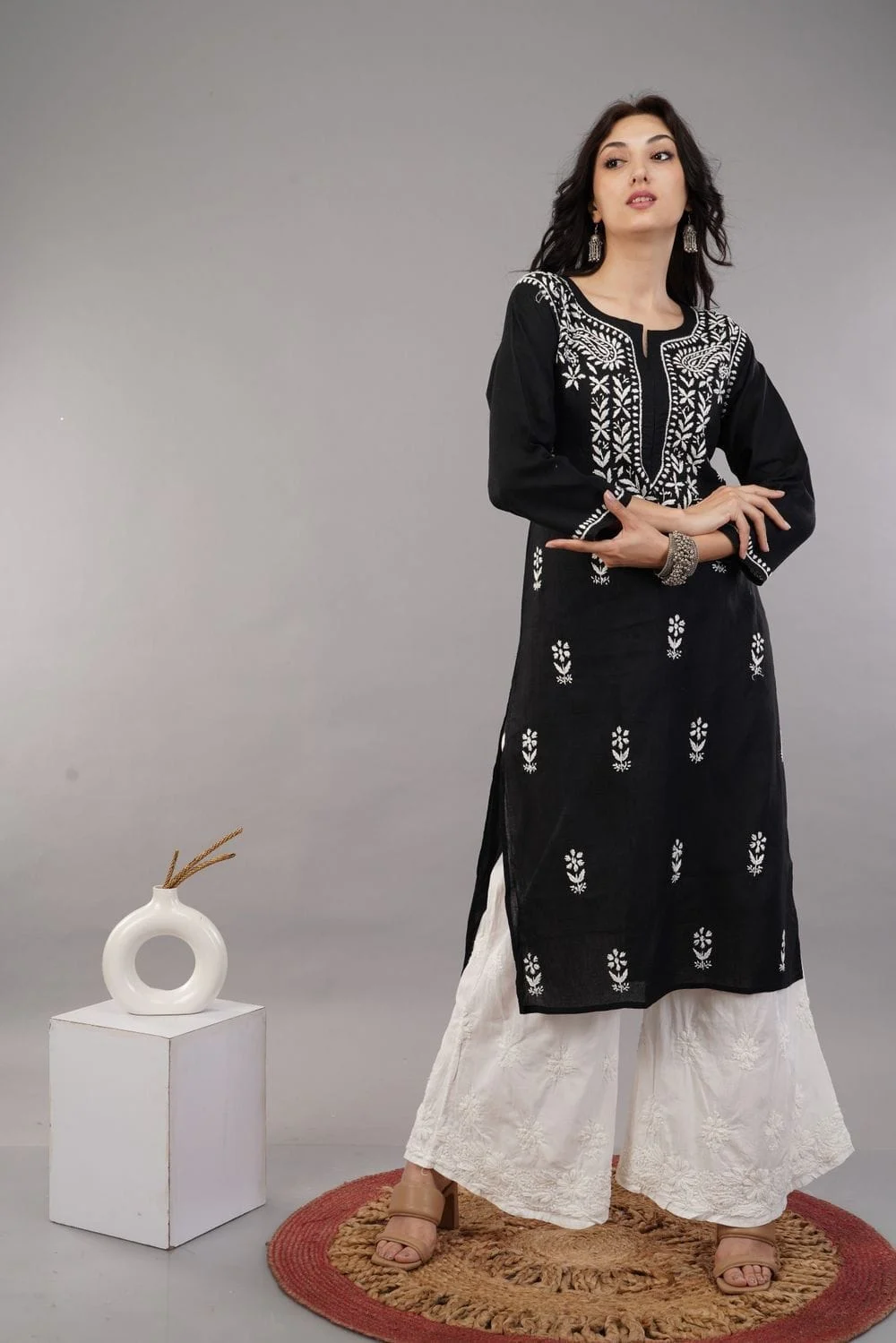
For apparel, plan for light grey with a soft natural floor shadow unless your Seller Hub template says white. Grey is the rule reported most specifically for clothing, and it also gives white and pastel garments a clean edge that pure white often loses.
Light grey suits clothing for a technical reason as well as a rule-based one. A white kurta on a white background loses its outline; the retoucher then has to draw an edge that the camera never recorded. On a light grey sweep the garment keeps its silhouette, the hem and sleeves stay readable at thumbnail size, and the soft shadow under the feet shows that a real person is standing on a real floor.
The word “soft” matters. A hard black shadow from a single bare flash looks like a cut-out pasted onto grey, while no shadow at all makes the model float. What you want is a gentle, slightly diffused shadow just behind and under the feet, with the backdrop staying an even light grey from top to bottom.
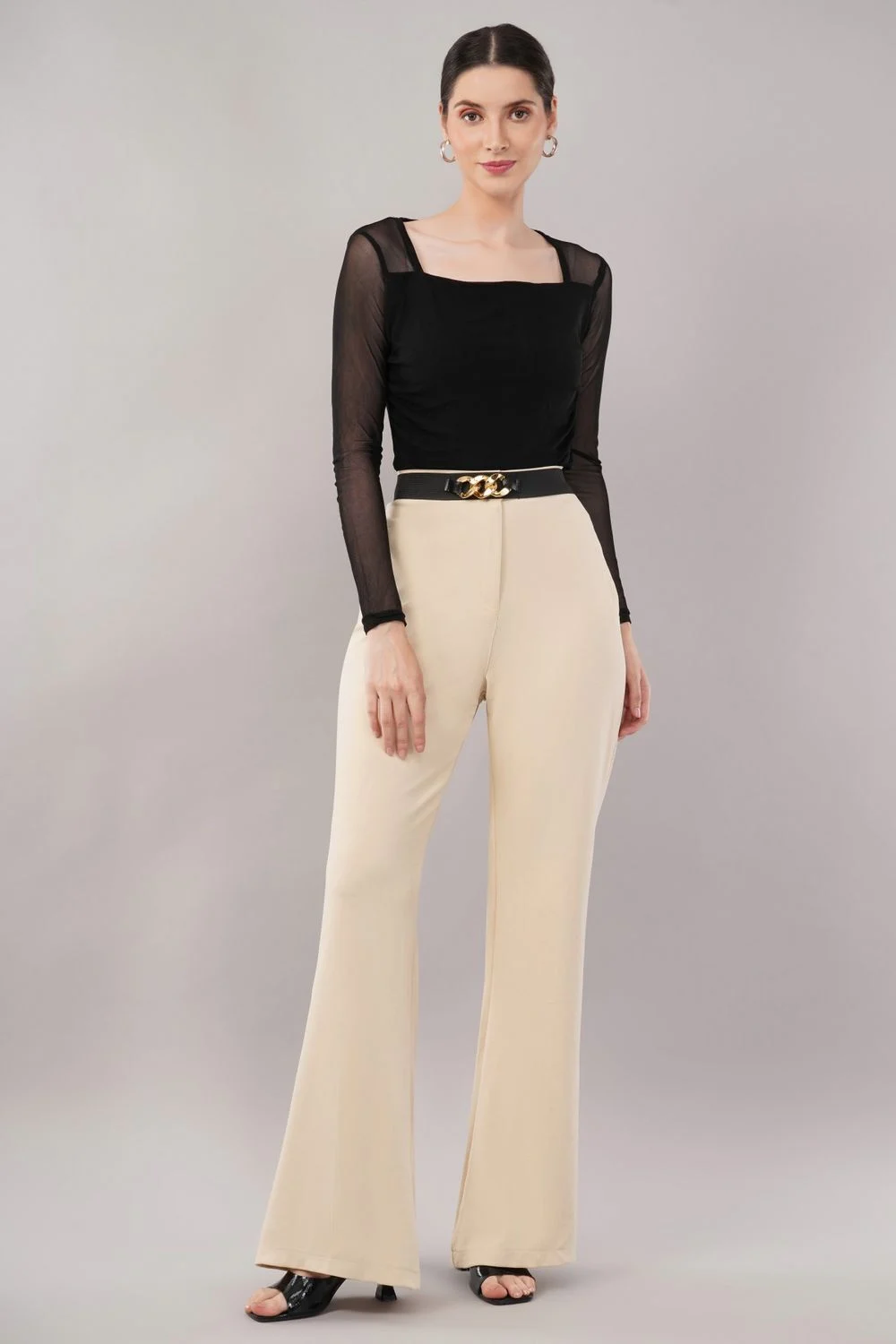
Grey is harder to light than it looks, because the background has to stay the same tone across every frame of every SKU. If the model steps closer to the backdrop, the grey turns lighter and the shadow grows; if she steps back, it darkens. The fix is to light the model and the background as two separate jobs and to mark the floor.
From the studio floor
For a grey-sweep apparel set we roll out a 2.72 m seamless paper backdrop in a light grey and place a tape mark about 2.5 to 3 m in front of it. Two strip softboxes sit at roughly 45 degrees either side of the model for shape, and two Godox SK400II heads with reflectors light the sweep evenly from the sides. The camera, a full-frame mirrorless body with a 50 mm or 85 mm lens, stays at hip height at about f/8, ISO 100, 1/160 s, tethered to a laptop. A grey card is shot at the start of every rack so colour and backdrop tone can be matched in the edit.
Keeping the backdrop lights separate also lets the team move the grey up or down by a fraction of a stop without touching the light on the garment. That control is what makes a 40-SKU catalogue look like one set, and it is the same discipline behind our garment photography work for clothing brands.
The short film below shows how a fashion set is lit and directed in a working studio, which is useful if you are deciding between shooting in-house and booking a team.
White still has a place. If your Seller Hub template for the vertical clearly asks for white, follow it. White also tends to suit sellers who list the same SKU on Amazon, where a pure white main image is the published standard, and who want one main image for both marketplaces. In that case, export two versions from one shoot rather than forcing one compromise file.
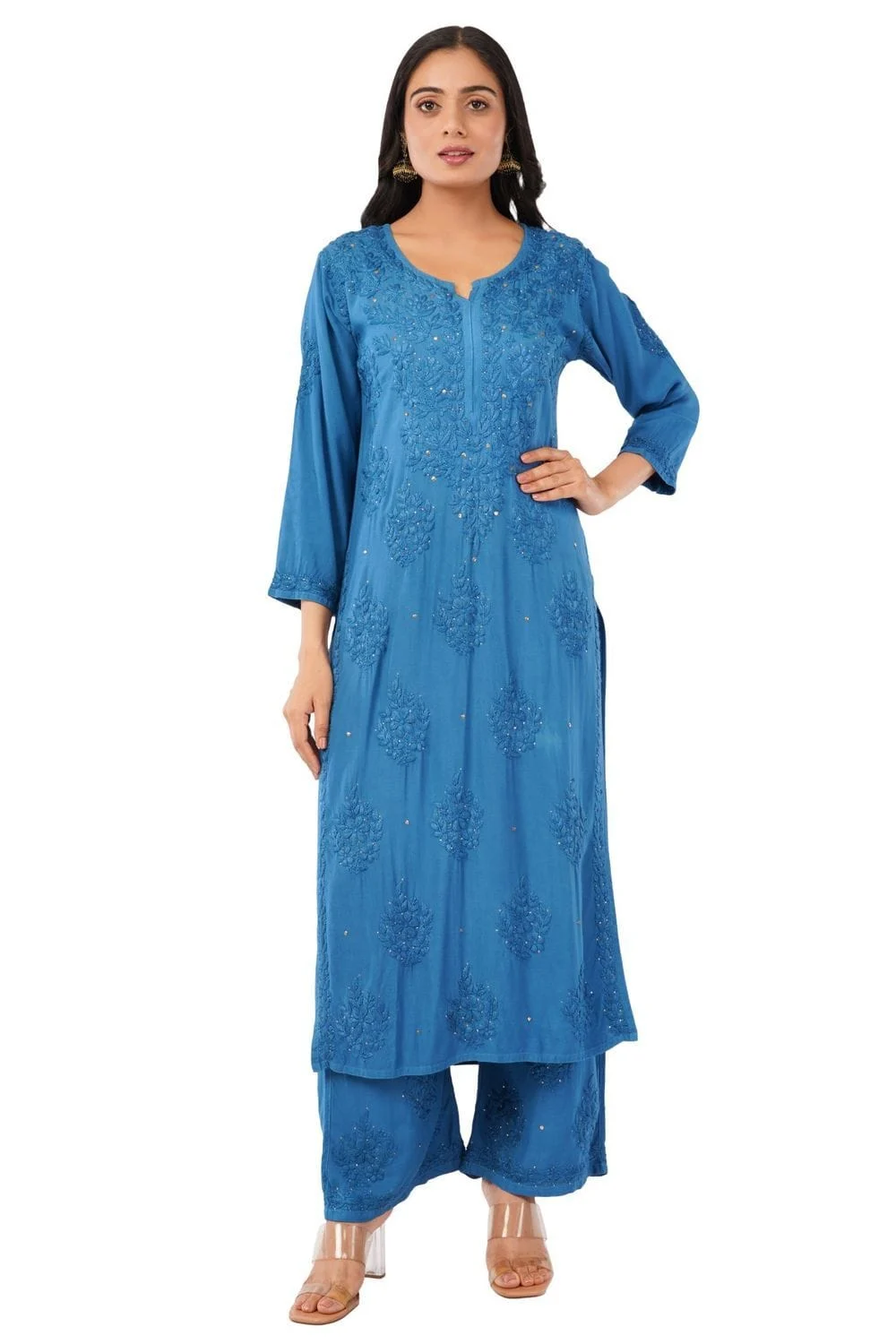
| Decision point | Light grey with soft shadow | Pure white |
|---|---|---|
| Reported apparel rule | Asked for in partner apparel documentation | Reported as not accepted for apparel in the same source |
| White and pastel garments | Edges stay visible | Edges can merge with the background |
| Shadow | Natural soft floor shadow expected | Usually minimal or none |
| Reuse on Amazon main image | Needs a separate white export | Ready to reuse |
| Consistency risk | Grey tone drifts if lighting is not locked | Lower, but blown highlights hide fabric |
Public sources disagree on the minimum resolution, so prepare a high-resolution master and export a large file rather than aiming for a minimum. Whatever the Flipkart apparel image background, keep the garment filling most of the frame, without cropping the head, hem or feet that the view requires.
Seller guides most often quote 1000 × 1000 px as a minimum, while one partner FAQ shows “200×1000”, which looks like a typing error. Because no Flipkart-owned public page confirms one number for apparel, treat any figure as unconfirmed and check the template for your vertical. What is safe in every case is exporting well above the quoted minimums, because zoom needs detail in the fabric and stitching.
Frame fill is reported at roughly 80 to 85 percent of the canvas in third-party guides. For a full-length model that usually means the head sits close to the top edge and the shoes close to the bottom, with a small, even margin. For bottomwear shot from waist to feet, the trousers fill nearly the whole height. Our earlier guide to Flipkart image size and ratio rules covers ratios and export settings across categories; here the focus is clothing only.
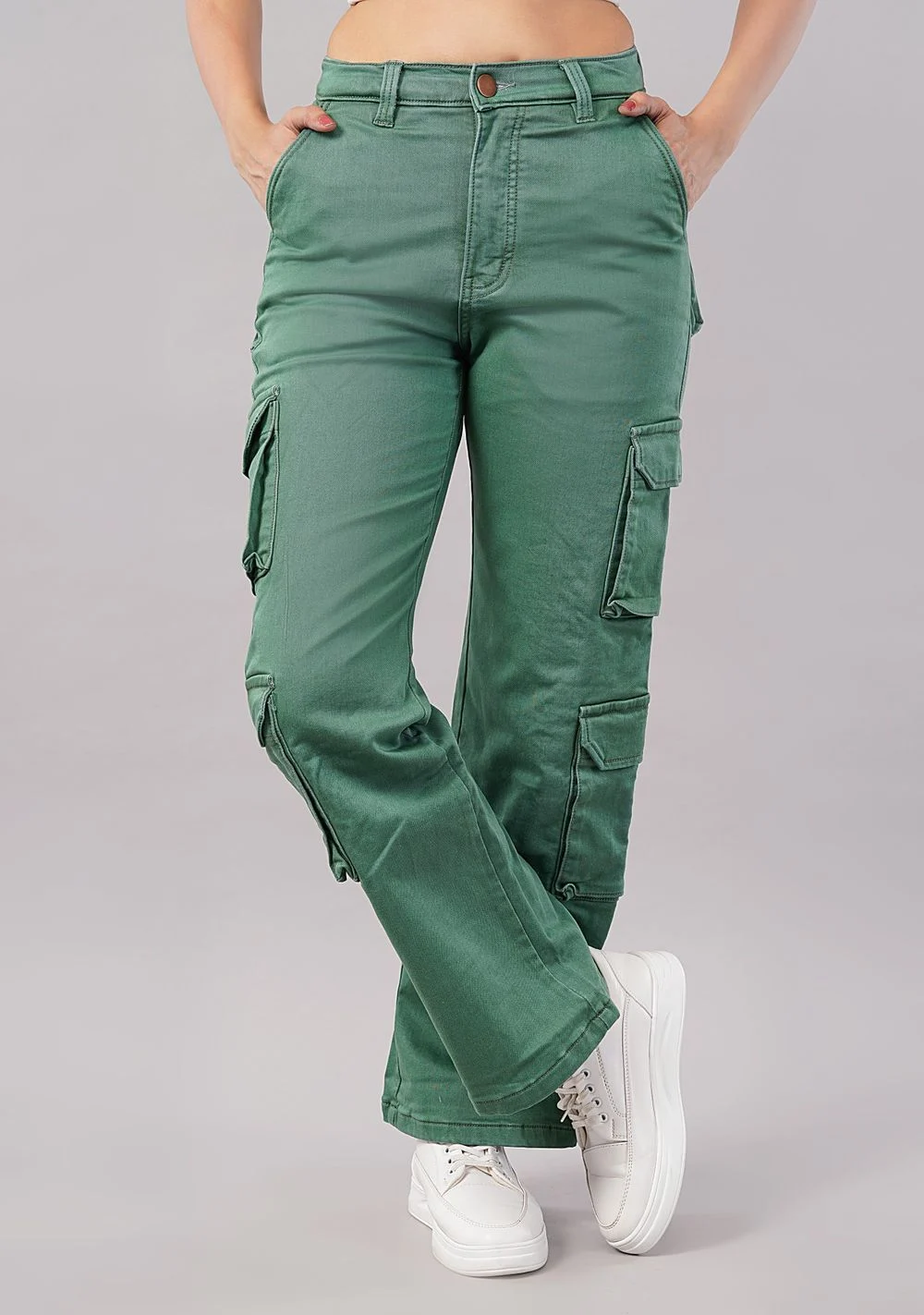
Never stretch or extend a canvas to reach a size or ratio. Partner guidance reports that fashion images should not be cropped, extended or elongated, and a stretched model is also the fastest way to lose a shopper’s trust. If the frame is wrong, re-crop from the master or reshoot.
From the studio floor
We capture apparel as uncropped masters at the camera’s full resolution, then crop in the edit to the marketplace template. On the laptop we keep a framing overlay set to the target ratio, so the photographer sees the final crop while shooting. Every rack gets a 100 percent zoom check on collar, stitching and print before the model changes, because a soft focus spotted later means a reshoot.
Flipkart-based guidance reported by partners says images must not carry price tags, stickers, product tags, ratings or comparisons with other brands. Anything added on top of the garment, or left hanging from it, competes with the product and is a common reason for a quality-check rejection.
For clothing, the risky items are small and easy to miss on set: a swing tag tucked into a sleeve, an MRP sticker on a waistband, a size label showing at the neck, or a safety pin used for fit at the back. In post-production the risks are a studio watermark, a “new arrival” badge or a size chart pasted onto the primary image. All of these should stay out of the main image.
When a tag or pin has already been photographed, careful retouching can remove it, but it takes time on every file. Sellers re-uploading an older catalogue often find that image editing and retouching is faster than a reshoot for small fixes such as a visible tag, a crease or an uneven grey tone, as long as the garment itself was lit correctly.
Before the model walks onto the sweep, a dresser runs a four-point check: neck label folded in, sleeves and cuffs clear, pockets empty, waistband and hem free of stickers. It takes under a minute per outfit and saves a retouch on every angle that follows. We add the same check to our edit QC, so anything missed on set is caught before export.
Have a question about a batch that was rejected for “text or watermark”? Send two sample files on WhatsApp at +91-8700258773 and the Ckstudio team will tell you whether an edit or a reshoot makes more sense.
A partner FAQ for Flipkart reports that only JPEG files are accepted, and image counts in public sources range from a minimum of two up to five or more. For apparel, plan front and back as the core, then add side and detail frames up to the limit your template shows.
Export marketplace files as high-quality JPEG in the sRGB colour profile. Other formats may be refused at upload or converted in ways that shift colour, and sRGB keeps fabric colours closer to what shoppers see on a phone. Keep file names simple, using the SKU code and view, for example KRT-0412-front.jpg, so your catalogue team can match images to listings without opening every file.
Image count is where sources disagree most. One partner FAQ mentions a minimum of two and a maximum of five images, while another guide suggests that three are preferred and others recommend front, back, close-up and lifestyle frames. Your Seller Hub upload screen shows the real limit for your vertical, so plan your shot list to that number.
| Frame | Purpose | Priority |
|---|---|---|
| Front, full length | Main image and search thumbnail | Required (reported) |
| Back, full length | Shows back neck, zip, print and fit | Required (reported) |
| Side or three-quarter | Shows drape and silhouette | Optional (reported) |
| Fabric or print close-up | Answers texture and quality questions | Recommended |
| Styled or lifestyle frame | Context and styling ideas | Optional, secondary only |
Partner apparel documentation also reports that mannequin images are not allowed and that the same model should appear in every shot of a product. That rules out mixing a ghost mannequin front with an on-model back, even though the combination is common on other marketplaces. If a mannequin workflow suits your other channels, keep those files separate and shoot on-model for Flipkart.
Example scenario
Example: a seller lists 40 kurtas, each in one colour, with a five-image limit in the template. The shot list becomes front, back, side, embroidery close-up and one styled frame per SKU, which is 200 exports. If the team shoots 10 percent extra frames as backups, the edit desk handles about 220 files, and naming them by SKU and view from the start saves a full day of matching later. These numbers are illustrative, not a client job.
To get a shot list and plan for your SKU count, call Ckstudio on +91-8700258773 between 10 am and 7 pm.
Lock the lighting, camera position, model mark and Flipkart apparel image background tone for the whole batch, and check every rack against a reference frame. On a category page, a grey that shifts from SKU to SKU looks untidy even when each image passes on its own.
Shoppers see your listings side by side in search results and in the colour swatch row, where each variant shows its own main image. If one colour was shot on a warmer grey, or the model stands larger in frame, the row looks like it came from three different sellers. Consistency is a conversion issue, not only a compliance one.
From the studio floor
Our QC desk checks backdrop consistency by sampling the grey value at the same two points, left and right of the model, on every main image. If a frame drifts by more than a few levels from the reference, it goes back to the editor before export. Garments are steamed on a rack before the shoot and touched up with a handheld steamer between angles, because a crease on the back view is the most common reason we redo a frame.
The video below shows how a t-shirt catalogue is shot to a repeatable setup for marketplaces, which is the same idea applied to a single product line.
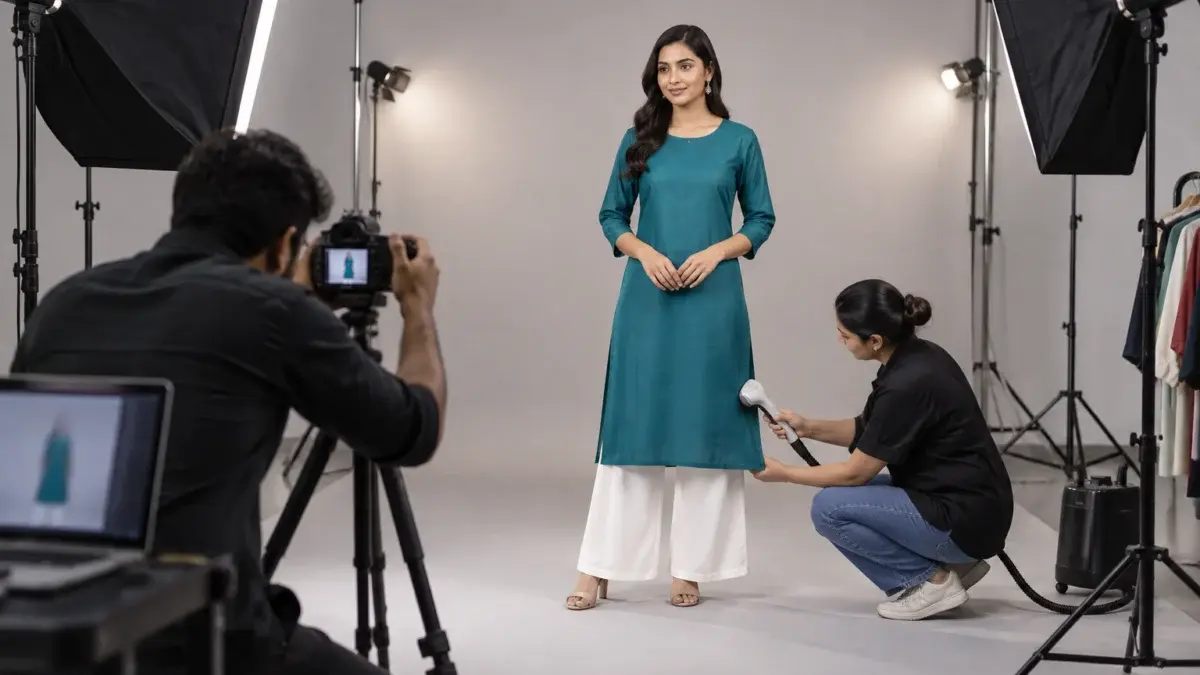
Model choice also affects consistency. A model who can hold the same stance and turn for front, back and side views makes the set read evenly. Our guide to Flipkart model photography covers casting, poses and fit styling for these shoots in more depth.
Run nine checks on every file before upload: rule confirmed, background tone, soft shadow, views, frame fill, size, no tags or text, JPEG and sRGB, and set consistency. Each takes seconds on screen, starts with the Flipkart apparel image background, and catches the issues that most often lead to quality-check rejections.
Prince’s advice to sellers is simple: spend ten minutes on the Seller Hub check and one test listing before spending a day in the studio. The checklist above then becomes a habit for the edit team, not a rescue plan after a rejection.
Public sources disagree. Fynd’s partner documentation for apparel reports light grey with a soft shadow and says white is not accepted, while general guides mention white. Check the instruction for your vertical in Seller Hub and test one listing before shooting the batch.
It is possible, but the soft floor shadow that the apparel rule asks for is hard to fake convincingly across many files. If the rule for your vertical is grey, shooting on a light grey sweep gives a more natural result and less editing time.
Public sources quote different minimums, most often 1000 × 1000 px, and none is confirmed on a Flipkart-owned public page for apparel. Export large, high-resolution files from an uncropped master and check the upload screen for your vertical.
Partner apparel documentation reports that mannequin images are not allowed and that the same model should appear in all shots of a product. Plan on-model front and back views for Flipkart and keep mannequin images for other channels.
Common causes are a visible swing tag, MRP sticker, size label, watermark, logo or offer badge on the image. Remove them on set or in retouching, and keep offers and size details in the listing text instead.
Sources range from a minimum of two to a maximum of five or more. Front and back are reported as mandatory for apparel; add side, fabric close-up and a styled frame up to the limit shown in your upload screen.
The Flipkart apparel image background question has no single public answer, but it does have a reliable method: confirm the rule for your vertical, test one SKU, shoot on a locked grey or white set, and check every file against the nine points above. For help planning a shoot, write to [email protected] or message Ckstudio on WhatsApp at +91-8700258773.
Next step: if some listings are already bouncing at quality check, work through our guide to common Flipkart listing rejection reasons and their fixes.
Ckstudio shoots on-model apparel catalogues on locked grey and white sets, with a tag check, steaming and batch QC built in. Share your vertical and SKU count and we will plan the shoot around your Seller Hub template.
Call Prince: +91-8700258773
