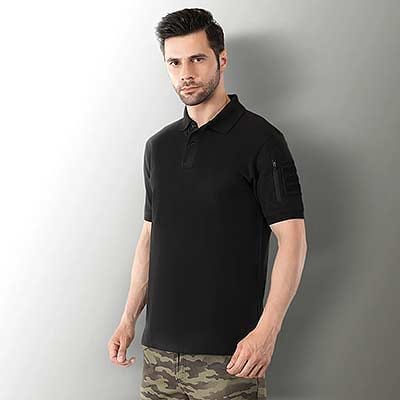
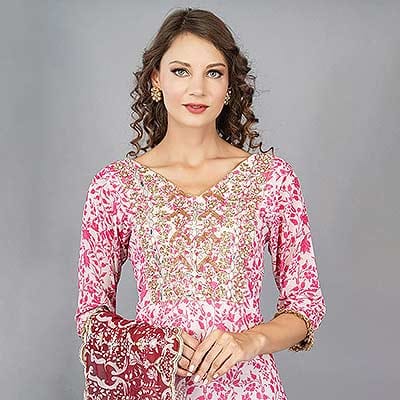


Fashion Photography Services




E-commerce Photography


What the new tag covers, what it does not, how to write the XMP keyword, and when a real model shoot saves you the labelling work.

The Amazon AI generated images label is a small metadata keyword with a big job: since July 2026 Amazon has asked sellers to mark listing images, videos and A+ Content that show photorealistic people created entirely by AI. This chapter belongs to our Amazon seller hub, where we keep the image, fee and A+ rules for Indian sellers in one place.
If your apparel, beauty or lifestyle catalogue uses AI models anywhere, this guide tells you exactly which files need the tag, how to add the contains-synthetic-performer keyword, where A+ and variation images fit, and what the rule does not ask of you. Prince and the Ckstudio team shoot real models for ecommerce listings every week, so the last sections also show when a real shoot is simply the cheaper path to a clean, label-free gallery. Questions about your own listings? Call +91-8700258773.
In this guide
In late July 2026 Amazon told third-party sellers to tag product images, videos and A+ Content that show photorealistic AI-generated people. The tag is a keyword inside the image file’s XMP metadata, and widely reported coverage dates the seller notice to 23 July 2026.
The timing was not random. New York’s synthetic performer disclosure law took effect on 9 June 2026 and requires advertisers to disclose when an ad uses a digitally created human that looks real. Coverage led by CNBC and repeated across seller news sites connects Amazon’s notice directly to that law. Because a single ASIN image can be served to shoppers in many regions, Amazon applied the request to sellers broadly instead of carving out one state.
For Indian sellers the practical reading is simple. The notice was issued through Seller Central and is described as worldwide, but India-specific guidance, help pages and any regional enforcement detail must be checked inside Seller Central India itself. We have not seen an India-only deadline or penalty published, and this guide does not invent one. Where a detail is reported rather than confirmed in Amazon’s own help pages, we say so.
Below is how the rule reads today, rule by rule, with the source each line comes from. The technical image rules for India (size, format, white background for the main image) still come from the product image requirements page in Seller Central India, and the AI label sits on top of them, not instead of them.
| Rule | What sellers have been told | Source |
|---|---|---|
| Who must tag | Third-party sellers uploading listing media | Amazon seller notice, July 2026 (Seller Forums) |
| What is covered | Photorealistic people generated entirely by AI | Amazon seller notice, July 2026 |
| Where it applies | Product images, videos and A+ Content | Amazon seller notice, as reported by CNBC |
| How to tag | Keyword contains-synthetic-performer in the XMP dc:subject field, before upload | Amazon seller notice |
| Shopper display | Qualifying content may receive a customer-facing indicator; criteria not published | Amazon statement, as reported by Quartz |
| Image basics | Main image white background, 1,000 px or more for zoom, JPEG/TIFF/PNG | Seller Central India image requirements |
Notice what is missing from that table: a fine, a suppression timeline or a stated audit cycle. Amazon has not published those, so any article quoting a specific penalty for a missing tag is guessing. What is clear is that the request is part of Amazon’s listing policy, and a seller who knowingly uploads untagged synthetic people is outside it.
Tag any image or video where a shopper sees a realistic human who never existed: a fully AI-generated model, face or body. Real people who were photographed and then edited, illustrated or cartoon people, and images with no people at all are reported to fall outside the rule.
The word that does the work is photorealistic. A flat illustration of a woman holding a bottle on an infographic slot is not a synthetic performer, because nobody would mistake it for a photograph. A generated model wearing your kurta on a white seamless background is exactly what the rule targets, because a shopper would reasonably believe a real person wore the garment.
A rule of thumb the Ckstudio team gives sellers: if you would need a model release form for the person in the frame, the image probably does not need the tag; if there is nobody to sign a release because the person was generated, it does. That one question sorts most catalogues in minutes.
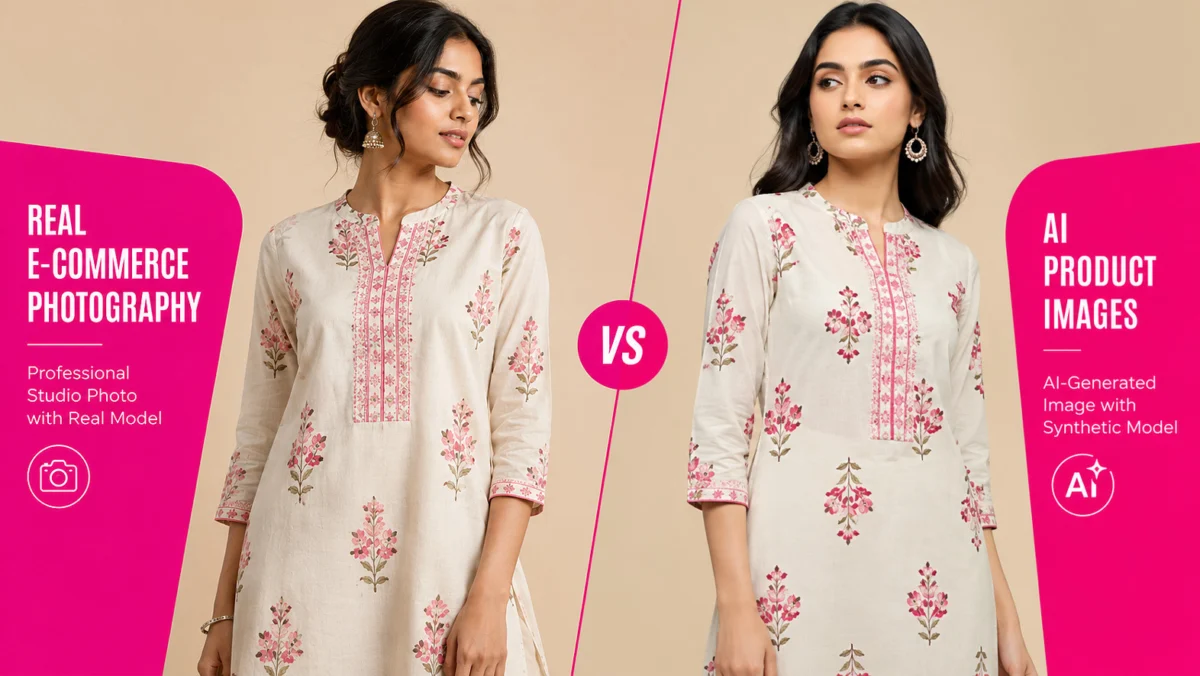
That similarity is the whole point of the disclosure. Shoppers decide fit and drape from the person in the photo, so a generated body that looks real carries an implied promise about how the garment sits. If the photo is the reason you need a tag at all, it is worth asking whether Amazon product photography with a real model would remove the question at source.
Write the exact keyword contains-synthetic-performer, with both hyphens and no spaces, into the dc:subject (Keywords) field of the file’s XMP metadata before you upload it. Any IPTC-compatible editor works; the tag must be inside the file, not in the listing text.
dc:subject is the standard Dublin Core keywords field, which is why most photo tools already write to it when you add a “keyword”. The catch is spelling: a missing hyphen, a capital letter added by a template, or a trailing space turns the tag into a different word that Amazon’s systems will not recognise.
After tagging, verify. Open the file’s properties or run exiftool -XMP-dc:Subject on it and read the keyword back. Do this on the exact file you upload, after any compression step, because some web optimisers and resizers strip XMP to save bytes. Our own free image compressor is fine for shrinking files you will re-tag, but always tag last.
From the studio floor
On Ckstudio real model shoots we tether the camera to Capture One, so every frame lands with its camera EXIF, lens and capture time already embedded. Final apparel files leave the studio as sRGB JPEGs at 2,000 px on the long side, which clears Amazon’s 1,000 px zoom threshold with room for cropping. Because there is no generated person in these files, no synthetic tag is written, and the delivery folder keeps the untouched RAW set for proof of origin.
Sellers on an Amazon Seller Forums thread about tagging AI-generated people have reported that tagged images appeared to lose the XMP keyword after Amazon reprocessed them, and asked whether a visible “AI-generated” note is acceptable instead. We have not seen an official answer to that thread. Until one appears, keep a dated copy of every tagged file, record the upload date in your catalogue sheet, and re-check any listing where the indicator does not show as expected.
A+ Content is explicitly in scope, so every module image showing a synthetic person needs the tag too. Variation (child ASIN) images are listing images like any other, so each child file with an AI model must carry the keyword on its own.
A+ is where AI models quietly multiply. A brand might shoot its main gallery on a real model but build the 970 px and 1,464 px A+ banners from generated lifestyle scenes because they are faster. Those banners are covered. Sellers in the Seller Forums also describe an “AI-generated people” checkbox inside A+ Content Manager as an alternative declaration; check whether it shows in your India account before relying on it, and tag the file anyway.
Variations need a different kind of discipline. When a kurta comes in six colours, sellers often shoot one colour on a real model and generate the other five with AI recolouring on the same body. If the person is real and only the fabric colour was changed, that sits closer to an edit of a real person. If the model in the other five was generated from scratch, every one of those child images needs the tag. We explain how colour variants should match in our child ASIN and swatch checks.
Example scenario
Example: a 40-SKU kurta catalogue with six gallery images per SKU holds 240 listing files. Say slots 2 to 5 used AI models on 25 SKUs (100 files), plus three A+ modules with generated people. That is 103 files to tag, re-verify and re-upload, and every new colour added next season repeats the work. The numbers are illustrative, but they show why mixed catalogues need a file-level register, not memory.
Brand Story carousels are part of A+ and follow the same logic. Product videos are also named in the notice; for video, the metadata route depends on the container and editing tool, so confirm the current method in Seller Central before uploading a generated presenter. If your video uses a real presenter filmed on set, none of this applies.
Amazon has not published a specific penalty, so the honest answer is policy risk rather than a known fine. Untagged synthetic people put a listing outside Amazon’s stated rule, which can surface during image reviews, complaints or future automated checks.
Three practical risks matter more than speculation about penalties. First, detection is improving: provenance standards such as C2PA content credentials let platforms read where an image came from, and a mismatch between a provenance signal and a missing tag is easy for a system to flag. Second, trust: if a shopper later learns the model was generated and the listing never said so, that becomes a review or a return reason. Third, rework: fixing a catalogue under pressure costs more than tagging it calmly now.
That fourth mistake deserves a second look. Over-tagging feels safe, but if Amazon does show an indicator, a real model shoot would be presented to shoppers as AI. For brands that paid for real photography precisely to show true fit, that undoes the investment. Tag accurately, not defensively.
The same caution applies across marketplaces. Flipkart and Myntra have not issued an equivalent metadata rule as of this writing, but files often move between your Amazon, Flipkart and Myntra listings. Keep the tag in place; a correct keyword does no harm on platforms that ignore it.
A real shoot is the safer choice whenever fit, drape, skin tone or size on the body is what the shopper is buying. It removes the labelling step, the indicator question and the risk that a generated body misrepresents how the garment sits.
AI models are fast for concept boards and some lifestyle backdrops, but apparel buyers judge length, fall and fabric weight from the person in the photo. A generated body has no real proportions, so a size M kurta can look like it fits a figure that does not exist. That gap is what drives “not as shown” returns, and it is the same gap the disclosure rule is trying to make visible.
| Decision factor | Real model shoot | AI-generated model |
|---|---|---|
| Synthetic performer tag | Not needed | Required on every file and A+ module |
| Fit and drape accuracy | Shows the real garment on a real body | Depends on the generator; proportions can drift |
| Fabric texture and colour | Captured with a colour-check card | Can shift between generations |
| Proof of origin | RAW files, EXIF, model release | Prompt logs only |
| Possible shopper indicator | None | May be shown by Amazon |
| Best use | Main gallery, fit shots, A+ hero banners | Moodboards, non-human backgrounds |
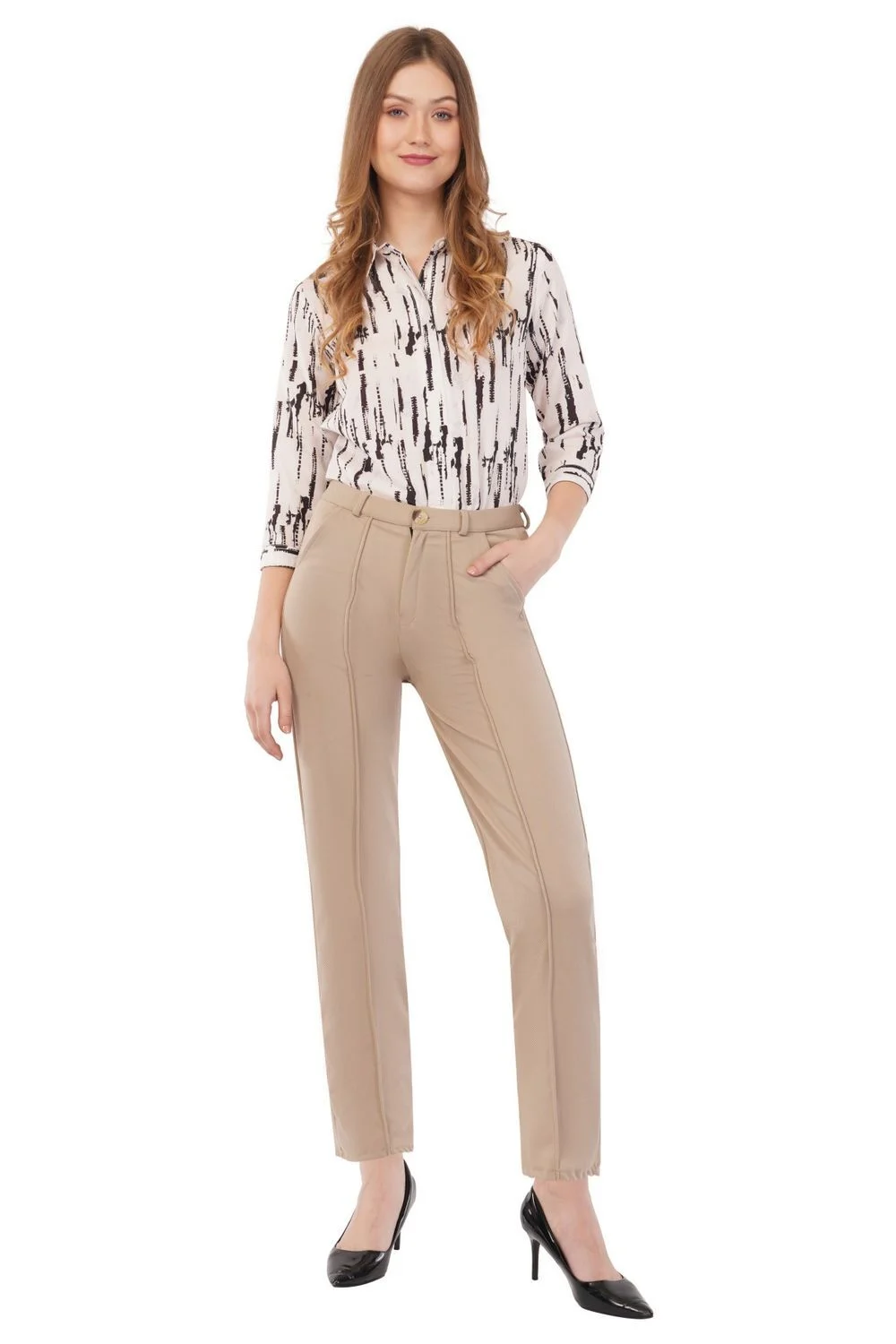
For apparel, footwear and accessories worn on the body, we recommend a model photoshoot for ecommerce for the main gallery and the A+ hero, and AI only for backgrounds or set ideas where no person appears. That split keeps the files that drive the sale label-free.
From the studio floor
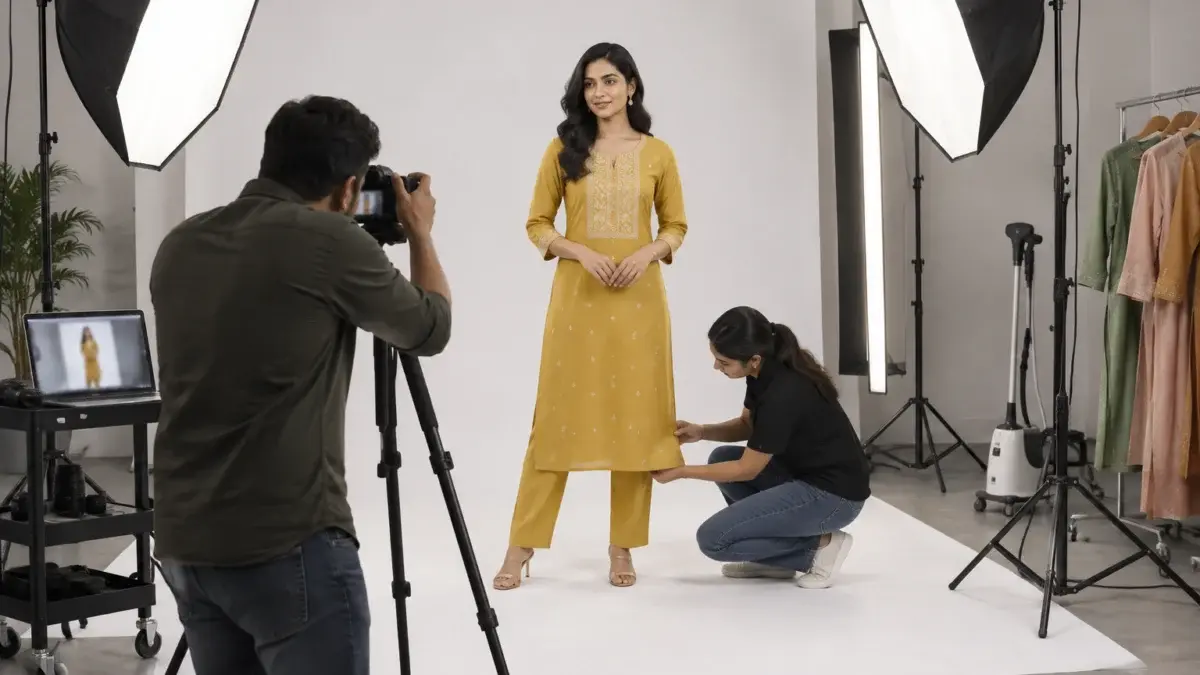
The standard Ckstudio apparel set for Amazon is a white seamless sweep, two octaboxes at roughly 45 degrees and a strip box behind the model for edge separation, shot on a full-frame mirrorless body with a 50mm or 85mm lens at f/8. Every garment is steamed before it reaches the model, and a colour-check card is shot at the start of each colour batch. A typical apparel SKU gets six to seven frames: front, back, side, three-quarter, a fabric macro, a detail and one styled frame.
The video below shows the kind of on-model fashion work that replaces generated performers in a gallery: real movement, real fabric response, nothing to disclose.
We compared the two approaches category by category in our AI versus studio photography breakdown for Amazon, including where generative tools genuinely save time.
Build a file-level register of every listing, A+ and video asset, mark which ones contain a generated person, tag and verify those files, and decide for each whether to keep it tagged or replace it with real photography. Do it once properly and the next upload is routine.

From the studio floor
When a seller sends Ckstudio a mixed catalogue, the QC desk runs three checks on each delivered file before handover: the file opens in sRGB, the long side is at least 2,000 px, and the metadata panel shows only camera EXIF and our keyword set, with no stray AI provenance from earlier edits. Files that started life in a generator are kept in a separate folder so they can never be mixed into a real-model delivery.
The video below shows a real marketplace shoot from set to file, the same workflow that produces label-free gallery images for Amazon, Flipkart and Myntra.
Need help sorting a catalogue? Send the ASIN list on WhatsApp at +91-8700258773 or email [email protected], and Ckstudio will tell you which files sell the product and are worth reshooting first.
Expect more disclosure, not less. Watch for Amazon to publish India-specific help pages, clarify the shopper indicator and reprocessing questions, and lean on provenance standards that make undeclared AI easier to spot.
Three developments are worth tracking. The first is clarification from Amazon on open questions sellers have raised: hands-only images, partially generated faces, and whether tags survive image processing. The second is wider regulation; New York’s law was the trigger, and other jurisdictions are drafting similar disclosure rules for synthetic humans in advertising. The third is content credentials, the C2PA standard that camera makers and editing tools are adopting to sign where an image came from.
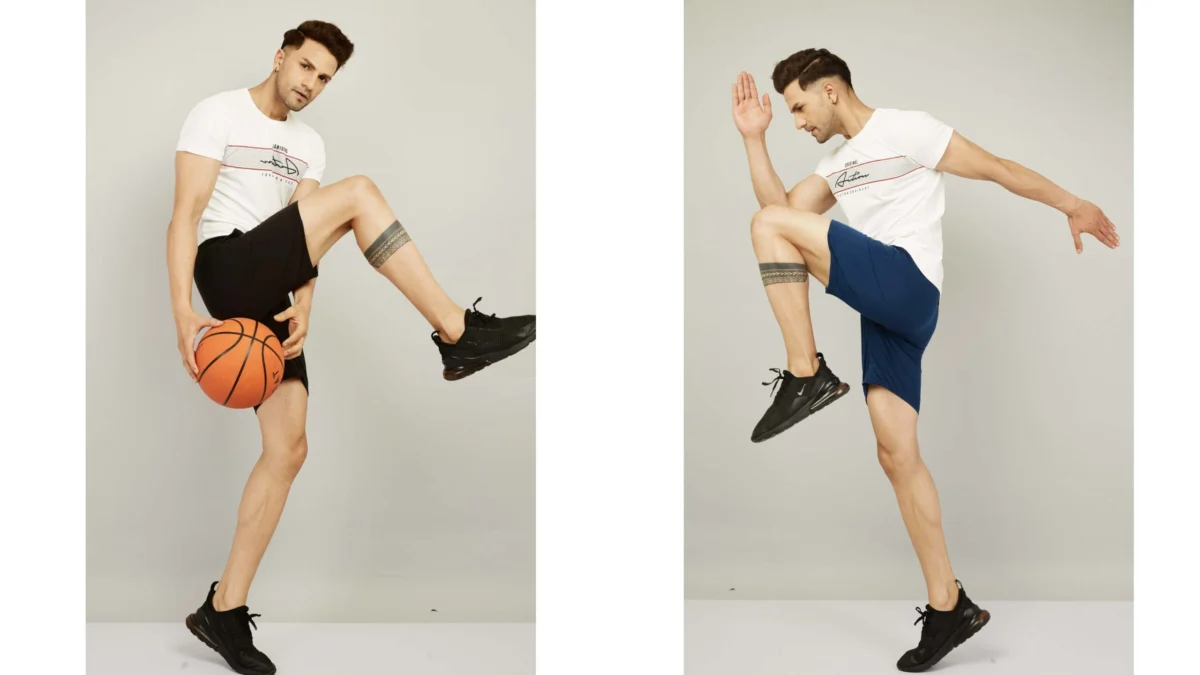
For Indian e-commerce brands the strategic choice is now clearer. If AI models save you money only until you count tagging, verification, re-upload and the possible indicator, the saving shrinks. Real photography becomes the default for the images that carry the sale, with AI kept for the work where no human appears. That is the split Prince recommends to apparel sellers planning their 2026-27 catalogue.
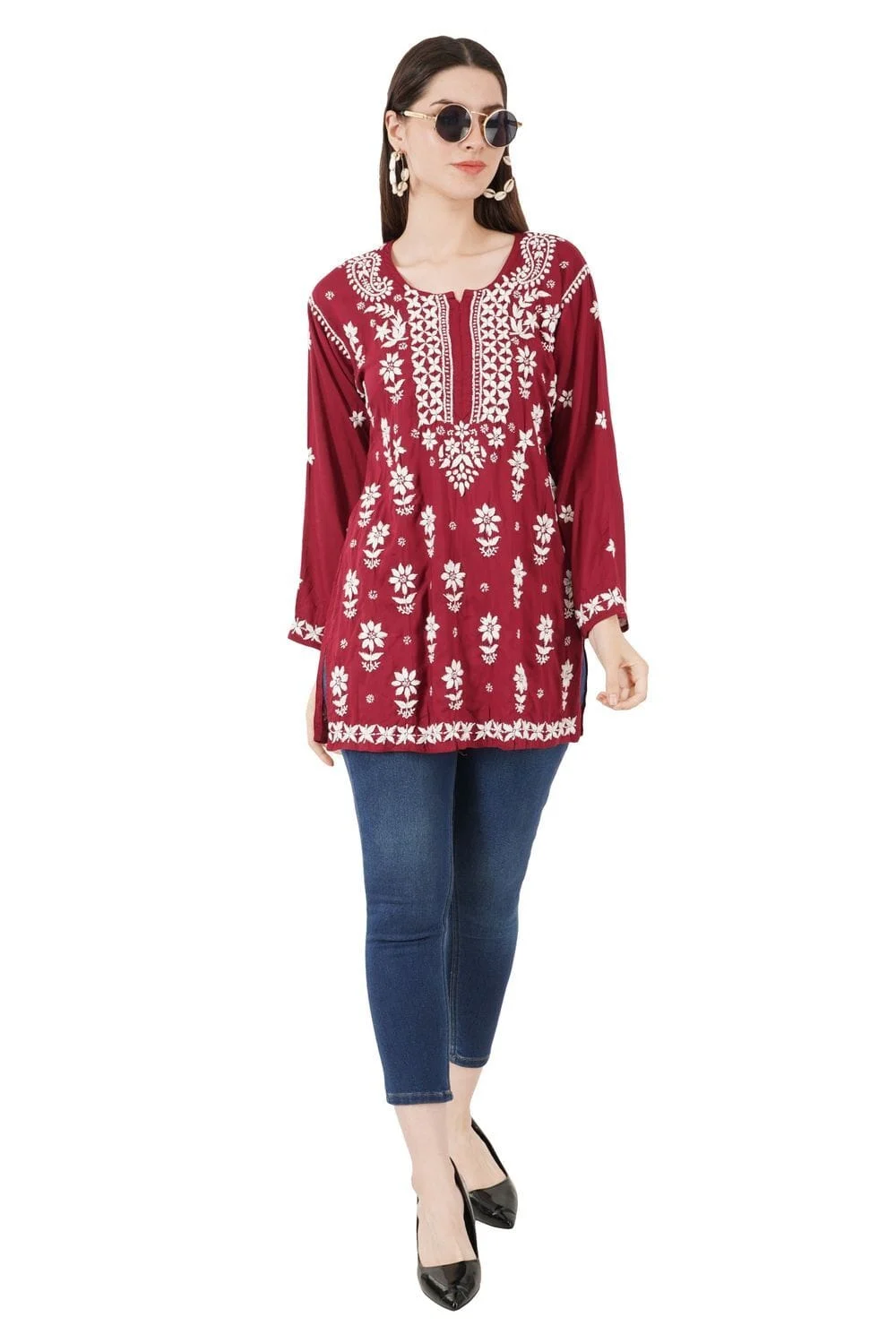
At Ckstudio we ask every client to keep one habit whichever route they choose: store the origin of every file. RAW frames and model releases for real shoots, prompt logs and the tagged export for generated ones. If Amazon ever asks how an image was made, a folder answers faster than an email thread.
It is the keyword contains-synthetic-performer written into an image’s XMP dc:subject metadata. Amazon asked sellers in July 2026 to add it to listing images, videos and A+ Content that show photorealistic AI-generated people.
The notice was described as worldwide, but India-specific guidance should be confirmed in Seller Central India. Tagging correctly now costs little and keeps your files ready whatever India publishes.
Reported guidance says real people edited or enhanced with AI are out of scope. If the visible face or body was generated, tag it.
The stated method is the metadata keyword, not listing text. Sellers have asked Amazon whether visible text is enough, but no official answer has been published.
Amazon has not published a specific penalty. Untagged synthetic people place the listing outside the stated rule, which is a compliance risk during reviews or future automated checks.
Adobe Bridge, Lightroom Classic and the free ExifTool all write to dc:subject. Tag the final compressed export and read the keyword back before upload.
Labelling is manageable once your catalogue is sorted, but the cleanest gallery is one where the people are real. Ckstudio shoots on-model apparel, accessories and lifestyle sets for Amazon sellers across India; call +91-8700258773 or email [email protected] to plan the reshoot.
Next step: once your people images are sorted, plan the in-use scenes for slots 3 to 7 with our guide to Amazon lifestyle images with real props, models and settings.
Talk to Prince about an on-model Amazon gallery and A+ banners that need no synthetic performer tag. WhatsApp +91-8700258773 for a quick reply.
Call Prince: +91-8700258773