





Fashion Photography Services





E-commerce Photography




A slot-by-slot image plan for sofas, beds, tables, storage and chairs, so buyers know the size, colour and finish before the delivery van arrives.
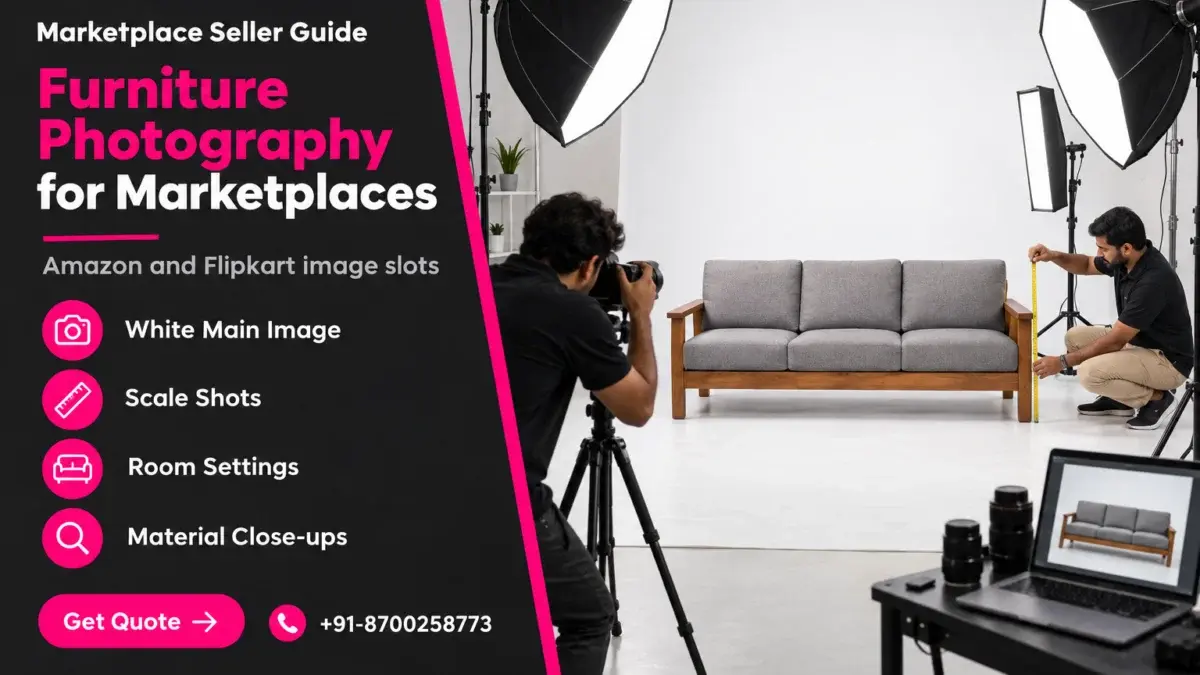
Furniture photography for marketplaces has one job that most other categories never face: it has to tell a buyer how big, how heavy and what colour a product is, without the buyer ever touching it. A sofa, bed or wardrobe that arrives smaller than expected or in the wrong wood tone becomes an expensive reverse pickup, often with a damaged carton. This guide sits under our Amazon seller hub and lays out the nine image slots that answer those questions on Amazon and Flipkart.
You will learn which main image rules to verify on Seller Central and Seller Hub, how to shoot the hero angle and detail shots, where scale shots and room settings belong, and why 3D renders cause colour complaints. Everything here comes from how Ckstudio plans large-item shoots on the studio floor. If you would rather hand the whole set to a team that already shoots beds, chairs and cabinets for listings, our furniture photography team plans every slot below before the first frame.
In this guide
Furniture is bought on dimensions, material and colour, and all three are hard to judge from a small phone screen. A furniture listing therefore needs images that prove size and finish, not just images that look attractive. Missing proof is what turns into “smaller than expected” and “colour not as shown” returns.
On most e-commerce platforms, a kurta or a lipstick is light, cheap to ship back and easy to picture in your hand. A three-seater sofa is none of these. Buyers scroll through a listing trying to answer four questions: will it fit the space, will it match the floor and walls, is it solid or flimsy, and how hard is it to assemble. Every image slot should answer at least one of those questions. A slot that only repeats the main image from a slightly different angle is a wasted slot.
The second difference is physical. Large items do not fit on a product table, so they are shot on the studio floor, against a wide seamless or a cyc wall. Lighting has to cover two to three metres of product evenly, and the camera usually sits higher than eye level so the seat, top or mattress platform is visible. Reflective finishes such as lacquer, glass and chrome need flagging and polarising that a small product never needs.
Indian buyers add one more filter: they compare wood tones. Sheesham, mango wood, engineered wood with a walnut laminate and a honey teak polish can look nearly identical under bad light and completely different in a living room. That is why furniture photography for marketplaces leans so heavily on colour accuracy, and why the rest of this guide keeps returning to the grey card and the colour profile.
Both marketplaces want a clean main image of only the product being sold, on a white background, without text, badges or watermarks. Amazon publishes exact figures for background, frame fill and zoom size. Flipkart’s current numbers should be checked inside Seller Hub for your category before you shoot.
Rules change, so treat this table as a checklist to confirm rather than a permanent rulebook. Amazon’s figures below come from the Amazon Seller Central product image requirements. For Flipkart, log in to Flipkart Seller Hub and open the image guidelines for your furniture vertical, because minimum sizes and the number of image slots can differ by category.
| Rule | Amazon (Seller Central help) | Flipkart (verify in Seller Hub) |
|---|---|---|
| Main image background | Pure white, RGB 255, 255, 255 | White main image; check whether your vertical also accepts light grey |
| Frame fill | Product fills about 85% of the frame | Product centred and uncropped; confirm the fill guidance in Seller Hub |
| Size for zoom | At least 1,000 px on the longest side so zoom works | Check the category minimum before export |
| Text, logos, watermarks | Not allowed on the main image | Not allowed on the main image |
| Props | Only what is included in the sale | Product alone on the main image |
| File format | JPEG preferred; TIFF, PNG and GIF accepted | Check the accepted formats in Seller Hub |
For furniture, the “only what is sold” rule catches sellers more often than the background rule. A study table shot with a lamp, books and a chair implies the chair is included. If the chair is sold separately, it cannot be in the main image. The same goes for cushions on a sofa: if the cushions ship with the sofa, show them; if they do not, remove them for the main image and keep them for the room setting.
A white seamless that reads as pure white around a 2-metre sofa needs the background lit separately from the product, usually 1 to 1.5 stops brighter, so it clips to white without spilling onto the upholstery edges. If you shoot on a grey or off-white floor and cut it out later, keep a soft contact shadow under the legs. A product floating on white looks like a render and draws more doubt, not less. Our breakdown of Flipkart background and ratio rules covers the grey-versus-white question in more depth.
The hero angle for most furniture is a three-quarter front view from slightly above seat or tabletop height, showing the front, one side and the top at once. Detail shots then follow the parts a buyer would touch in a showroom. Planning both before the shoot keeps every SKU in a range consistent.
A straight front view hides depth, which is the dimension buyers misjudge most. A three-quarter view at roughly 30 to 45 degrees shows width and depth together. Camera height matters as much as angle: too low and a table top disappears, too high and a sofa looks shallow. For seating we place the lens a little above seat height; for tables and beds, higher, so the surface reads clearly.
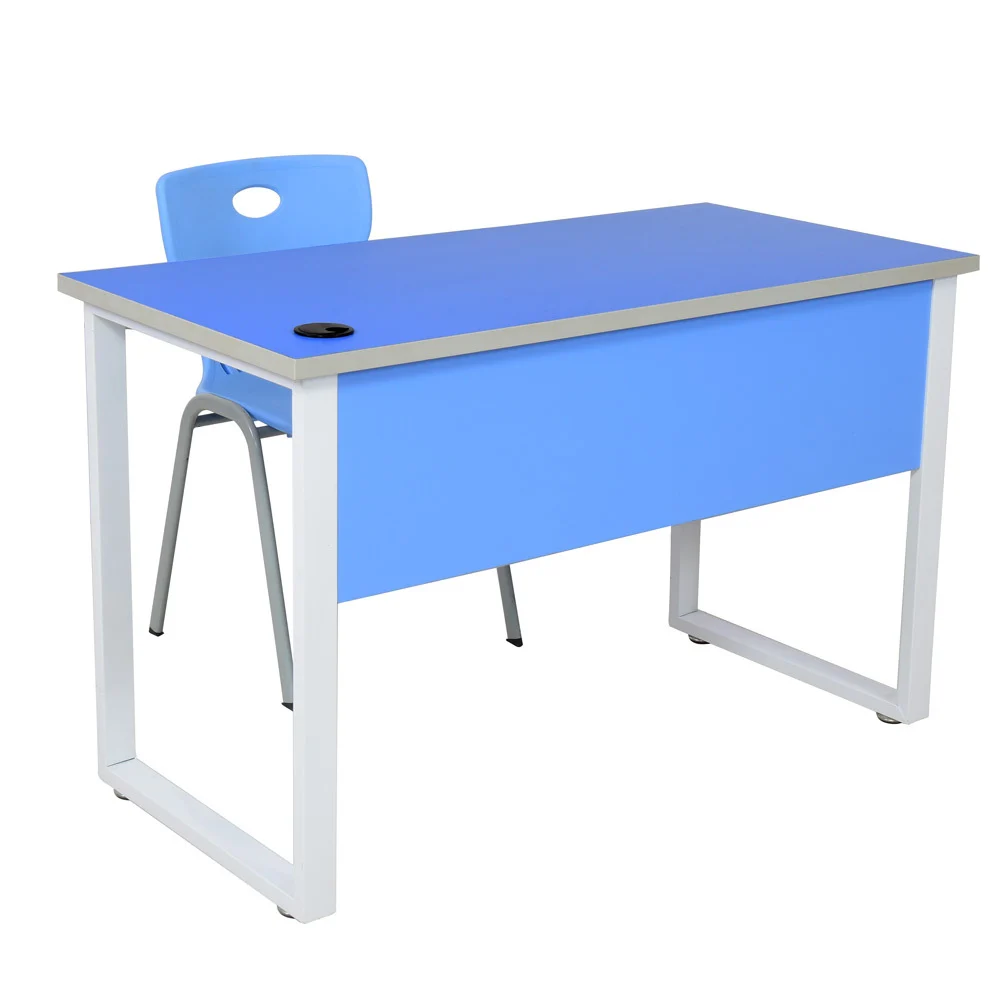
Once the hero is locked, the angle has to be repeated for every variant in the range. If a dining set comes in three finishes, all three heroes should use the same camera height, the same focal length and the same rotation. Buyers switching between colour swatches on Amazon or Flipkart notice when the product jumps around the frame, and the listing looks stitched together. That consistency is also what makes Amazon listing photography pass catalogue review without reshoots when variants are added later.
From the studio floor
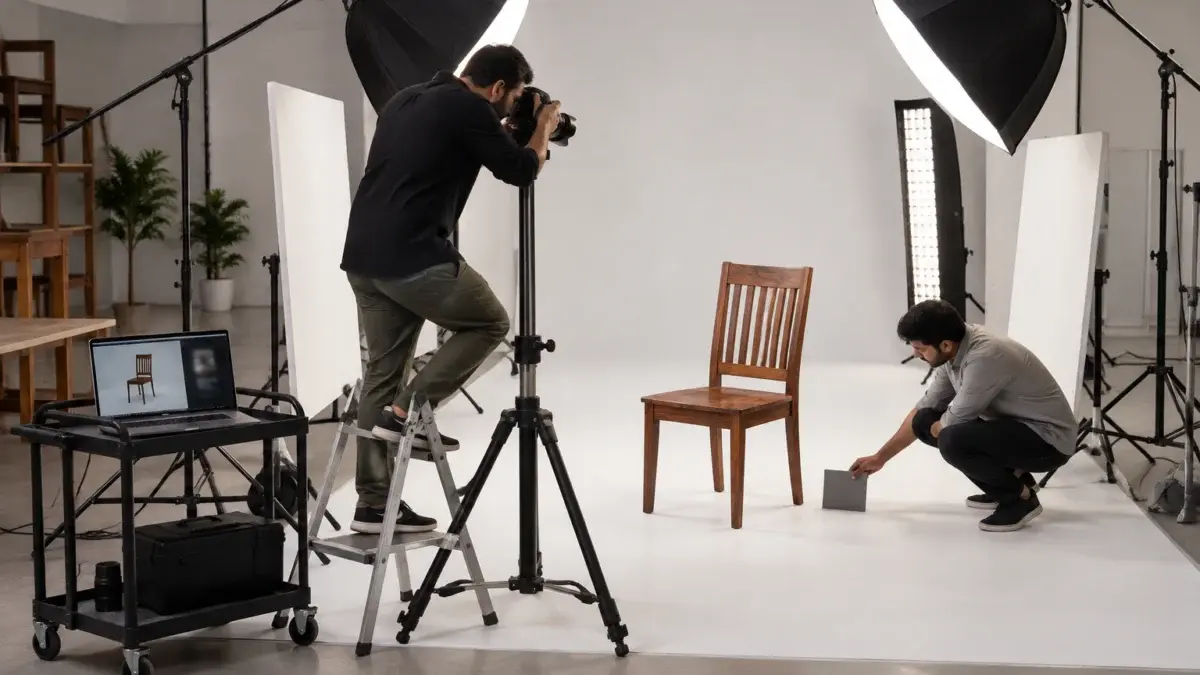
For a full-size sofa we work on a wide white cyc floor with two large octaboxes on boom arms, feathered across the seat from front-left and front-right, plus one strip box behind and above to separate the back cushions from the background. The camera sits on a tall tripod at about 1.2 to 1.4 metres for seating, with a 24-70mm lens around 50mm, stopped to f/8 to f/11 so the front arm and the back frame are both sharp. We shoot tethered so the client can approve the hero framing on a laptop before we move to variants.
A dimension infographic puts height, width and depth directly on the product, and a scale reference image shows the item next to a person or a familiar object. Together they answer the “will it fit” question that text bullets alone rarely answer. Most “smaller than expected” complaints come from listings that skip both.
Buyers read numbers, but they believe pictures. A listing can state 180 cm width in the bullets and still get returns, because the buyer pictured a different sofa. The furniture dimension infographic should be built on a clean white-background frame of the hero angle, with thin dimension lines and the measurements in centimetres and inches. Keep it to three or four measurements: overall width, depth and height, plus seat height for seating or clearance under the bed for storage beds.
The furniture scale reference image is a second, separate slot. The simplest version is a model sitting on the sofa or standing beside a bookshelf, shot at the same height as the hero. Where a model does not suit the brand, a familiar object works: a standard dining chair next to a console, or a 6-foot door frame in a room setting. Avoid oversized props, because a small vase next to a cabinet makes the cabinet look bigger than it is, which creates the exact return you are trying to prevent.
Example scenario
Example: a seller lists 12 study tables in three widths, 90 cm, 105 cm and 120 cm, using one shared set of images. Buyers ordering the 90 cm table see the 120 cm photos and expect a bigger desk. The fix is one dimension infographic per width, plus a scale image of a seated person at each width, so every child listing shows its own size. These numbers are illustrative, but the pattern is one of the most common reasons furniture variants get size complaints.
Remember that infographics belong in secondary slots only, never the main image. On Amazon, a well-built dimension frame also helps buyers comparing two similar tables side by side, which is why it usually earns slot three. Measure the actual sample you shoot rather than copying the factory sheet; small differences between the drawing and the finished piece are a common cause of size disputes. Accurate size proof is the cheapest fix in furniture photography for marketplaces.
Room settings work best after the white main image, the alternate angle and the size proof, usually from slot four or five onward. They answer the “will it match my room” question. Placed first, they confuse buyers about what is included; placed last, they get skipped.
The table below is the slot order Ckstudio plans for most furniture on Amazon and Flipkart. If your category in Seller Hub shows fewer slots, keep slots one to five and drop from the bottom. For a deeper look at how slot order affects clicks, see our guide to the Amazon 7-photo image sequence.
| Slot | Image | Buyer question it answers |
|---|---|---|
| 1 | White main image, three-quarter hero | What is it, and what exactly is included? |
| 2 | Alternate angle: side profile or back view | How deep is it, and how does it look from the room? |
| 3 | Dimension infographic | Will it fit my wall, alcove or doorway? |
| 4 | Scale reference with a person | How big does it feel in real life? |
| 5 | Room setting in daylight | Will it match my floor, walls and other furniture? |
| 6 | Material and finish close-up | Is it solid wood, laminate or veneer, and how is it finished? |
| 7 | Assembly, hardware or parts in the box | How hard is it to set up? |
| 8 | Function shot: open, reclined or extended | Does the storage, recline or extension work as described? |
| 9 | Product video or colour variant set | How does it move, and how do the finishes compare? |
Furniture lifestyle photography for marketplaces should look like a real Indian home, not a magazine set. Use a neutral wall, a realistic floor tile or wood, and a few small props that do not compete with the product. Shoot it in daylight-balanced light, because the buyer will compare the wood tone with their own room at home, mostly by daylight.
Soft goods sold alongside furniture, such as cushions and pillows, follow the same logic: show the product alone first, then show it in use. The short product video below shows that pattern on a home product, moving from the item on its own to texture and use.
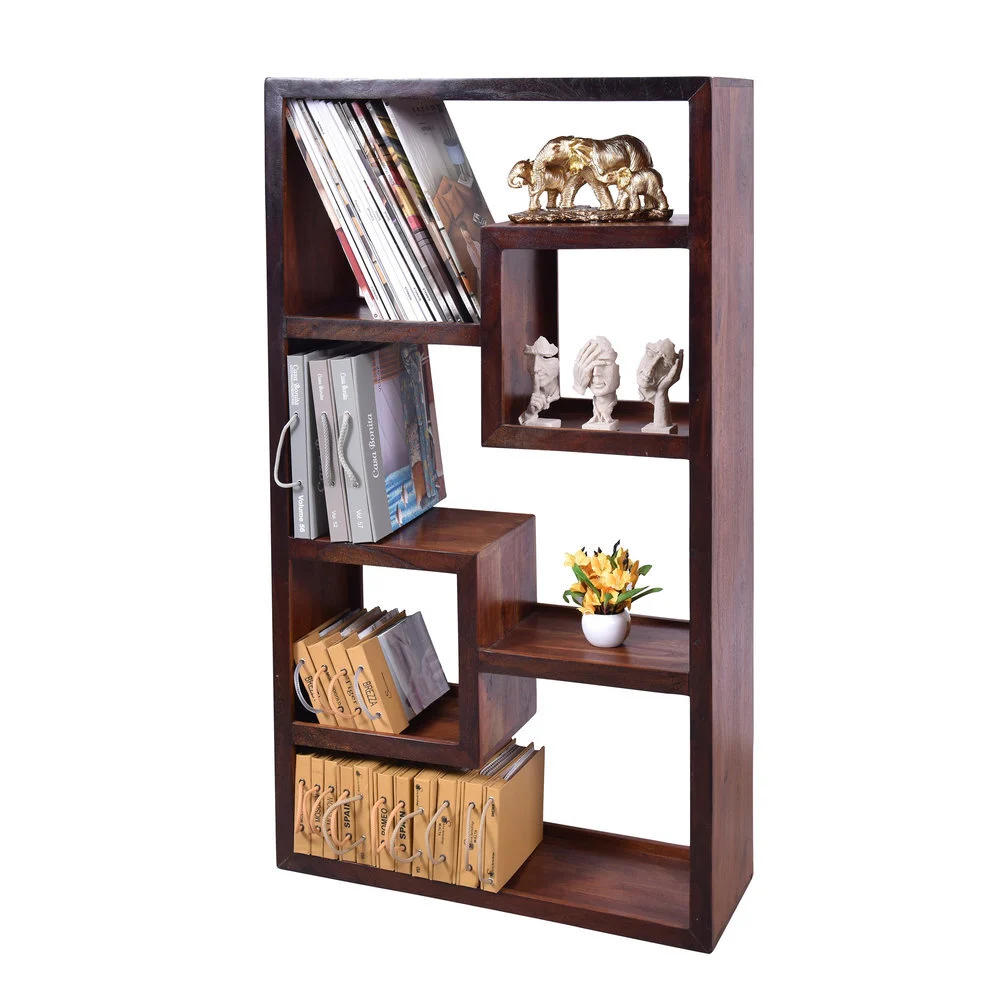
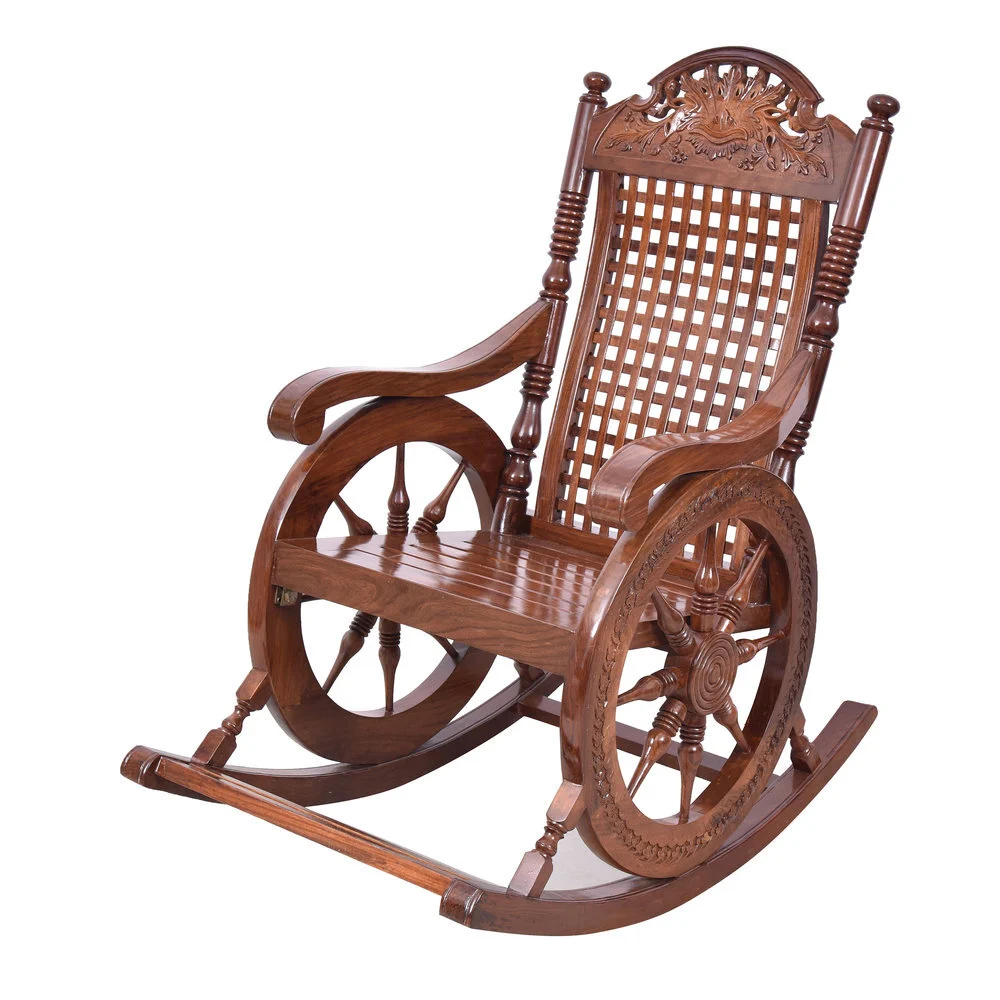
Close-ups should prove what the bullets claim: the wood species, the joinery, the fabric weave and the hardware. Use raking side light for texture and a macro or short telephoto lens for detail. Assembly images should show every part and fitting so the buyer knows the effort before ordering.
A “solid sheesham wood” claim is only believable if the buyer can see end grain, a dovetail or a mortise joint, and a natural variation in the grain. Laminate and veneer pieces need honesty too: shoot the edge banding so the buyer understands what they are buying. Claims that the photos cannot support are what produce “not as described” returns, and they are harder to win in a dispute than size complaints. In furniture photography for marketplaces, the close-up is the evidence slot.
From the studio floor
For material close-ups we switch to a 100mm macro lens and light the surface from one side at a low angle, around 15 to 20 degrees, so wood grain, cane weave and upholstery texture throw small shadows. A white foam board on the opposite side lifts the shadows just enough to keep detail. We place a grey card in the first frame of every finish and set white balance from it, so the close-up and the hero of the same finish match in colour.
The assembly slot is often a flat lay of the parts and hardware pack, laid out on white with the tools needed. If the product ships fully assembled, say so with an image of the item coming out of its packing, because “no assembly needed” is a buying reason in its own right. Both approaches lower the number of post-delivery calls and help buyers judge whether they need a carpenter.
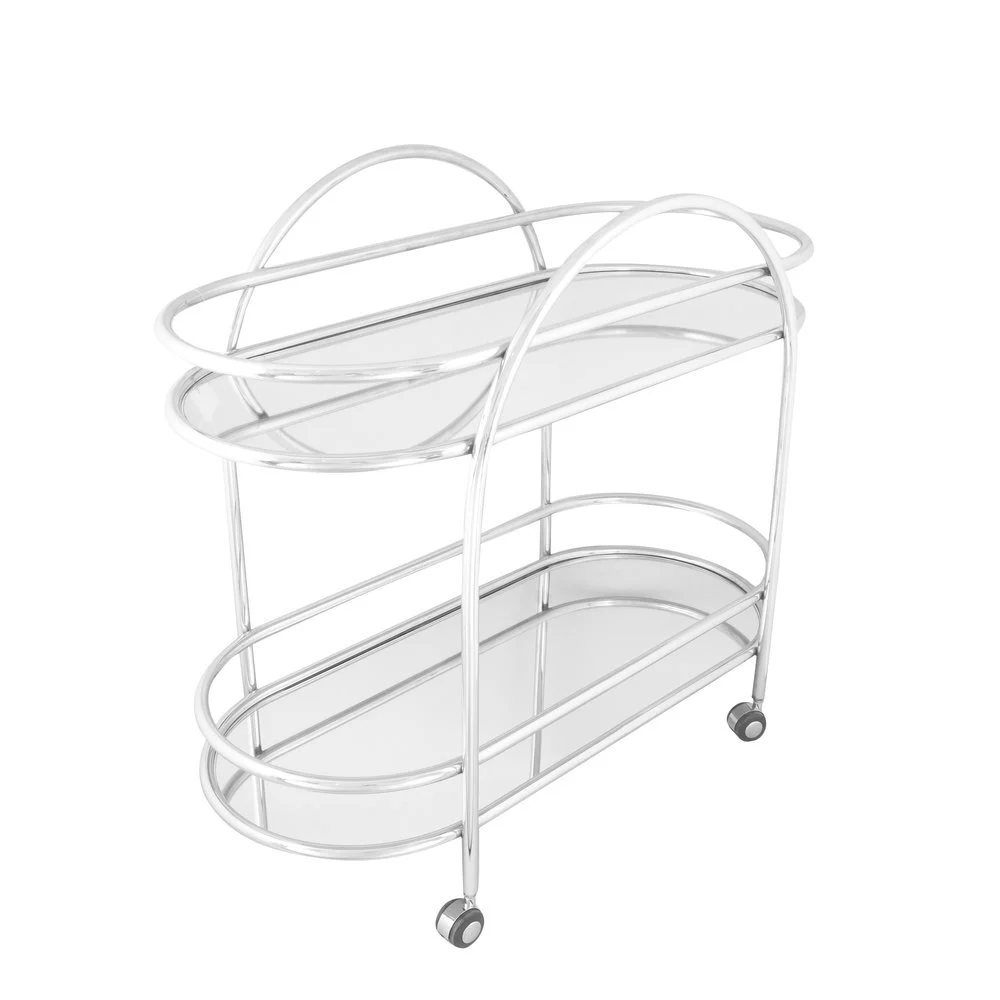
3D renders and heavy edits are built from material presets, not the actual production batch, so wood tones and fabric shades often drift from the real product. Buyers then receive a piece that looks different from the listing. Photographing the real sample with a colour-managed workflow is the safer route.
Renders have a place: they are quick for a range still in production and useful for room planners. The problem is that the render’s walnut is a texture file, while your factory’s walnut is a stain on a particular timber that changes batch to batch. If the listing shows a render and the buyer receives the real thing, the mismatch reads as a defect. On fabric sofas, the gap is even wider because renders rarely capture how a weave catches light.
Colour issues show up most in reviews and return reasons rather than in catalogue rejection, so they are easy to miss until the damage is done. That is why furniture photography for marketplaces always starts colour control on set rather than in editing. If a listing is already live with a render, replacing slots one and five with real photos usually fixes the worst mismatch first.
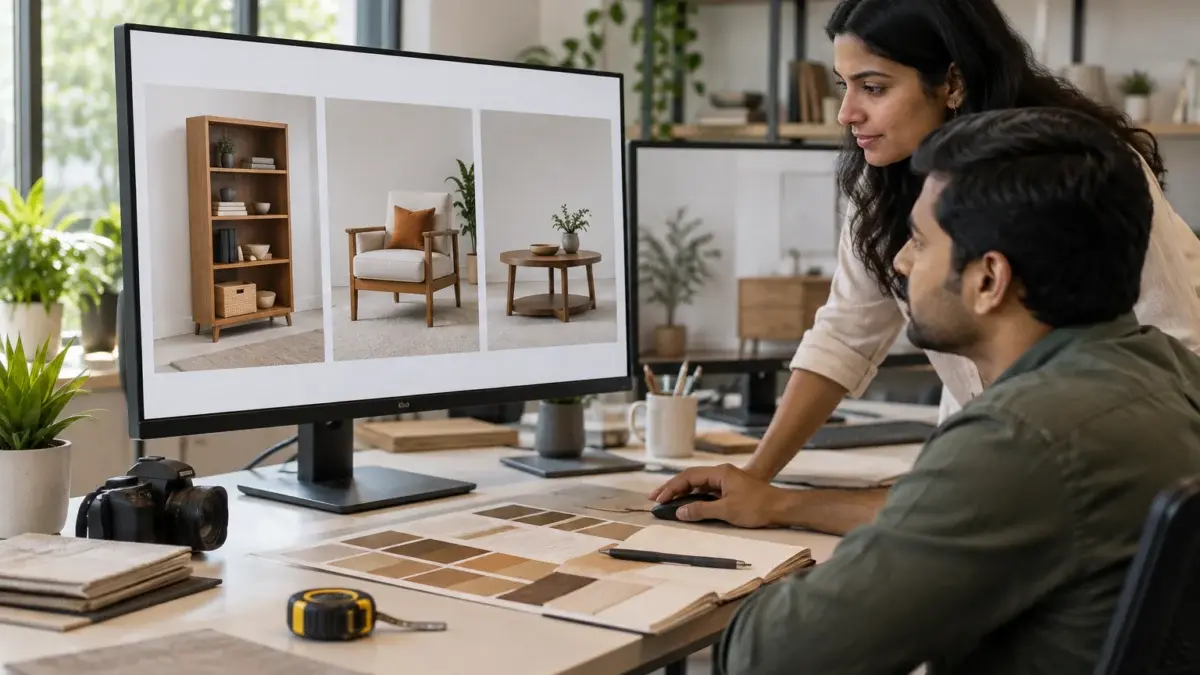
Plan the slot list per SKU first, then schedule the studio by product size, then shoot, edit and run a quality check before upload. Large items need floor space on an ecommerce studio floor, more crew and more time per angle than small products, so the plan matters more than speed. A clear brief avoids the most expensive outcome: a reshoot after the furniture has left the studio.
Sellers who list the same range on both marketplaces often save time by shooting once to the stricter of the two rule sets, then exporting two crops, which keeps furniture photography for marketplaces consistent across both storefronts. If Flipkart’s verticals need a different crop or background, plan it at the brief, not after delivery. Brands that want the Flipkart side handled end to end can use our Flipkart product photography workflow, which already includes the white-background and model frames that seller listings use.
The video below shows how a marketplace shoot runs on the studio floor, from lighting to frame checks. The product is smaller, but the order of work is the same one we use for furniture.
From the studio floor
Our delivery check for furniture runs on four points per frame: background reads as white without clipping the product edge, a soft contact shadow is kept under every leg, colour matches the sample under a daylight lamp, and the export is sRGB JPEG at 2,000 px or more on the longest side so zoom stays sharp. Any frame that fails one point goes back to the retoucher before the set is shared.
To plan your own range, send the SKU list and finishes to [email protected] or message Prince on WhatsApp at +91-8700258773. Ckstudio will map the slot list per SKU and tell you which frames can share a room setting.
No. Amazon’s main image needs a pure white background with only the product being sold. Room settings belong in the secondary slots, usually from slot four or five onward.
Plan nine: main hero, alternate angle, dimension infographic, scale image, room setting, material close-up, assembly or parts, function shot and a video or variant set. If your Seller Hub category allows fewer, keep the first five.
Check the current rules for your category, but even where renders are accepted, they often misstate wood tones and fabric shades. Real photos of the production sample give buyers a more accurate picture and fewer colour complaints.
Flipkart furniture images should include a clean white-background main image of the product alone, then angles, size proof and room settings in later slots. Confirm the exact size and slot limits in Seller Hub for your vertical.
The dimension infographic and the scale reference image do the most, because most furniture returns come from size and colour surprises. Colour-matched close-ups of the real finish come next.
Yes. Ckstudio shoots large items on a white cyc floor with wide light coverage. Call +91-8700258773 with your SKU list and sizes to plan the shoot.
Good furniture photography for marketplaces is less about one beautiful image and more about nine honest ones, each removing a reason to hesitate or return. Start with the rules, lock the hero angle, prove the size, then show the room and the finish. To talk through your range with Prince, call +91-8700258773, WhatsApp +91-8700258773 or write to [email protected].
Next step: once your slot plan is ready, see how image fixes cut return rates in our guide on reducing Amazon and Flipkart returns with better product images.
Send your SKU list and finishes, and Ckstudio will plan the hero, scale, room and close-up slots for every piece through our furniture product photography service.
Call Prince: +91-8700258773
