





Fashion Photography Services





E-commerce Photography




A practical 15-point audit for Flipkart sellers, D2C brands and marketplace catalogue managers — from Ckstudio’s Delhi NCR production floor.
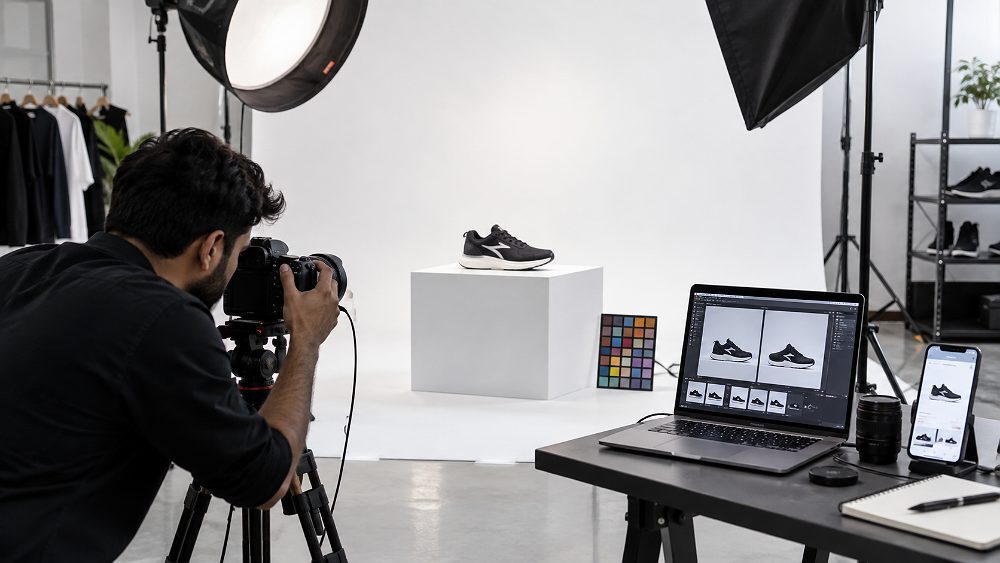
On Flipkart, buyers cannot pick up your product. They cannot check the stitching, feel the fabric, weigh the jewellery or open the packaging. Every purchase decision runs through six to eight Flipkart listing images on a mobile screen, and small photography errors become visibly loud at thumbnail size. This is exactly where most Flipkart photography mistakes quietly drain conversions.
At Ckstudio, jab hum ecommerce sellers ka catalogue audit karte hain, tab yeh dikhta hai ki 80 percent problems photography ke preventable mistakes hote hain — poor backgrounds, weak crops, inaccurate colours, missing angles. This article is not another generic Flipkart photography guide. Yeh ek 15-point listing image audit hai jisme har mistake ke saath exact fix aur QC check diya gaya hai.
If you sell on Flipkart in 2026–27, use this as a diagnostic checklist before your next catalogue upload. For the broader technical rulebook, refer to the complete Flipkart product photography guide.
The Flipkart thumbnail is often the very first visual impression a buyer has of your brand. On a mobile search results screen, your image sits inside a 120–180 pixel square, competing with 20+ similar products. If the hero image is unclear, badly cropped or visually weak, the shopper simply scrolls past — no click, no view, no add-to-cart.
Poor Flipkart product photography creates three different types of damage, and mixing them together makes the problem harder to diagnose. First, there is the marketplace compliance problem — wrong background, unauthorised watermarks or off-spec dimensions can lead to listing corrections. Second, there is the photography quality problem — blurry, dark or badly lit images that look amateur. Third, and most damaging, is the presentation problem — images that fail to answer the buyer’s real questions about colour, size, texture and construction.
Poor listing images can weaken buyer confidence, may increase return rates, and can create expectation mismatch that leads to negative reviews. We are careful with the language here because outcomes depend on category, price point and competition — but the pattern is consistent. Sellers who fix their professional ecommerce photography workflow generally see steadier catalogue performance than sellers who keep patching individual files.
The 15 mistakes below are grouped into three buckets: technical errors, buyer trust errors and catalogue consistency errors. Har mistake ke saath aapko problem, impact, exact fix aur ek QC check milega jo aap next upload se pehle apply kar sakte hain. For deeper platform-level context, also read the Flipkart listing images guide 2026–27.

Use this table as your first-pass scan. Open your top 10 SKUs on Flipkart Seller Hub and check each row against your live listings. Any “High” priority mistake should be fixed before your next catalogue push.
| # | Mistake | What Goes Wrong | Buyer Impact | Priority |
|---|---|---|---|---|
| 1 | Wrong/distracting background | Grey cast, visible edges, props | Looks amateur | High |
| 2 | Product too small or badly cropped | Edges cut, tiny in thumbnail | Low click-through | High |
| 3 | Blurry or low-resolution | Focus miss, compression | Loss of trust | High |
| 4 | Text, watermark, borders | Promo labels on hero | Compliance risk | High |
| 5 | Weak primary angle | Hero shape unclear | Buyer scrolls past | High |
| 6 | Inaccurate colours | Wrong white balance | Returns & complaints | High |
| 7 | Inconsistent lighting | SKUs look mismatched | Catalogue looks unprofessional | Medium |
| 8 | Over-retouching | Texture destroyed | Product mismatch | Medium |
| 9 | Too few angles | Only front shown | Buyer uncertainty | High |
| 10 | Missing detail/scale shots | No macro or usage image | Purchase hesitation | Medium |
| 11 | Inconsistent crops | Variants sized differently | Weak brand feel | Medium |
| 12 | Wrong SKU/variant image | Colour mismatch to listing | Returns spike | High |
| 13 | Distracting lifestyle props | Product lost in scene | Low recognition | Medium |
| 14 | Ignoring mobile thumbnail | Detail invisible at small size | Low CTR | High |
| 15 | No final upload QC | Wrong file, wrong preview | Repeat rework | High |
These five errors are the most visible — and the fastest to fix. They live at the technical foundation of every listing image and directly influence whether a shopper stops scrolling and taps your product tile.
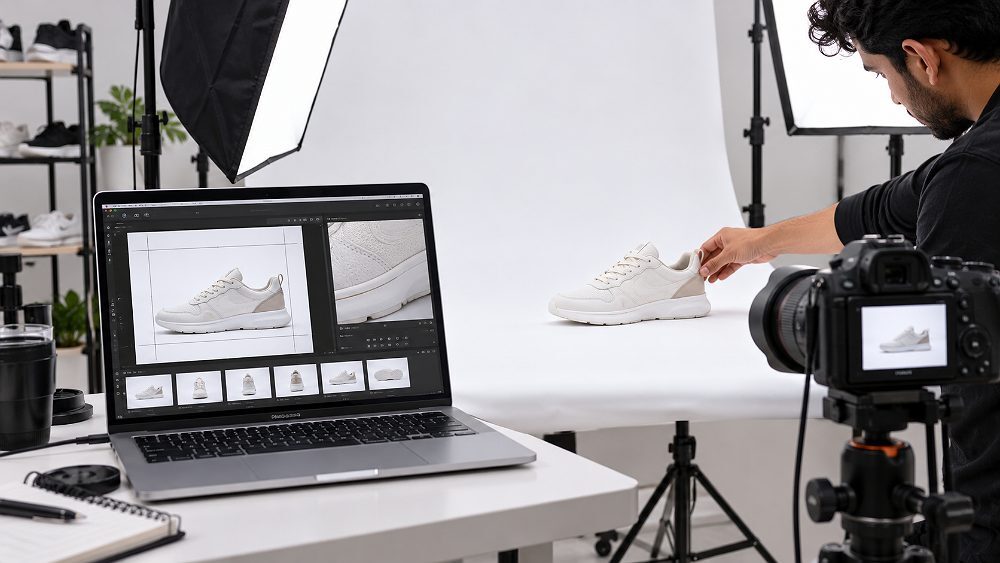
The most common Flipkart product photo background mistake we see is not the choice of background — it is the execution. Off-white backgrounds shot on wrinkled paper, uneven grey casts from mixed lighting, visible seams where the backdrop meets the shooting surface, distracting textures or props creeping into the frame, and rough masking during editing that leaves visible edges when zoomed. On Flipkart, where category-level requirements often specify a clean white background for the hero, these small production shortcuts show up loud.
A poor background makes the entire product look amateur even when the product itself is premium. Buyers subconsciously associate messy backgrounds with untrustworthy sellers — and Flipkart’s catalogue team may flag inconsistent backgrounds for correction, adding rework cycles.
Shoot on a properly lit, seamless white cyclorama or infinity paper. Use continuous or strobe lighting to eliminate colour cast. During editing, mask the product cleanly and place it on a pure #FFFFFF background where category requires. For products with soft edges (fur, hair, wispy fabric), invest in proper channel-masking — not a hard cutout.
Fix Shoot on clean cyclorama with even lighting, mask cleanly, export on pure white where required.
QC Check Zoom to 100 percent and inspect all four corners, product edges, cast shadows and any colour tint before uploading.
Flipkart image cropping mistakes fall into two extremes. On one side, product edges get accidentally cut — a shoe’s toe box, a bag’s strap tip, a piece of jewellery’s clasp. On the other side, the product floats inside excessive empty space, making it look tiny in the marketplace thumbnail. Both hurt equally. Add to this the problem of different crop ratios across variants of the same product, and the catalogue starts feeling visually chaotic even if each individual image is technically fine.
Flipkart’s search results place products in equally-sized tiles. If your product occupies only 40 percent of the frame while competitors occupy 75 percent, yours looks smaller and less prominent — even if your product is physically bigger. Thumbnail visibility is a real, measurable conversion factor.
Create a locked crop template for each product category with fixed padding percentages. For fashion, target 8–12 percent padding around the garment. For jewellery, allow closer crops — 4–6 percent — to maximise product visibility. Apply the same template across every SKU in that category. Study competitor listings and match or exceed their visual weight.
Fix Lock category-wise crop templates with fixed padding percentages and apply uniformly across every SKU.
QC Check Compare 8–12 SKUs side by side at thumbnail size and check that all products occupy similar visual weight.
Sharpness kills or saves a listing. Common causes of soft Flipkart listing images include focus miss during shooting, camera shake at slow shutter speeds, small original files that get artificially upscaled, aggressive JPEG compression that destroys detail, and low-quality upscaling from AI enhancers that create fake-looking texture. When a buyer zooms in on a fabric weave, a metal finish or a printed pattern and sees mush instead of detail, the trust equation breaks.
Sharp images signal quality control at every stage — from photography to editing to upload. Buyers extrapolate from what they can see (image quality) to what they cannot see (product quality). Blurry images send an unintended signal that the seller is careless.
A genuinely soft source photograph should normally be reshot rather than artificially sharpened beyond recovery. Modern AI sharpening can rescue mild softness, but severely soft or motion-blurred images always look fake after processing. If more than 20 percent of a batch shows softness issues, the correct answer is to fix the shooting setup — not to keep editing individual files. Compare AI-restored images with a proper reshoot in the AI Flipkart photography vs real photoshoot 2026–27 comparison.
Fix Shoot in RAW at native resolution, use tripod or 1/125s+ shutter speed, export at high JPEG quality (90+).
QC Check Open each image at 100 percent zoom on a large screen; if texture is not visible clearly, reshoot rather than sharpen.
The primary Flipkart main image should be the product — nothing else. Sellers frequently add promotional labels (“30% OFF”, “BEST SELLER”), phone numbers, watermarks with brand logos, decorative borders, discount badges, or overlays announcing offers. Many of these violate Flipkart’s current category-level main image requirements and get flagged for correction. Others are technically allowed but visually degrade the listing.
On the primary hero image, remove everything except the product on its required background. This is not a design decision — it is a marketplace rule and a conversion best practice combined. Clean primary images consistently outperform decorated ones in click-through metrics.
Save promotional messaging, feature callouts, size comparisons and lifestyle context for your secondary gallery images and Flipkart A+ content module. Those slots are designed for storytelling; the primary hero is designed for identification.
Fix Remove all text, watermarks and graphics from the primary hero image. Use secondary gallery slots for messaging.
QC Check Verify current category-level Flipkart Seller Hub requirements before every catalogue upload — specifications change.
A weak primary angle is when the shopper looks at your hero image for one second and cannot immediately identify what the product is. Common causes: creative three-quarter angles chosen for aesthetic rather than clarity, main selling shape hidden behind styling, front details missing on products where the front matters most, angled compositions that create ambiguity about the actual product form, and hero shots selected because they look photogenic rather than informative.
In under one second, the buyer should be able to identify the product category, see the primary form, and recognise the design or pattern. For clothing, that usually means a front-facing flat lay or straight-on ghost mannequin shot. For footwear, a side profile. For jewellery, a hero at the most recognisable angle. Creative angles belong in the secondary gallery, not on the tile.
Show your hero image to someone who has never seen the product, at thumbnail size. If they cannot immediately name what it is, the angle is wrong.
Fix Choose the most informative, most recognisable angle for the hero. Save creative angles for the secondary gallery.
QC Check Blind-test the hero at thumbnail size — if a first-time viewer cannot identify the product in one second, replace it.
Once the technical foundation is right, the next set of mistakes attacks a deeper problem — can the buyer trust what they are seeing? These five errors are about accuracy, honesty and completeness. They directly impact returns, reviews and repeat purchase behaviour.
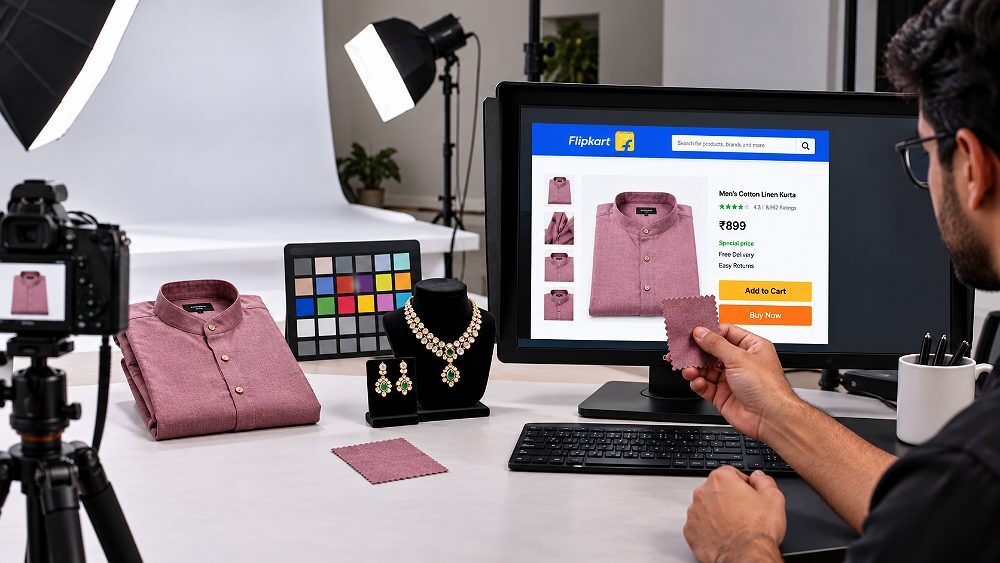
Colour accuracy is where ecommerce photography mistakes hurt the most because they translate directly into returns. Causes include incorrect white balance during shooting, over-saturation during editing, warm or cool colour cast from mixed lighting sources, colour mismatch between the actual SKU variant and the uploaded image, and editing on uncalibrated monitors where the editor sees one colour and the buyer sees another. Fabric brands, jewellery sellers and cosmetic brands feel this most sharply.
When a shopper orders “emerald green” and receives what they perceive as “dark teal”, the return is almost guaranteed — and the negative review follows. Colour returns are the most emotionally charged category of returns because the buyer feels misled. This damages seller ratings faster than product quality complaints.
At Ckstudio, we use colour-calibrated monitors, controlled continuous lighting at fixed colour temperature (typically 5500K), colour reference cards (X-Rite ColorChecker) shot at the start of every session, and physical fabric or product swatches referenced during retouching. For colour-critical categories like fashion and jewellery, we also match against the real SKU under standardised viewing conditions before final export.
Fix Shoot with colour reference cards, edit on calibrated monitors, match against physical SKU before export.
QC Check Compare final image side-by-side with the actual physical product under neutral daylight before upload.
Individual SKUs may look fine, but when 20 products from the same brand sit next to each other on Flipkart’s search results page, the inconsistency screams. Different brightness levels, different shadow directions, different colour temperatures across the catalogue — the batch looks like multiple unrelated shoots stitched together. This is one of the most common but least-noticed ecommerce photography mistakes.
Consistency signals scale, discipline and brand seriousness. Inconsistent catalogues signal an amateur seller — even if each individual image is technically acceptable. Buyers may not consciously articulate why they trust one brand over another, but visual consistency is doing a lot of the unconscious work.
Fix your lighting positions with tape marks on the floor. Note down modifier positions, power settings and camera settings. Never change equipment mid-batch. Use the same white balance, same aperture, same shutter speed. When a new batch is added weeks later, replicate the exact setup rather than starting fresh.
Fix Lock lighting positions and camera settings with a batch shoot sheet; replicate identically for future batches.
QC Check Place 12 finished SKU thumbnails together and check that brightness, shadow and colour temperature match across all.
The opposite of the sharpness problem is the over-editing problem. Textures get smoothed to plastic, fabric weaves disappear, jewellery details get artificially added that do not exist on the actual product, product shape gets subtly warped by liquify tools, and skin on models gets smoothed until it looks synthetic. When the shopper receives the physical product, it looks noticeably different from the photograph — and returns follow. This is one of the most costly Flipkart product image mistakes.
Good retouching removes distractions — stray threads, dust, minor colour cast, sensor spots — without altering the product itself. Bad retouching “improves” the product beyond what it actually is. The line is clear: cleanup is allowed, misrepresentation is not.
After editing, place the retouched image next to the physical product under neutral lighting. Fabric texture visible? Metal finish real? Colour matching? Proportions unchanged? If the retouched image looks better than the actual product, roll back the edit.
Fix Limit retouching to distraction removal. Never alter texture, shape or colour beyond what the actual SKU shows.
QC Check Compare final retouched image with physical SKU under neutral lighting; roll back if the image is “better” than the product.

Front-only presentation is one of the most self-defeating Flipkart photography mistakes. Buyers cannot see the back of a garment, the sole of a shoe, the interior of a bag, the clasp of a jewellery piece, or the depth and dimension of a decor item. Without these, the buyer either abandons the listing or projects worst-case assumptions — both bad for conversion.
Each product category has a different minimum useful shot list. Do not follow a generic template — follow a category template:
Fix Build a locked category-wise shot list with minimum 5–7 angles per product and enforce it every shoot.
QC Check Before releasing a product from production, verify all required category angles have been captured and pass QC.
Even with adequate angles, listings often skip the three most conversion-critical support images: detail (macro of texture, stitching, material finish), scale (product held or worn to communicate real size), and usage (product being used in its intended context). Without these, buyers cannot answer the questions that drive purchase confidence.
Every uncertainty a buyer feels while scrolling is a friction point. Secondary images should systematically eliminate the top 3–5 uncertainties for that product category. If reviews on similar products repeatedly ask “how big is it really?”, a scale image is mandatory.
For fashion, add a lookbook shot on model — see lookbook photography. For furniture and home goods, add a room-context image — see lifestyle product photography. For jewellery, add on-model or hand-worn shots. For technical products, add feature callouts through a proper infographic design service.
Fix Add at least one detail, one scale and one usage image to every product listing on Flipkart.
QC Check Read the top negative reviews on 3 competitor listings; ensure your secondary images answer those objections visually.
Fix the production workflow, not each file individually. Talk to Prince about a marketplace-ready catalogue reshoot.
Call Prince: +91-8700258773 WhatsApp UsThe last five errors are about the whole catalogue rather than any individual image. These are the most missed mistakes because they only become visible when you zoom out and view your listings the way a shopper does — as a set of tiles, not as individual images.
One SKU has 8 percent padding, the next has 15 percent. One image is centred, the next is left-aligned. One shows the full product, the next crops slightly. On the individual image level, none of this is wrong. On the catalogue level, it destroys visual rhythm and makes the brand feel unprofessional. This is one of the sneakiest Flipkart catalogue photography problems.
Build a Photoshop or Lightroom template with fixed dimensions, fixed padding percentages and fixed alignment. Apply it as an action or preset during batch export. Never eyeball crops when scaling to 50+ SKUs.
Fix Create a master crop template with fixed padding and alignment; batch-apply across every SKU.
QC Check View 8–12 SKU thumbnails together rather than checking files individually.
Wrong colour linked to the wrong SKU, packaging variant mismatch, old model uploaded for a new revision, similar filenames causing accidental swaps — SKU-image mismatch is one of the most damaging Flipkart product image mistakes. It triggers returns, negative reviews and possible listing suspension for misrepresentation.
Every image file should follow a strict naming convention that includes the SKU code, variant identifier, angle number and version. Example: SKU-KUR-1234-RED-01-hero.jpg. When files are named this way, mismatches become almost impossible during upload.
Before every catalogue push, sort all variant images side by side and verify each variant matches its listing. This 10-minute check prevents hundreds of returns.
Fix Implement strict SKU-based file naming and a variant match review before every upload.
QC Check Print or screen-view all variants side by side and verify each image matches its Flipkart SKU listing exactly.
Lifestyle photography should support the product, not compete with it. Common mistakes: props dominating the frame, the product being difficult to locate in the scene, styling that creates incorrect scale perception, backgrounds that clash with the product colour, and scenes that look aesthetically nice but communicate nothing about the product’s use.
Every lifestyle shot should answer a specific buyer question: How does it look worn? How does it fit in a room? How is it used? If the shot does not answer a question, it is decoration — not lifestyle product photography that converts. Compare styles between studio vs outdoor fashion photography to pick the right approach.
Fix Every lifestyle shot must answer a specific buyer question — use, scale or context. Remove decorative-only shots.
QC Check Ask a first-time viewer: “What does this image tell you about the product?” If the answer is vague, the shot needs replacement.
Over 80 percent of Flipkart traffic comes from mobile. Yet most catalogue QC happens on a large desktop monitor at 100 percent zoom. The result: images that look acceptable full-screen but weak in mobile search results. Thin products disappear against light backgrounds, cropping becomes unclear, and important design details cannot be recognised. This is one of the highest-impact Flipkart photography mistakes because it directly kills CTR.
Shrink every hero image to approximate marketplace search-result size (roughly 200×200 pixels) and view it in a grid with 8–10 competing products. Ask yourself: does your product stand out or blend in? Is it immediately identifiable? Does the colour pop?
Fix QC every hero image at mobile thumbnail size (roughly 200×200 pixels) in a competitive grid before upload.
QC Check Open your live Flipkart search results on mobile and check whether your listings stand out or get lost in the tile grid.
The last mistake is the one that catches all the previous 14. No final visual inspection, wrong file exported, incorrect variant selected, poor crop that slipped through, accidental watermark left on, compression artefacts from repeated saves, upload preview never checked, and current category-specific requirements not re-verified. Every experienced Flipkart seller has stories about a bad upload that had to be fully redone. This is where a 10-minute QC saves 10 hours of rework.
Print this checklist and use it before every catalogue push. It takes 10 minutes for a 20-SKU batch, and it prevents almost every category of avoidable rework:
Fix Run the 13-point final upload QC checklist before every Flipkart catalogue push — no exceptions.
QC Check After upload, open the live listing on mobile within 15 minutes and verify everything renders correctly.
Individual fixes are useful, but a workflow is what actually protects catalogue quality at scale. Yeh 5-step workflow use kariye jab bhi aap 20+ SKUs upload karne wale hain, ya jab aap purane catalogue ka overhaul kar rahe hain. Yeh Ckstudio’s standard internal audit process ka simplified version hai, and it maps directly to the professional ecommerce photography workflow we follow for client catalogues.

Open your top 20 SKUs on Flipkart Seller Hub. Look only at the hero image. Score each on background quality, crop consistency, sharpness, angle strength and thumbnail visibility. Flag anything scoring below 4/5 on any dimension. This gives you a targeted fix list rather than a vague “everything needs redoing” feeling.
Place 8–12 SKU thumbnails on one screen together. Look for catalogue consistency: matching brightness, matching crops, matching backgrounds, matching angle logic. Individual images may look fine but the batch may lack rhythm. This is where Flipkart catalogue photography either wins or loses.
Divide flagged images into two buckets. Editing-fixable: background cleanup, minor crop adjustment, exposure correction, mild colour tweak. Reshoot-required: missed focus, wrong angle, wrong SKU photographed, insufficient resolution, motion blur, wrong lighting setup. Never try to edit your way out of a production problem — it always shows.
Before the next production round, lock the shot list per category. For each SKU, define the minimum required angles, the required detail shots, the scale reference, and the lifestyle context. Give this to your photographer or shoot yourself against it. This one document prevents most reshoots. Reference the broader product photography guide for Indian brands for category-wise templates.
Run the 13-point QC checklist from Mistake #15 before every upload. Verify the mobile thumbnail, verify the Seller Hub preview, verify current category requirements. Only after all three pass, push the catalogue live. Then check the live listing on mobile within 15 minutes to catch any rendering issues.
Not every problem needs a professional photographer. Some fixes are genuinely DIY. Others require studio-grade equipment, colour management and category expertise. Yeh decision table use kariye to identify what you can fix at your workspace vs. what needs professional Flipkart photography. For a fuller comparison, see the AI vs real photoshoot comparison.
| Issue | Editing May Be Enough | Reshoot Recommended | Why |
|---|---|---|---|
| Minor background cleanup | Yes | No | Masking and background replacement are editing tasks |
| Small crop inconsistency | Yes | No | Fixable via crop template application |
| Minor exposure correction | Yes | Sometimes | RAW files allow 1-stop recovery; JPEGs less |
| Wrong colour from poor source lighting | Limited | Yes | Colour cast baked into JPEG cannot be fully undone |
| Motion blur | No | Yes | Not recoverable through editing |
| Missed focus | No | Yes | Detail is genuinely lost, cannot be added back |
| Missing product angles | No | Yes | The angle does not exist — must be captured |
| Incorrect product styling | No | Yes | Styling is a shoot-day decision |
| Insufficient resolution | Usually No | Yes | AI upscaling shows on close inspection |
| Wrong SKU photographed | No | Yes | Only a reshoot fixes SKU misrepresentation |
When more than 30 percent of your catalogue falls in the “reshoot” column, individual file fixes stop making sense. At that scale, professional catalogue photography becomes the more efficient path. Reference the ecommerce photography pricing guide 2026 to compare cost vs benefit for your SKU count.
Ckstudio operates a full-service ecommerce and marketplace photography studio in Delhi NCR, working with sellers, D2C brands and manufacturers from Noida, Gurgaon, Ghaziabad and Faridabad. Our specialisation is high-volume, marketplace-ready product photography with strict catalogue consistency — the exact discipline required to avoid the 15 mistakes covered in this article.
We handle white-background product shoots, ghost mannequin photography, on-model lookbooks, jewellery macro work, footwear catalogue shoots and lifestyle imaging — all under a colour-managed workflow with tethered capture and real-time client review. For sellers who cannot visit the studio, we offer product pickup and shipping arrangements across Delhi NCR. See our full Flipkart product photography and ecommerce model shoot services for detailed capabilities.
Cross-marketplace sellers also benefit from our synchronised catalogue system. If you sell on Flipkart, Amazon, Myntra and Meesho, we produce a single master shoot that meets all four marketplace requirements — reducing duplicate production costs by 40–60 percent.
To discuss your catalogue, connect with Prince directly on +91-8700258773, WhatsApp us on +91-8700258773, or email [email protected].
Every catalogue that leaves the Ckstudio studio passes through a multi-stage internal review before delivery. Yeh koi theoretical checklist nahi hai — yeh production floor par actually implement hota hai.
Colour comparison: every finished image is placed next to the physical SKU under standardised daylight before export. Crop consistency: 8–12 SKU thumbnails are reviewed together, not one at a time, so batch rhythm is verified. Masking edges: soft-edge products (fur, hair, wispy fabric) get channel-masking rather than hard cutouts. Angle completeness: no product leaves production until the category-required shot list is confirmed captured and passed. SKU naming: strict filename conventions using product code, variant identifier, angle number and version to eliminate variant mismatch.
We also separate photography problems from editing problems at the QC stage, so that recurring issues get traced back to production and fixed at the root rather than patched file-by-file. This is what makes the difference between a catalogue that scales cleanly and one that keeps generating rework. For catalogue-scale efficiency techniques, also review our scaling product photography guide.
Prince personally reviews every enterprise catalogue before delivery, drawing on 9+ years of marketplace catalogue photography experience across Flipkart, Amazon, Myntra, Ajio, Meesho and D2C Shopify brands.
Common questions sellers ask about Flipkart photography mistakes, listing image quality, and when to move from DIY to professional photography.
The most common mistakes include poor backgrounds, bad cropping, blurry images, inaccurate colours, weak primary angles, too few supporting images, inconsistent catalogue framing and skipping final image QC before upload.
Poor product photography can weaken clicks, buyer confidence and product understanding because shoppers depend on listing images to inspect colour, shape, features and details before purchasing.
Start with sharp source photographs, clean backgrounds, accurate colours, consistent cropping and enough useful angles. Then check every image at mobile-thumbnail size and verify your current Flipkart category requirements before uploading.
Professional photography becomes useful when sellers have many SKUs, repeated image corrections, difficult products, colour-sensitive items, model requirements or inconsistent catalogue photography that is difficult to standardise internally.
Ckstudio provides ecommerce and marketplace product photography in Delhi for sellers, brands and manufacturers needing professional product images, multiple angles, editing, colour correction and catalogue-ready delivery. Call Prince at +91-8700258773 or email [email protected].
Yeh action checklist use kariye is week hi. Yeh directly implementable steps hain jo aap apne existing catalogue par apply kar sakte hain.
Prince and the Ckstudio team handle Flipkart, Amazon, Myntra and Meesho catalogues from a single studio in Delhi NCR — with the colour management, consistency and QC discipline this article describes.
Call Prince: +91-8700258773 WhatsApp UsVerify current category-level image requirements on Flipkart Seller Hub and refer to the Government of India’s Consumer Protection (E-Commerce) Rules for product representation guidelines.
Next step: read the complete Flipkart seller guide 2026.

