





Fashion Photography Services





E-commerce Photography




A practical Myntra Brand Approval guide for Indian fashion and lifestyle sellers preparing store profile details, documents, brand ownership proof and catalogue readiness before applying.
Use this guide to reduce avoidable gaps before Myntra seller approval and product onboarding.
Discuss Your Myntra Catalogue Project
Myntra Brand Approval is the process where a seller prepares brand ownership details, seller profile information, business documents and category readiness for Myntra’s review before the brand can move toward catalogue onboarding. This guide is for D2C fashion brands, apparel manufacturers, authorised sellers, boutique labels, footwear brands, jewellery sellers and accessory businesses that want a cleaner Myntra brand setup instead of rushing the application.
The goal is simple: prepare the Myntra store profile, seller documents, brand information and catalogue inputs together. For a broader seller journey, use this article with the complete Myntra seller guide and the Myntra seller registration guide. Approval remains subject to Myntra’s review, but preparation can reduce avoidable confusion.
To prepare for Myntra Brand Approval, organise brand ownership proof, GST and PAN details, signatory information, seller profile fields, category and gender mapping, size charts, product attributes and marketplace-ready catalogue imagery before submitting the brand for review.
Brand approval, seller approval and catalogue approval are connected, but they are not the same stage.
Legal name, brand name, category, ownership proof and seller profile details should match across documents.
SKU data, size charts, product attributes and Myntra product photography planning should be ready before scaling.
Myntra Brand Approval is the review stage where Myntra evaluates the brand information connected with a seller account. It is different from basic seller registration because it focuses on brand ownership, authorisation, category fit and the credibility of the brand being proposed for the marketplace. The seller account may hold business-level information, while the brand approval layer confirms whether the brand information can support catalogue onboarding.
For fashion marketplace sellers, this step matters because product listings depend on the brand name, category, gender, size mapping and article-level catalogue information. If the brand profile is weak or inconsistent, sellers may face delays later in Myntra catalogue approval and Myntra product approval. Sellers can also review the official Myntra Partner Portal for current onboarding directions before submitting any details.
| Approval Stage | What It Verifies |
|---|---|
| Myntra seller approval | Business identity, seller account information, basic compliance and onboarding eligibility. |
| Myntra Brand Approval | Brand ownership, authorisation, brand identity, category fit and information consistency. |
| Myntra catalogue approval | SKU details, product attributes, size data, images and listing information. |
The Myntra Brand Approval process should be treated as a staged workflow, not a last-minute form fill. A seller first prepares business information, then brand ownership documents, then seller profile data, and only after that should category, gender and sizing inputs be finalised. This flow protects the seller from mismatched information and avoids repeating the same correction across multiple onboarding touchpoints.

Prepare business information and seller verification inputs.
Prepare trademark, ownership or brand authorisation documents.
Complete seller profile and store profile information.
Add brand name, brand logo, master category and gender details.
Add brand sizing and category-specific data where applicable.
Submit brand information for Myntra review and prepare catalogue inputs.
Start with legal business name, GST information, PAN or entity details, authorised signatory information, official contact details and the brand name exactly as it should appear. This is the foundation for Myntra brand setup and seller verification. If the business name differs across GST, trademark or incorporation records, note the reason and keep supporting documents ready.
Brand information should include the proposed brand name, brand logo, category focus, brand ownership proof and any trademark certificate or authorisation letter available. For sellers who manufacture products under their own label, the Myntra brand registration details should support ownership. For resellers, brand authorisation becomes more important than a logo file alone.
Myntra store profile details should connect the brand with the right master category, gender mapping and size logic. Apparel sellers need size charts and fit information; footwear sellers need size runs and measurement clarity; jewellery or accessories sellers need accurate product attributes. A wrong category choice can create catalogue and product approval complications later.
Once the Myntra brand approval process is ready, submit the brand details through the appropriate seller flow and wait for review. Do not assume Myntra seller approval is a guarantee of brand approval. Keep editable files, product data and catalogue assets ready so the next onboarding stage can move faster if the brand is accepted.
Myntra seller documents should prove business legitimacy, brand ownership or authorisation, and information consistency. The exact Myntra brand approval documents may vary by entity type, product category and whether you are a brand owner, manufacturer or authorised reseller. Sellers should also compare their compliance data with official sources such as the GST portal, IP India trademark search, Ministry of Corporate Affairs and Udyam registration portal where applicable.

| Document / Information | Purpose | What to Check Before Submission |
|---|---|---|
| GST certificate | Business tax identity | Legal name and address match the seller profile. |
| Trademark or brand ownership proof | Brand ownership verification | Brand spelling, class relevance and ownership details are clear. |
| Brand authorisation letter | Permission for authorised sellers | Letter is current, signed and mentions selling rights. |
| Certificate of incorporation | Entity verification where applicable | Company name and CIN match the profile. |
| PAN and compliance details | Business verification | Use the correct entity PAN or proprietor details. |
| Authorised signatory copy | Confirms who signs on behalf of the business | Name and role match internal documents. |
| MSME / Udyam details | Additional business information where applicable | Use official registration details, not informal screenshots. |
| Brand logo | Visual brand identity | Clean file, consistent spelling and no unrelated marketplace marks. |
Myntra trademark requirements can differ by seller relationship. Brand owners should keep trademark certificates, application references or ownership proof ready. Manufacturers selling their own labels should connect the brand to their business documents. Authorised sellers and resellers should prepare brand authorisation documents that clearly state the right to sell products under that brand.
Business verification usually depends on GST certificate, PAN validation, certificate of incorporation where applicable, authorised signatory proof and current business information. The safest approach is to align every document with the seller profile before upload. If your firm recently changed name, address or ownership, do not submit mixed old and new details without clarity.
The Myntra store profile connects the seller account with the brand profile and future catalogue. Treat it as a structured business page rather than a casual profile form. Your Myntra seller profile setup should explain who owns or represents the brand, what the brand sells, which category it belongs to, and whether size, gender or product attributes are already prepared for listing.

| Profile Element | What to Add | Why It Matters | Pre-Submission Check |
|---|---|---|---|
| Legal business information | Registered seller/entity details | Supports Myntra seller account setup | Match GST and PAN data |
| Brand name | Exact consumer-facing brand spelling | Controls catalogue brand identity | Match trademark or authorisation proof |
| Brand logo | Clean logo artwork | Supports visual identity | Use final brand file only |
| Product category | Relevant master category | Affects product mapping | Choose based on actual assortment |
| Gender | Men, women, kids or relevant mapping | Important for fashion discovery | Check catalogue plan |
| Brand sizing | Size chart and fit information | Supports product approval | Verify measurement logic |
The brand name should be written exactly as you want it to appear across the store profile, catalogue and product listing. Avoid changing case, spelling or spacing between forms. The brand logo should be clean, current and separate from any marketplace or third-party branding. This helps Myntra brand setup look consistent.
Category and gender mapping should follow the actual product range, not future expansion plans. A kurti brand, a men’s T-shirt label and a handbag seller need different mapping logic. Sellers preparing broader onboarding can also review the Myntra catalogue prep guide for product-data planning.
Brand sizing affects Myntra product approval because it connects customer expectations with the physical product. Apparel and footwear sellers should prepare size charts, size runs, measurements, fit notes and product-specific variations. If sizing differs from standard market expectations, explain the logic clearly in catalogue preparation files.
Paperwork alone does not make a brand marketplace-ready. Sellers should also evaluate assortment depth, SKU organisation, category clarity, size information, catalogue data and product photography readiness. This is where Myntra marketplace approval preparation becomes practical: the brand should look ready to move into onboarding, not just ready to upload one document folder.
The framework below is Ckstudio’s editorial readiness scorecard, not an official Myntra approval score. It helps sellers identify gaps before applying. Prince recommends using it internally before paying for catalogue work or onboarding support, especially when brand ownership proof, size charts or product data are still incomplete.
Score interpretation: 90–100 means strong preparation, 75–89 means review minor gaps, and below 75 means complete missing information before proceeding.
Myntra product approval depends on more than the brand name. Product titles, category mapping, attributes, size information, colour information, fabric or material details, SKU structure, image readiness and product accuracy all matter during catalogue creation. Sellers should prepare data in a clean sheet before production so the photography and listing teams are not guessing product details during the shoot.
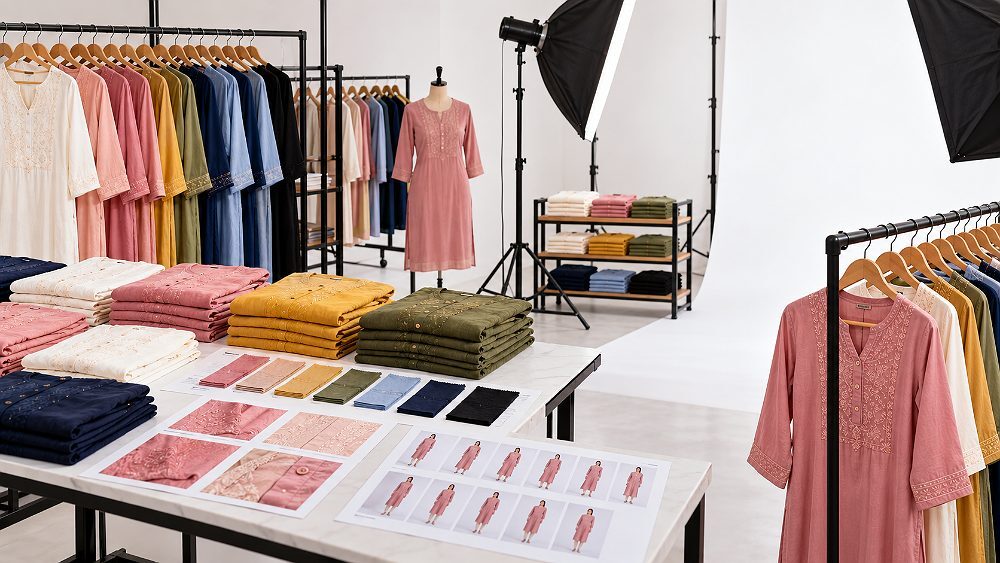
For marketplace imagery, review the latest Myntra photography guidelines and plan professional Myntra product photography before sending products for capture. Sellers comparing platforms can also study Amazon photography services and Flipkart product photography to understand how marketplace image standards change by channel.
Product data should include style code, SKU, colour, size, fabric, pattern, fit, closure, sleeve, neckline, dimensions and care details where relevant. A clean product attribute sheet reduces back-and-forth during Myntra catalogue creation. It also helps image editors and listing teams maintain the correct connection between captured product images and final product pages.
Consistent ecommerce product photography makes catalogue production easier because every angle, crop, colour and detail shot follows a repeatable system. For apparel, that may include model photos, ghost mannequin images, flat lays and fabric detail shots. For accessories, it may include close-ups, scale views and controlled reflections. Ckstudio supports sellers with fashion product photography, garment photoshoots and ghost mannequin photography for marketplace catalogue preparation.
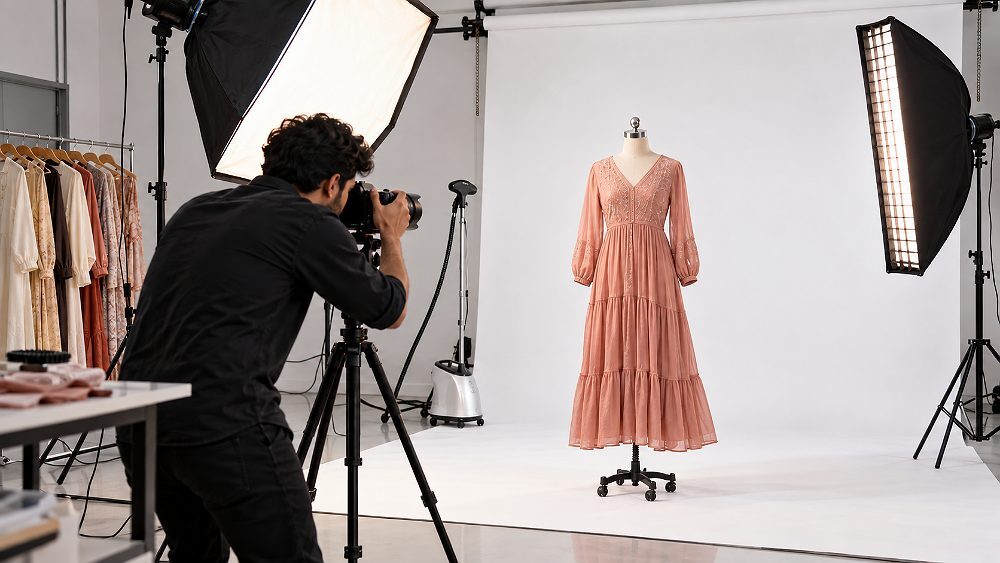
For a practical look at controlled marketplace production, the following behind-the-scenes example shows how products can be handled under studio lighting for Amazon, Flipkart, Myntra and Meesho style marketplace content.
Many Myntra seller approval mistakes happen before the application is submitted. The most common issue is not one missing file; it is a chain of small inconsistencies. A brand name might appear differently on the logo, trademark document and GST profile. A seller may choose a category without checking the actual product range. A catalogue team may begin photography before product data is ready.
Brand verification becomes difficult when seller documents show one name and brand files show another. Before submitting, compare GST, PAN, incorporation information, trademark documents, authorisation letters, logo artwork and store profile fields side by side. This one check can prevent avoidable clarification requests.
Myntra catalogue approval can slow down when images are ready but product attributes, size charts or SKU sheets are incomplete. Sellers should use a combined document and catalogue checklist before shoots. For quality issues, the Myntra QC rejection checklist can help identify common image and listing gaps.

Use this Myntra brand approval checklist before submitting your application or sharing details with an onboarding team. It is not an official Myntra checklist, but it covers the practical preparation areas that affect Myntra Brand Approval, Myntra seller approval, store profile readiness and catalogue planning.
After Myntra Brand Approval, the seller should continue the remaining onboarding steps instead of assuming that products are automatically live. The next work usually includes completing seller/profile requirements, preparing catalogue data, meeting applicable commercial or operational requirements, building product listings and submitting catalogue or articles for relevant checks.
Inventory planning, pricing, return workflows, SPF claim awareness and campaign preparation also become important. Sellers can use the Myntra seller fees and commission guide, Myntra growth, ads and returns guide and Myntra SPF claims guide to plan the post-approval operational side.
Preparing your brand catalogue for Myntra? Ckstudio can help produce consistent, marketplace-ready product images and catalogue assets for fashion, footwear, jewellery and accessories. The studio does not control Myntra approval, but it can support ecommerce product photography, model photography, ghost mannequin photography, image editing and consistent catalogue production after your brand materials are ready.
WhatsApp +91-8700258773 or email [email protected].
Myntra Brand Approval generally needs business and brand documents such as GST certificate, PAN or entity information, trademark certificate or brand ownership proof, authorised signatory details and brand logo files. Requirements can vary by seller type, category and brand relationship, so sellers should check the current Myntra Partner Portal instructions before submission.
Start with Myntra brand setup, prepare seller documents, complete the seller profile, add accurate brand information, choose relevant categories and submit the brand for review. The Myntra brand approval process remains subject to Myntra’s internal evaluation; no studio, consultant or third party can guarantee approval.
A Myntra store profile should use the same legal business name, brand name, ownership details, contact information, category mapping, gender selection and size information that appears in the supporting documents. A clean seller profile reduces avoidable mismatch issues during Myntra seller approval and catalogue onboarding.
No. Myntra Brand Approval is not the same as Myntra product approval or Myntra catalogue approval. After brand approval, sellers still need to prepare SKU data, size charts, product attributes, catalogue images and applicable listing information before products can move toward listing review.
Catalogue readiness helps sellers move faster after brand onboarding. When product attributes, SKU sheets, size charts and Myntra product photography plans are prepared early, the catalogue team can work with fewer gaps, fewer reshoots and a clearer approval workflow.
Common reasons include mismatched legal names, weak ownership proof, unclear documents, incomplete seller information, wrong category selection, missing sizing data or unrealistic assumptions about approval. Sellers should use a final consistency check before submitting a Myntra brand approval request.

